
 01
01Define the outcome
Set the budget, workload, target performance and the requirements that cannot be compromised.
Start with the outcome. TechMuz turns your budget and workload into a complete, editable PC build, then shows what fits, what needs attention and what still lacks evidence.
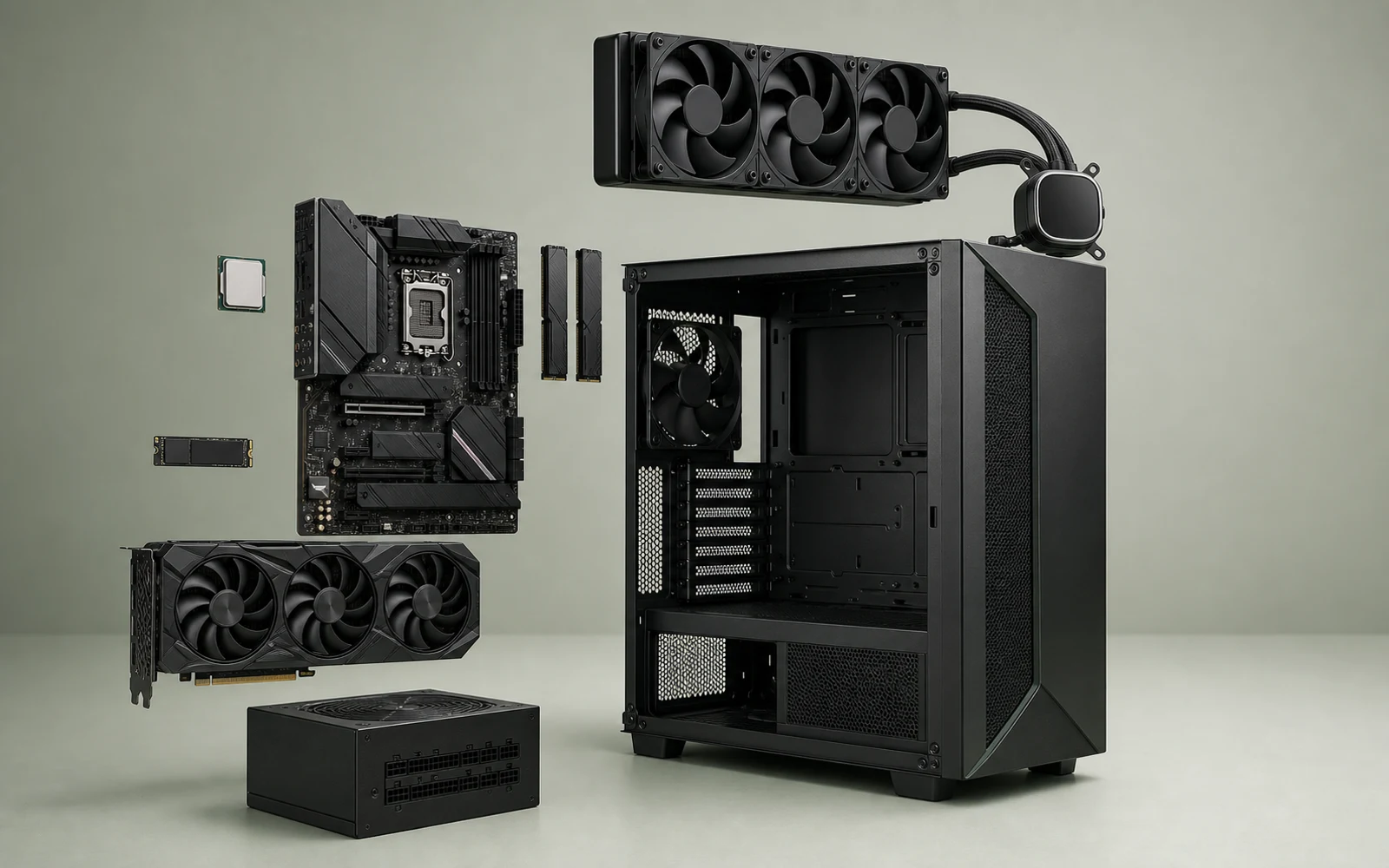
The workflow moves from intent to an exact configuration without hiding budget changes or unresolved compatibility fields.
01Set the budget, workload, target performance and the requirements that cannot be compromised.
 02
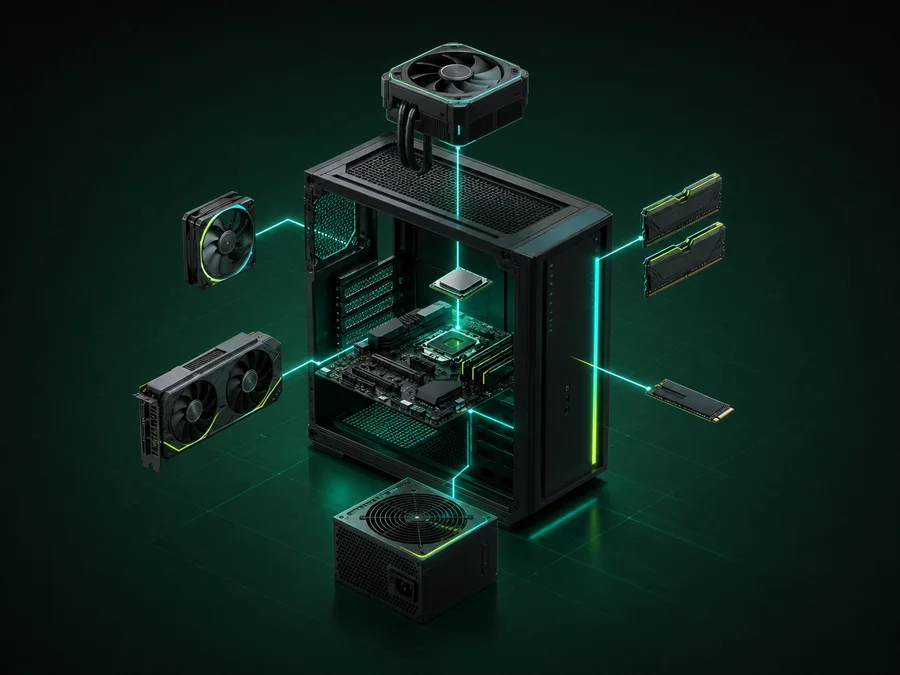
02Receive a complete tower instead of an isolated CPU or GPU recommendation.
 03
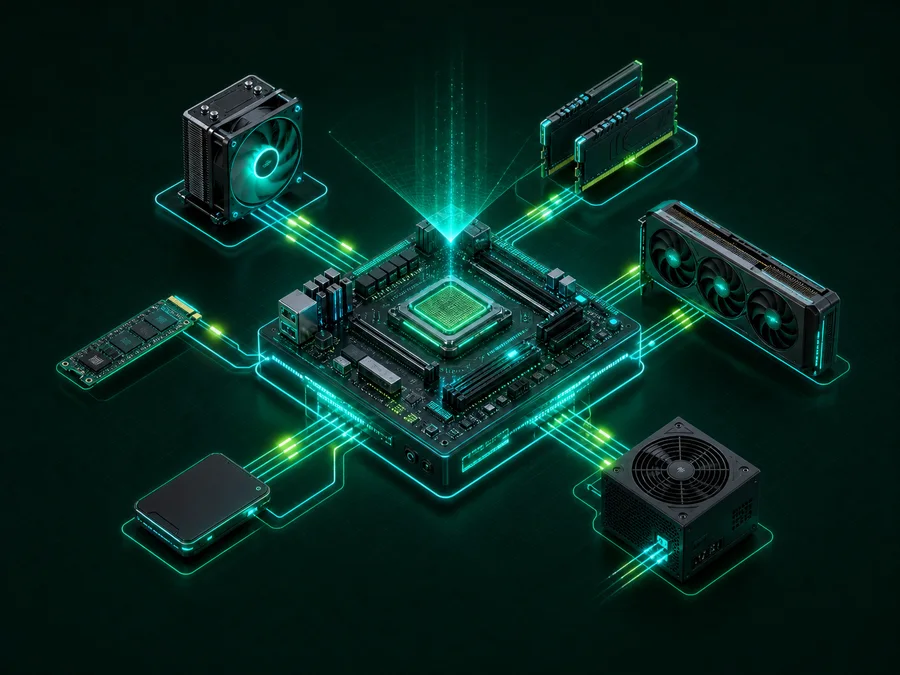
03Check platform, clearance, cooling, power and connector rules as one build.
 04
04Open exact specifications, evidence dates and merchant destinations before checkout.
TechMuz does not promise a magic score. It keeps known conflicts out, recalculates the whole build and shows the evidence boundary before you open a merchant.
A candidate with a proven socket, form-factor or clearance conflict is removed before it can replace your current part.
BIOS, memory, clearance, cooling, power, storage and I/O.
Nine categories support alternatives instead of a fixed list.
Manual swaps stay flexible, while first recommendations stay bounded.
Older checks remain visible, but they are never presented as live prices.
Total, budget difference, compatibility and power headroom.
The case is the physical anchor. Change a part and TechMuz rechecks the surrounding platform, fit, power and cooling relationships without replacing your other manual choices.
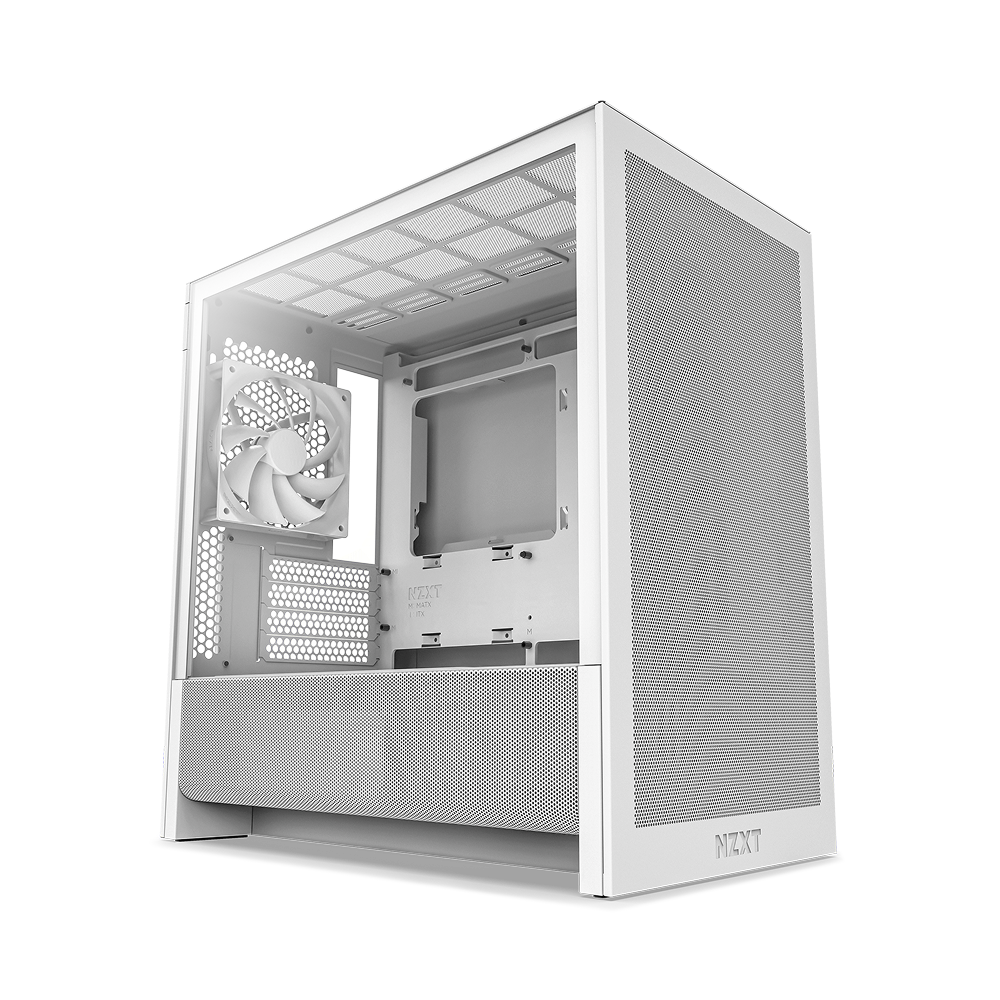 PHYSICAL ANCHORH3 Flow
Socket, BIOS, clearance, power, cooling, storage and connector evidence are separated so the next action is clear.
A known rule proves the parts cannot be used together.
The build needs a BIOS update, adapter or installation step.
It can run, but power, thermals or balance are weak.
A required field is missing, so TechMuz leaves the result open.
The available specification evidence passes the checked rules.
13 compatibility rule familiesevaluate the selected models across platform, fit, cooling, power, storage and I/O.
Check two exact parts →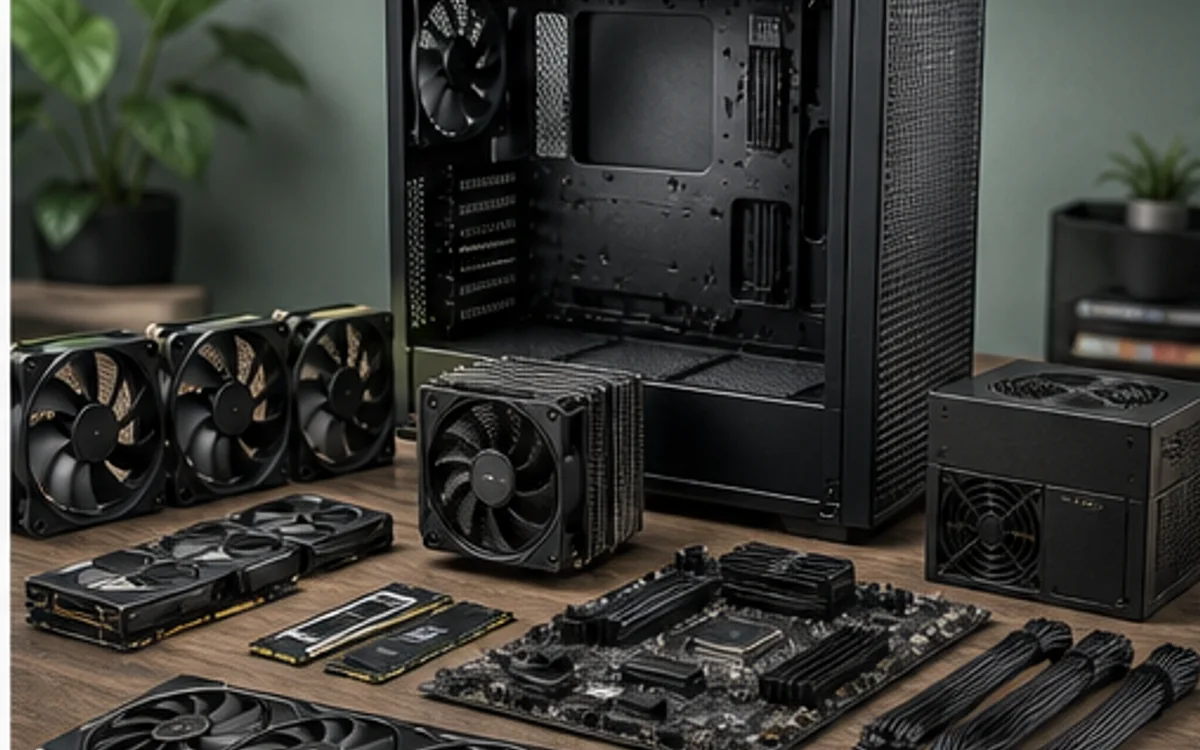
Turn a budget and a performance target into a complete, compatible parts list before comparing individual products.
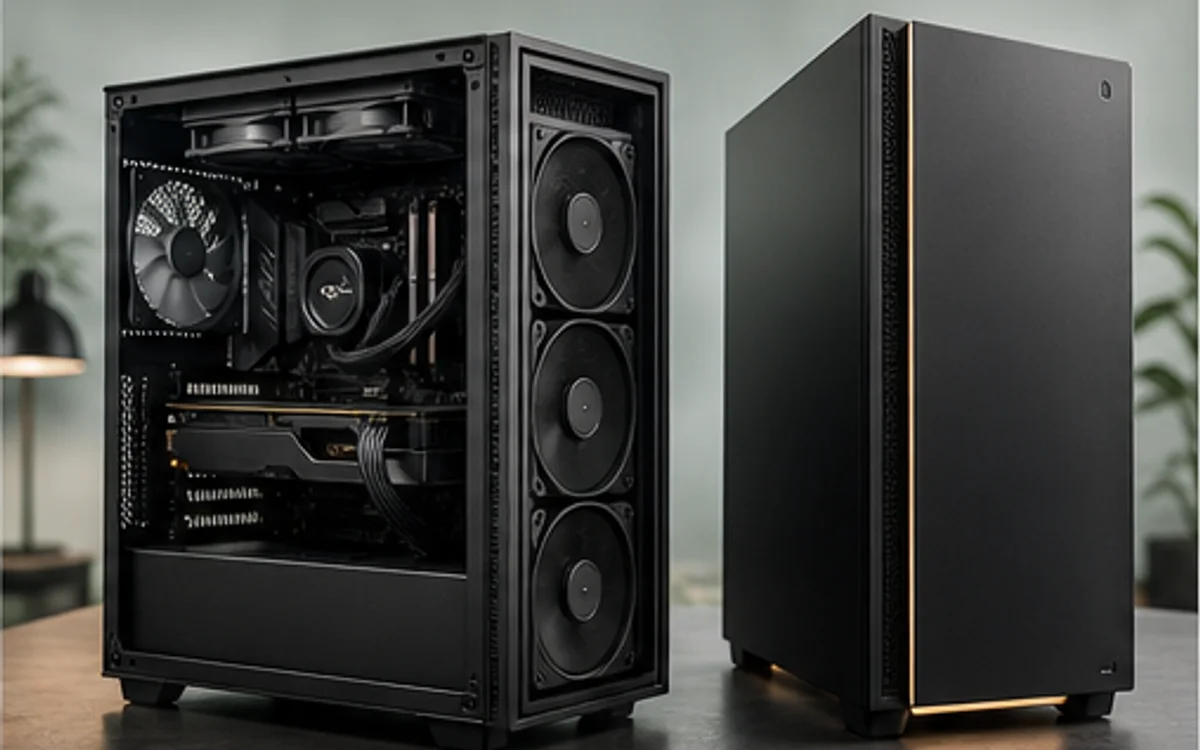
Compare component transparency, support, upgradeability and total cost instead of treating two spec headlines as equivalent.
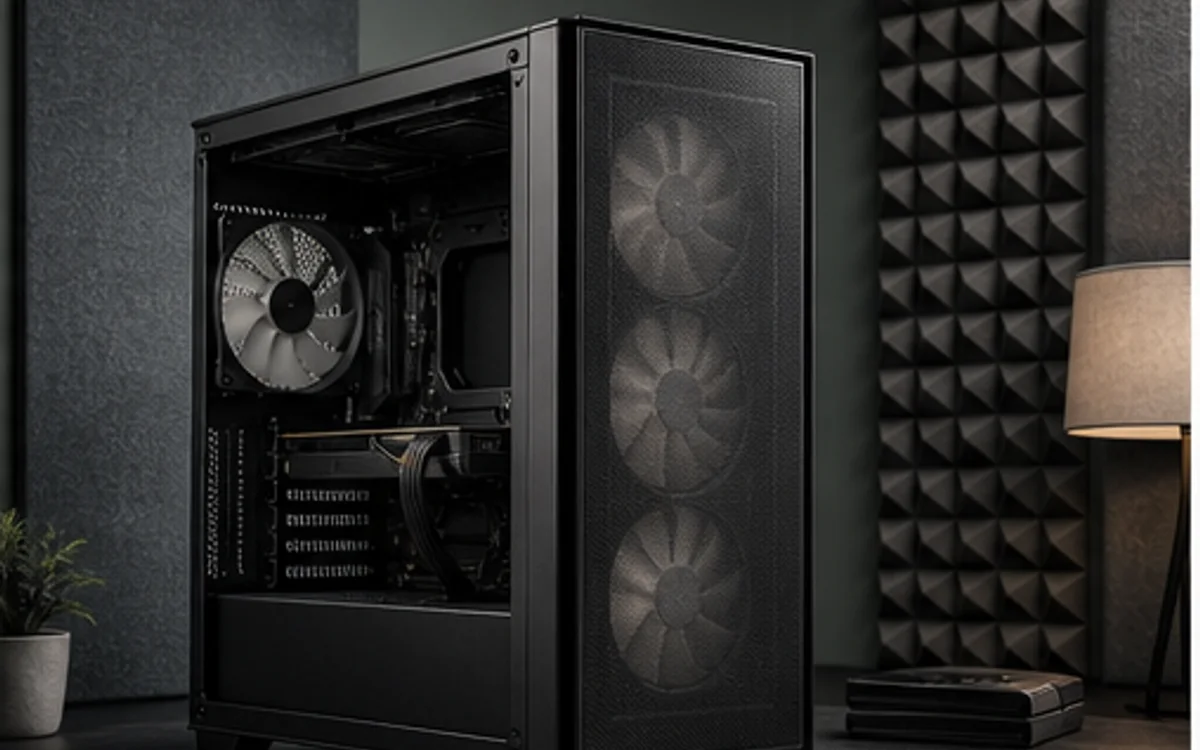
Reduce noise by lowering required fan speed, avoiding airflow restrictions and choosing power targets that suit the enclosure.
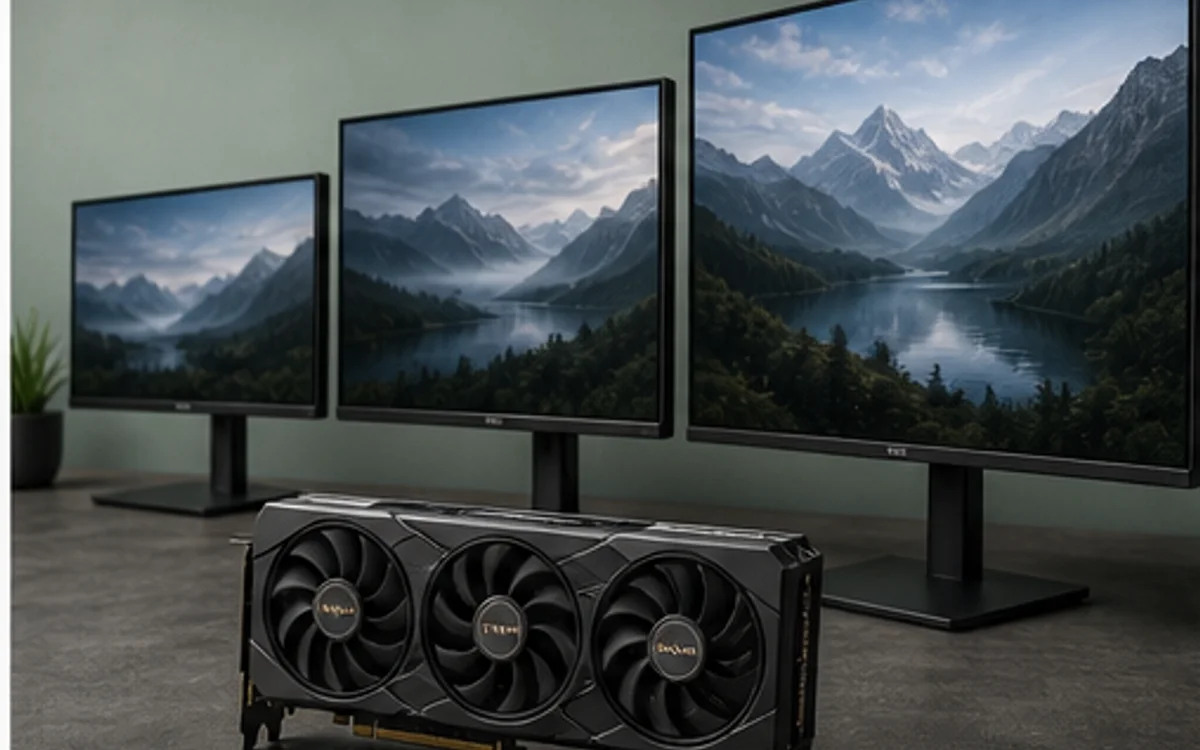
Translate the monitor target into a graphics tier while keeping performance claims tied to real test conditions.
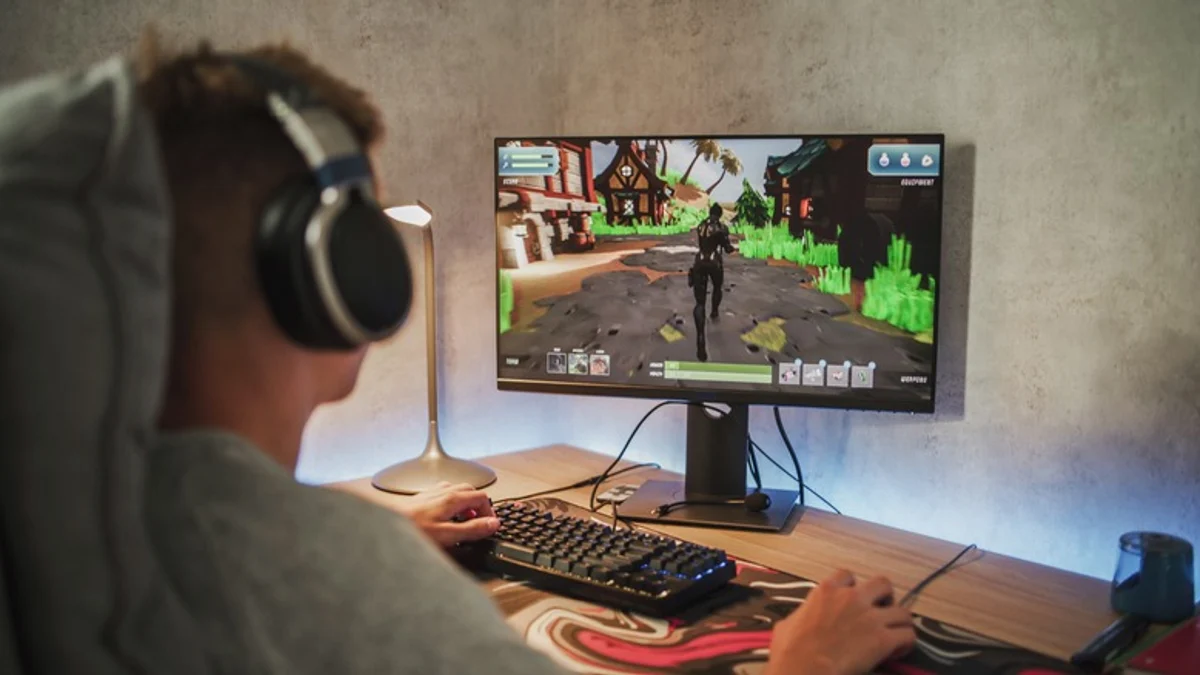
An updated TechMuz diagnostic sequence for settings, thermals, memory pressure, drivers and actual component limits.
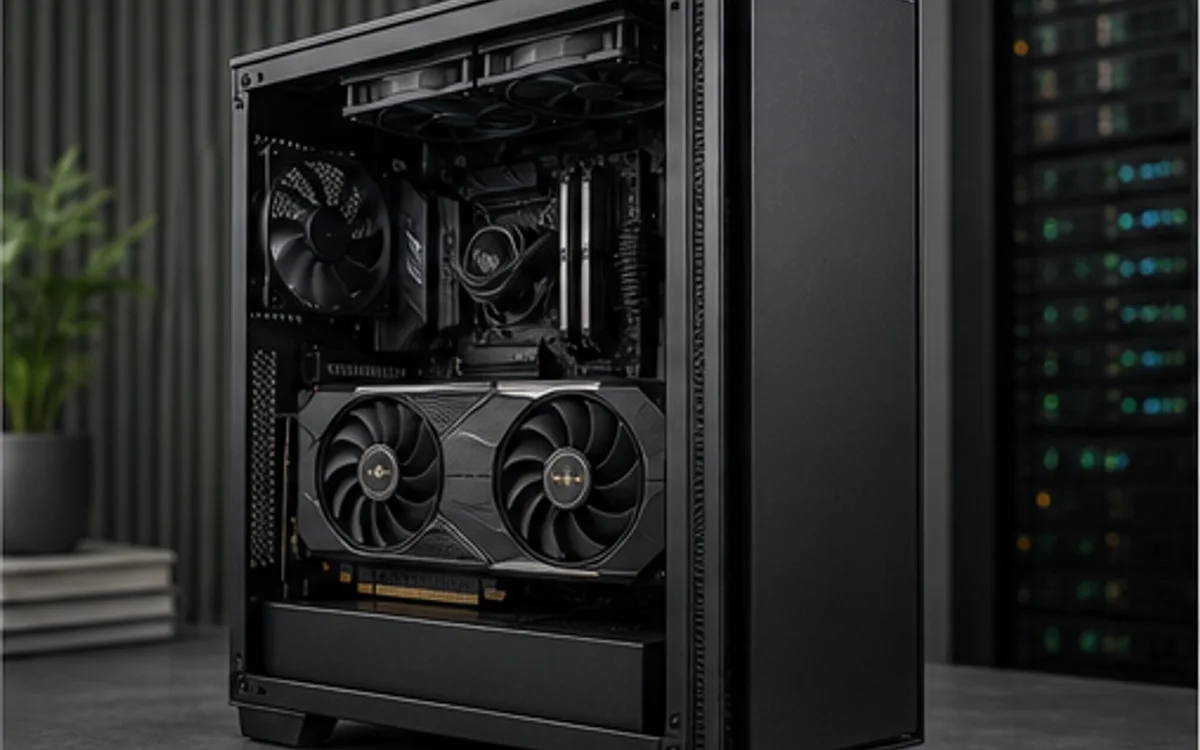
Plan GPU memory, system memory, storage, power and cooling around the models and tools you intend to run.
Move from a question to an exact part, complete build, prebuilt configuration or compatibility result without losing context.
Generate and edit a complete configuration.
Open PC Builder →Components420model recordsInspect exact specifications and constraints.
Open Components →Prebuilt PCs150configurationsCompare orderable CPU, GPU, memory and SSD combinations.
Open Prebuilt PCs →Compatibility13rule familiesCheck two exact models against the evidence available.
Open Compatibility →Merchant links are destinations for a live check, not a promise that a displayed reference price is still current.
Missing dimensions, BIOS support or lane-sharing details remain visible instead of being converted into false certainty.