
How to Choose a GPU by Resolution, Quality and Refresh Rate
Translate the monitor target into a graphics tier while keeping performance claims tied to real test conditions.
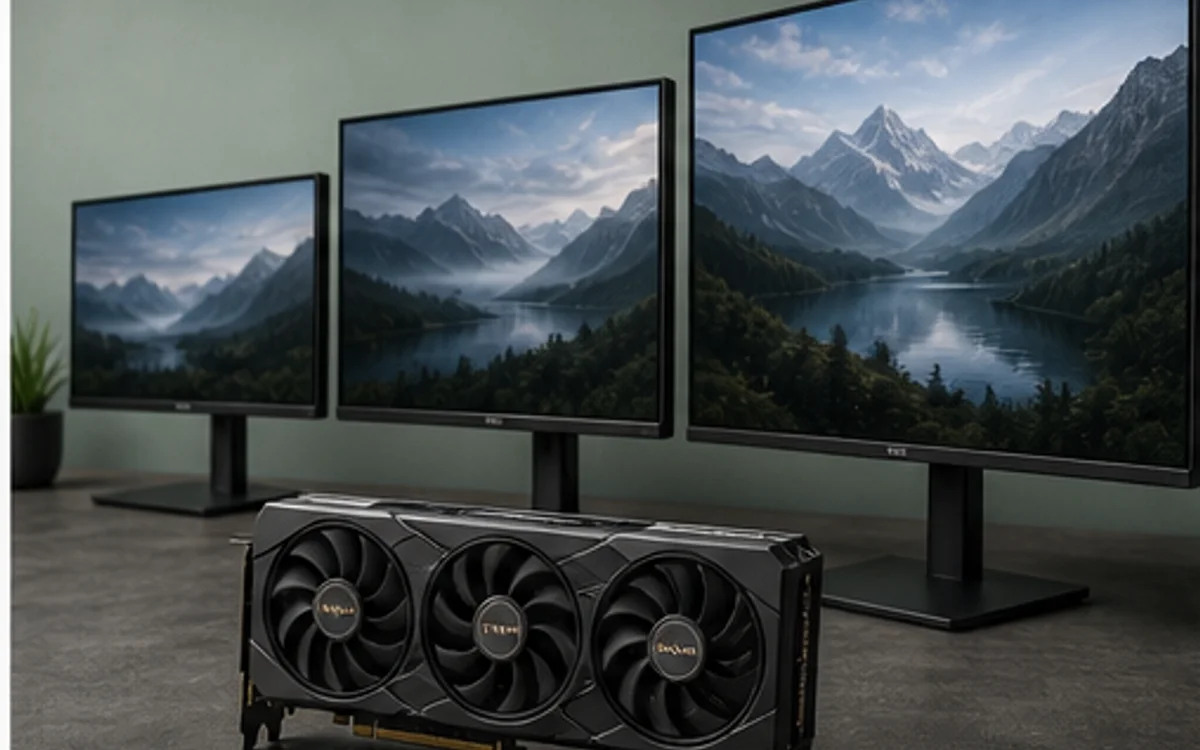
Define the image target
Write down resolution, target refresh class, game type and quality expectations. Native 4K with ray tracing is a different request from 4K output using upscaling, just as 1440p competitive settings differ from maximum-quality single-player games. Treat frame generation separately from the base frame rate when judging responsiveness.
Use several representative game tests rather than one headline average. Pay attention to low-percentile performance and frame-time consistency. If evidence for a new GPU is missing, use a tier estimate and label it as such.
Choose the exact card
GPU memory capacity affects high-resolution textures, creative applications and local AI workloads, but capacity alone does not measure the whole processor. Also check media engines, display outputs and application support for the work you plan to run.
After choosing a GPU class, verify the partner model's length, height, thickness, recommended power, connector type and cooling behavior. Two cards with the same GPU can fit very differently.
Research trail
References support factual checks and topic research. No third-party article text or imagery is republished here.
Put the guide into practice.
Open exact specifications, compatibility fields and available buying references.
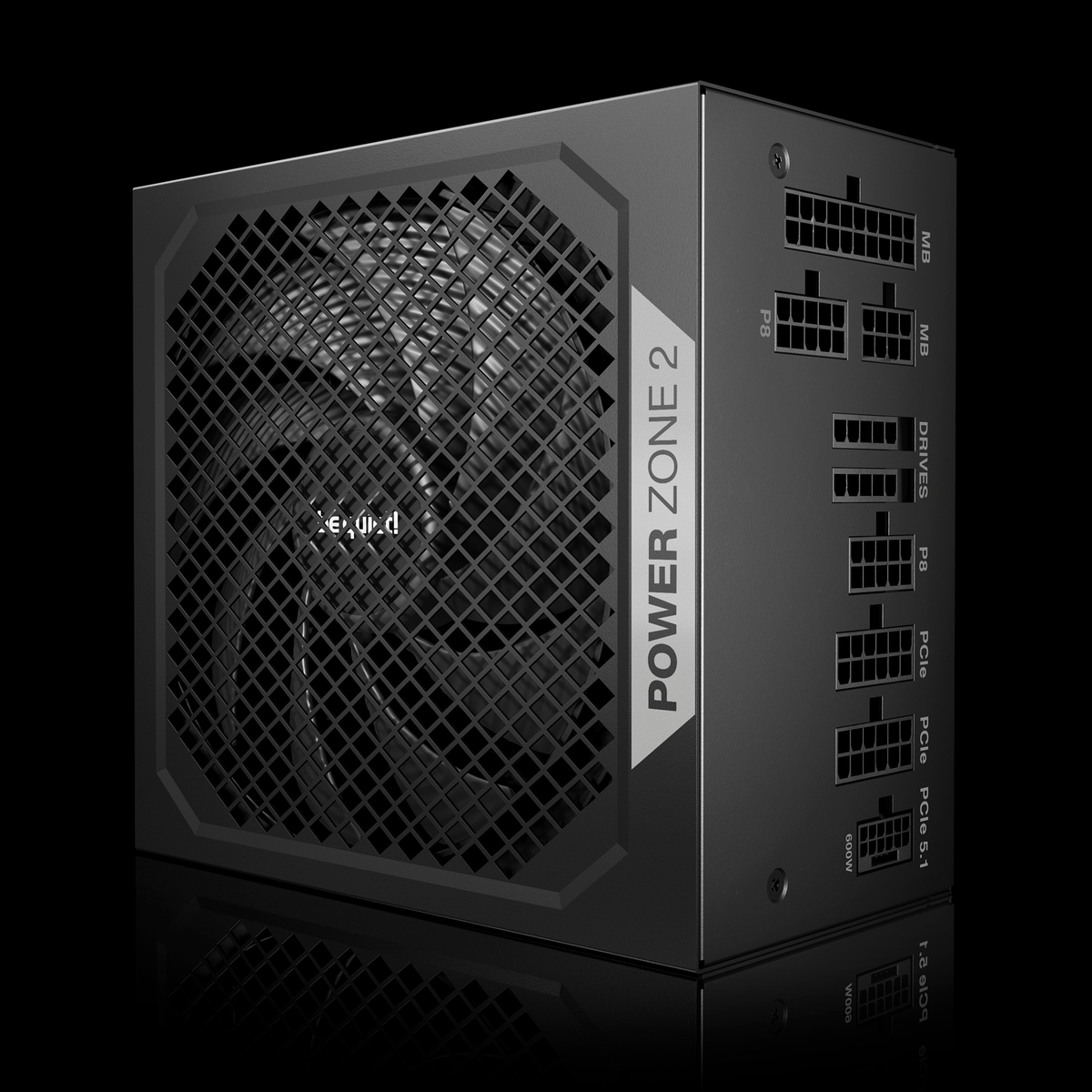 POWER1200W
Power Zone 2 1200W
Power Zone 2 1200W power supply from the current official be quiet! range.
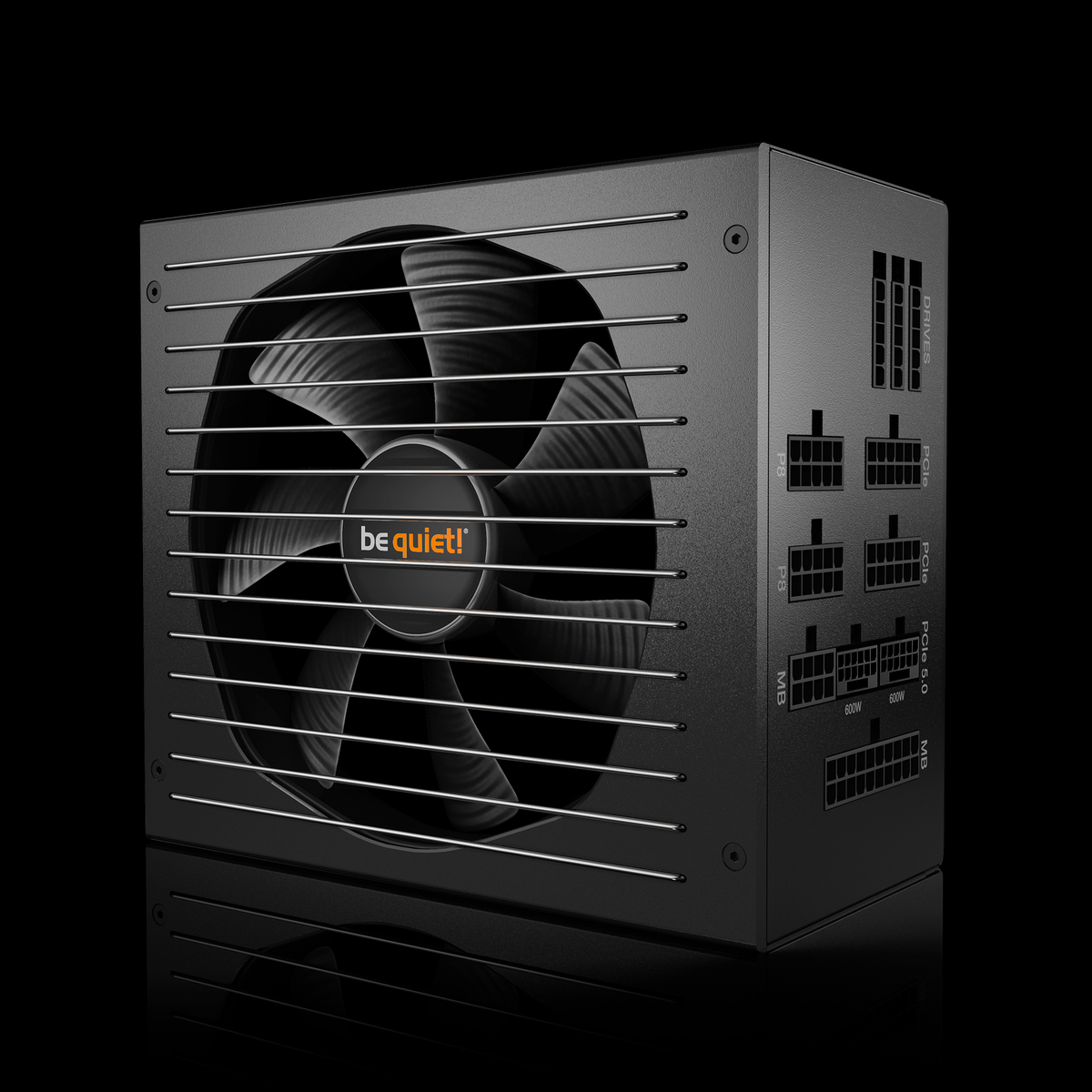 POWER850W
Pure Power 13 M 850W
Pure Power 13 M 850W power supply from the current official be quiet! range.
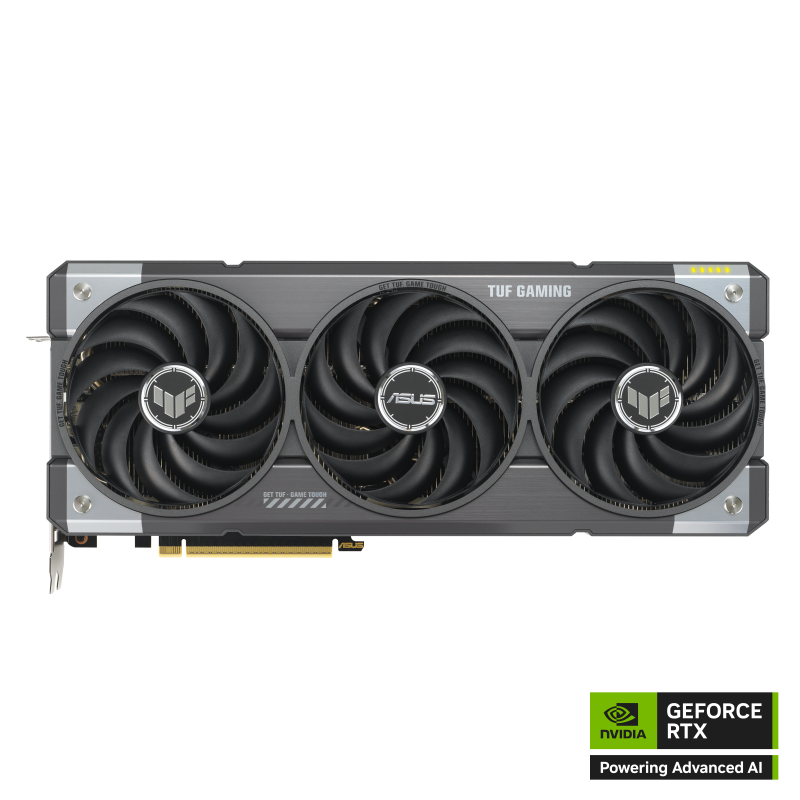 VRAM16GB
TUF Gaming GeForce RTX 5070 Ti OC Edition 16GB GDDR7
ASUS TUF Gaming GeForce RTX 5070 Ti OC graphics card with 16GB GDDR7 memory.