
32GB vs. 64GB RAM: Buy for Peak Working Set
Choose capacity by the largest projects and simultaneous applications you actually run, then validate the kit with the platform.
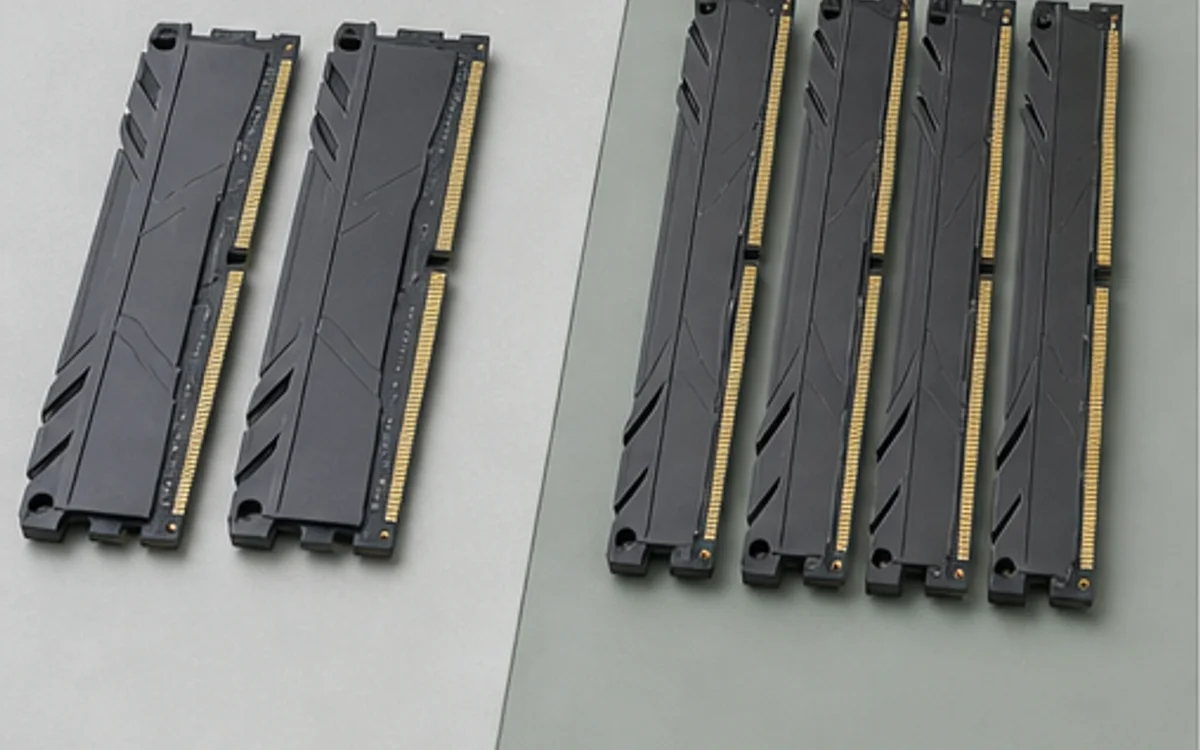
Measure the workload, not the label
For many gaming systems, 32GB leaves room for the game, browser, voice chat and background utilities. A move to 64GB is more defensible when large video timelines, virtual machines, local data tools, high-resolution assets or heavy multitasking push committed memory near the current limit.
Watch peak usage during a representative session rather than an empty desktop. If the system is actively paging to storage, more memory can improve responsiveness. If substantial memory remains unused, capacity alone is unlikely to change performance.
Choose the module layout
A two-module kit usually leaves two slots free and can be easier for the memory controller than four modules at aggressive speed. Check the motherboard capacity limit, supported DDR generation and preferred slots.
Rated XMP or EXPO speed remains dependent on CPU, board, BIOS and module layout. For workstations, stable capacity can matter more than the highest advertised data rate.
Research trail
References support factual checks and topic research. No third-party article text or imagery is republished here.
Put the guide into practice.
Open exact specifications, compatibility fields and available buying references.
 RAM16GB
FURY Beast 16GB (1 module) DDR5-6000
16GB 1-module DDR5-6000 desktop memory configuration.
RAM128GBFURY Beast 128GB (2 modules) DDR5-5600
128GB 2-module DDR5-5600 desktop memory configuration.
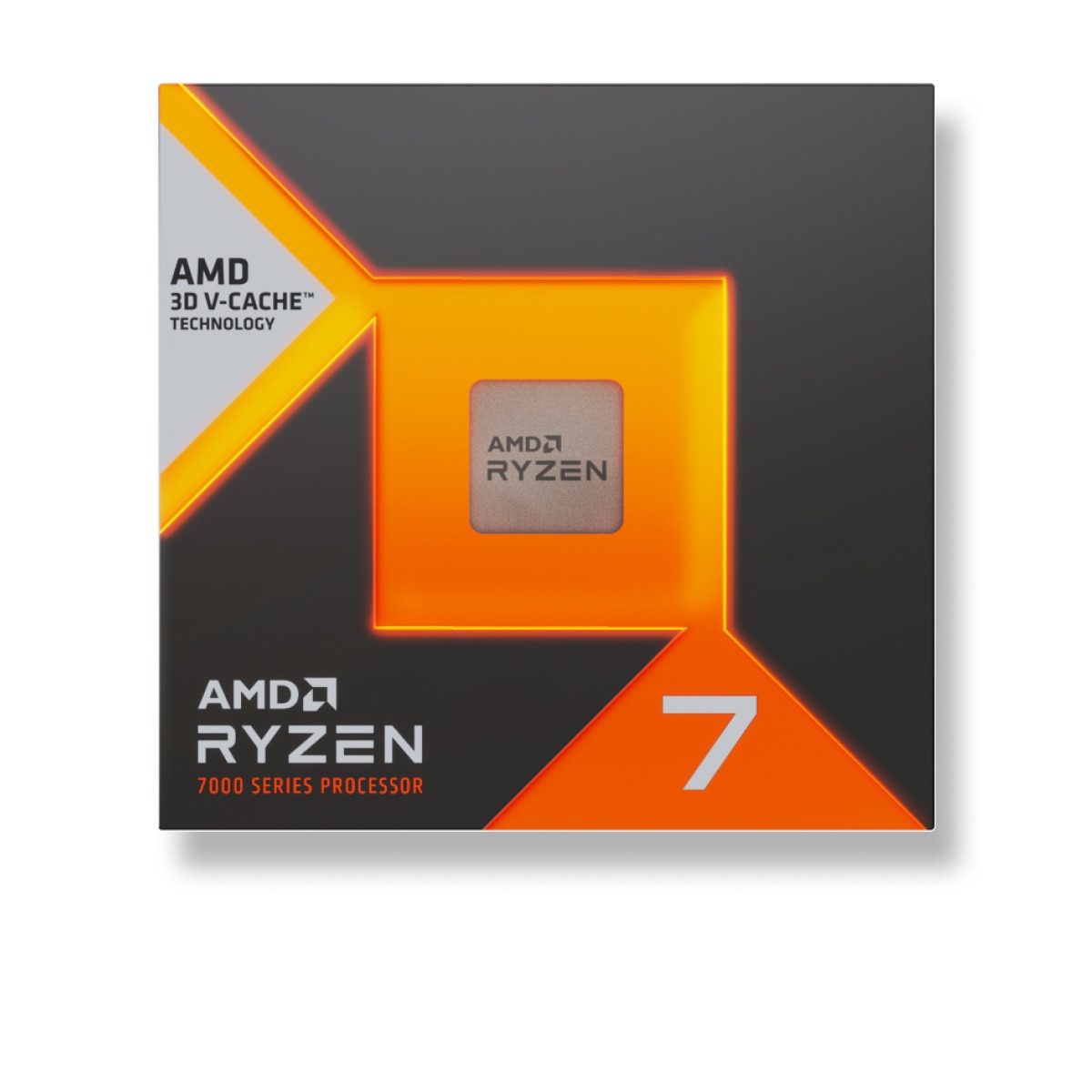 CORES8C
Ryzen 7 7800X3D
8-core, 16-thread AM5 desktop processor with AMD 3D V-Cache technology.