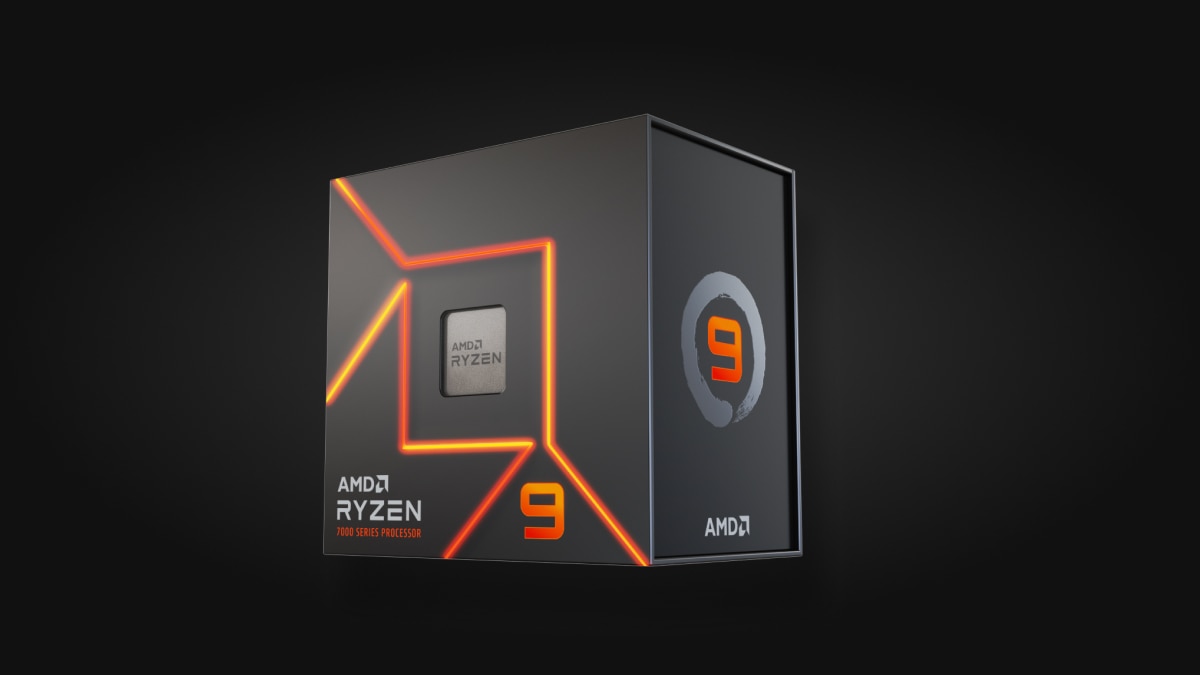
How to Choose a Desktop CPU for Gaming and Work
Compare architecture, core behavior, platform cost and application evidence instead of shopping by clock speed alone.
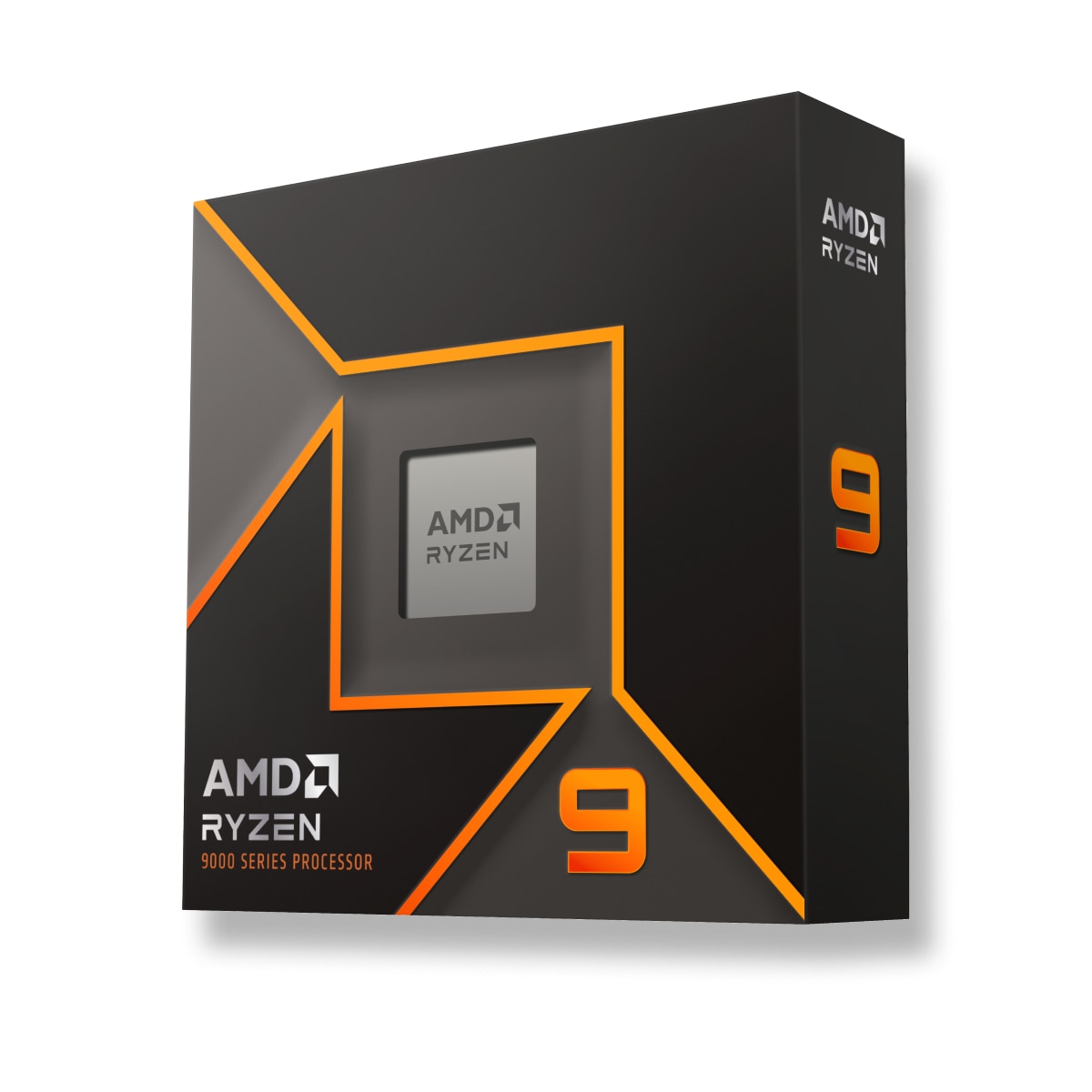
Use workload evidence
For gaming, focus on frame-time behavior at the target refresh rate with a sufficiently fast GPU. For software development, consider compilation, test parallelism and the responsiveness of tools that may not scale across every core. Rendering and encoding can reward sustained multi-core throughput, while many everyday tasks value fast lightly threaded response.
Separate official specifications from third-party tests. Core count, cache, supported memory and power limits are specifications; application performance is measured evidence. TechMuz should never convert one into the other without a source.
Price the platform
The CPU choice determines socket, chipset options, memory generation and often cooler requirements. A cheaper processor can lead to an expensive platform, while a higher-priced chip may include or omit integrated graphics that affect diagnosis and display output.
Check BIOS support for the exact board and make sure the power supply provides the required CPU power connectors. Upgrade value comes from a viable motherboard and firmware path, not only from the socket name.
Research trail
References support factual checks and topic research. No third-party article text or imagery is republished here.
Put the guide into practice.
Open exact specifications, compatibility fields and available buying references.