
DRAM-less SSDs: When the Savings Make Sense
An updated TechMuz guide to controller design, host memory buffer, sustained writes and workload-aware value.
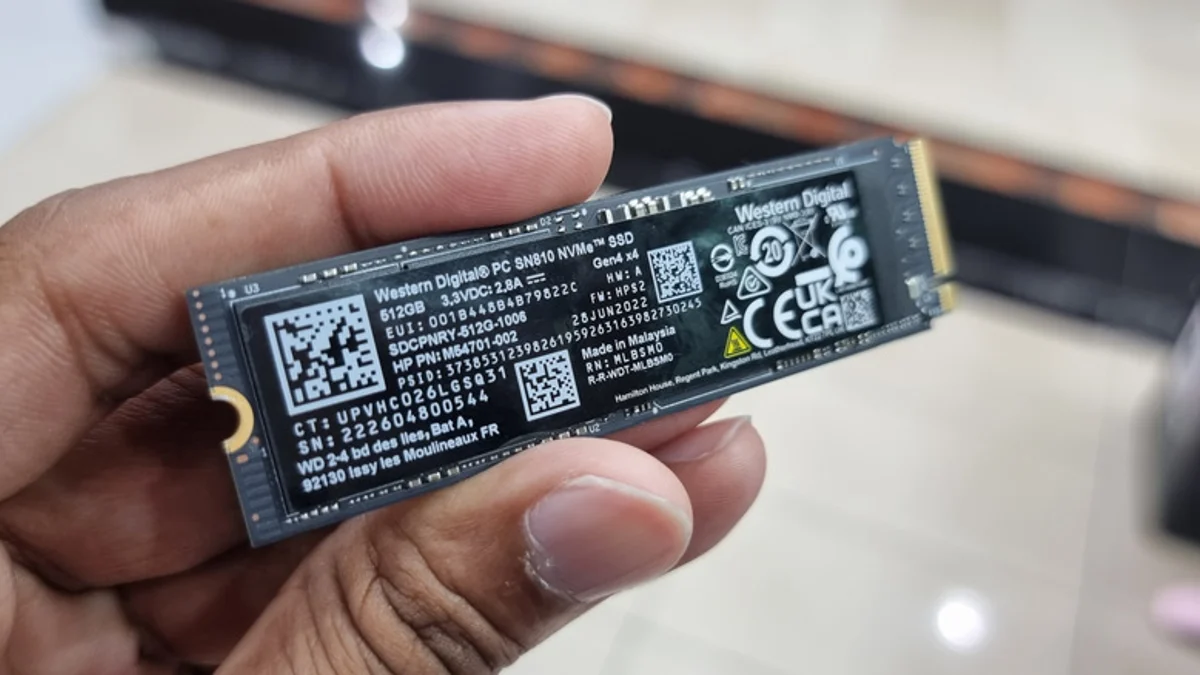
What the missing DRAM changes
An SSD uses mapping data to locate information in flash. Some controllers keep more of that mapping in dedicated onboard DRAM; some DRAM-less NVMe designs use host memory buffer and controller techniques instead. The label therefore describes architecture but does not predict every real-world result by itself.
For boot, application launch and ordinary game storage, a well-designed DRAM-less NVMe drive can be responsive. The difference can become more visible during long writes, heavy multitasking, a nearly full drive or workloads that repeatedly move large project files.
Compare the complete drive
Look at NAND type, controller, warranty, endurance specification, thermal behavior and sustained-write testing at the capacity you plan to buy. Smaller and larger versions of one family can behave differently because they use a different number of flash packages.
This update replaces the old shortcut of treating all DRAM-less drives alike. TechMuz uses the design as one field in a workload decision, and it keeps third-party performance measurements separate from manufacturer specifications.
Research trail
References support factual checks and topic research. No third-party article text or imagery is republished here.
Put the guide into practice.
Open exact specifications, compatibility fields and available buying references.
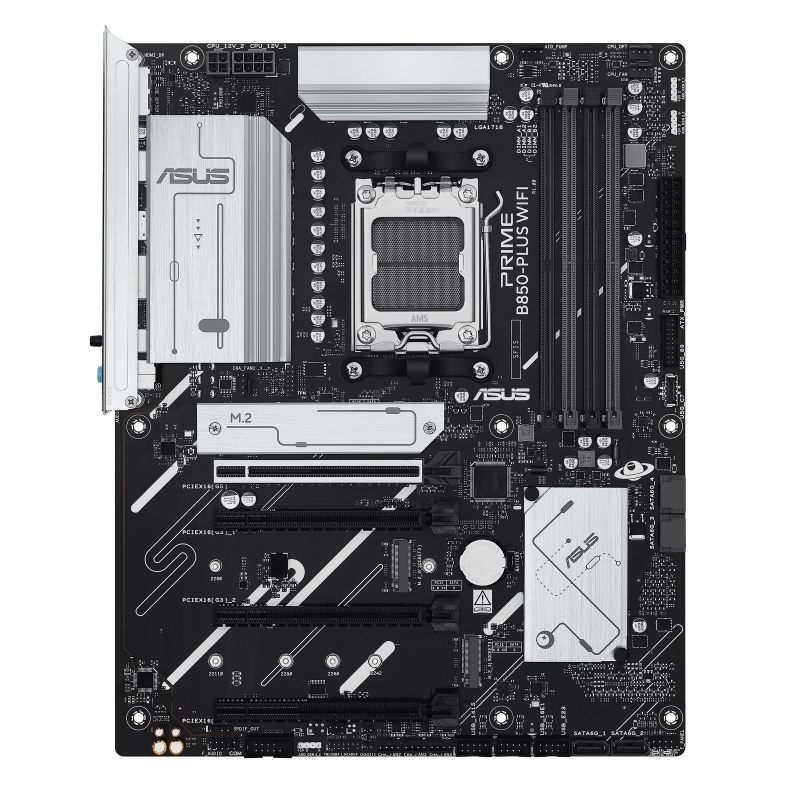 CHIPSETB850
Prime B850-Plus WiFi
ATX AM5 motherboard built around the AMD B850 chipset with four DDR5 slots.
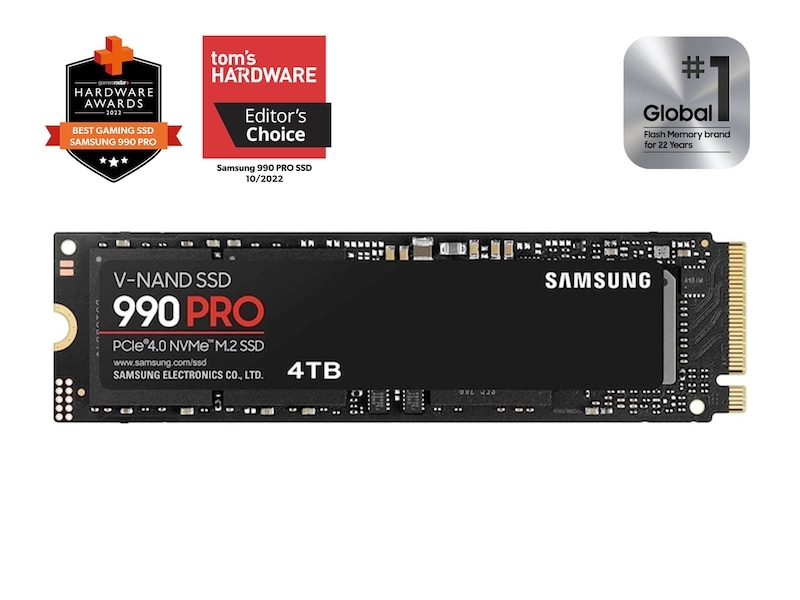 SSD4TB
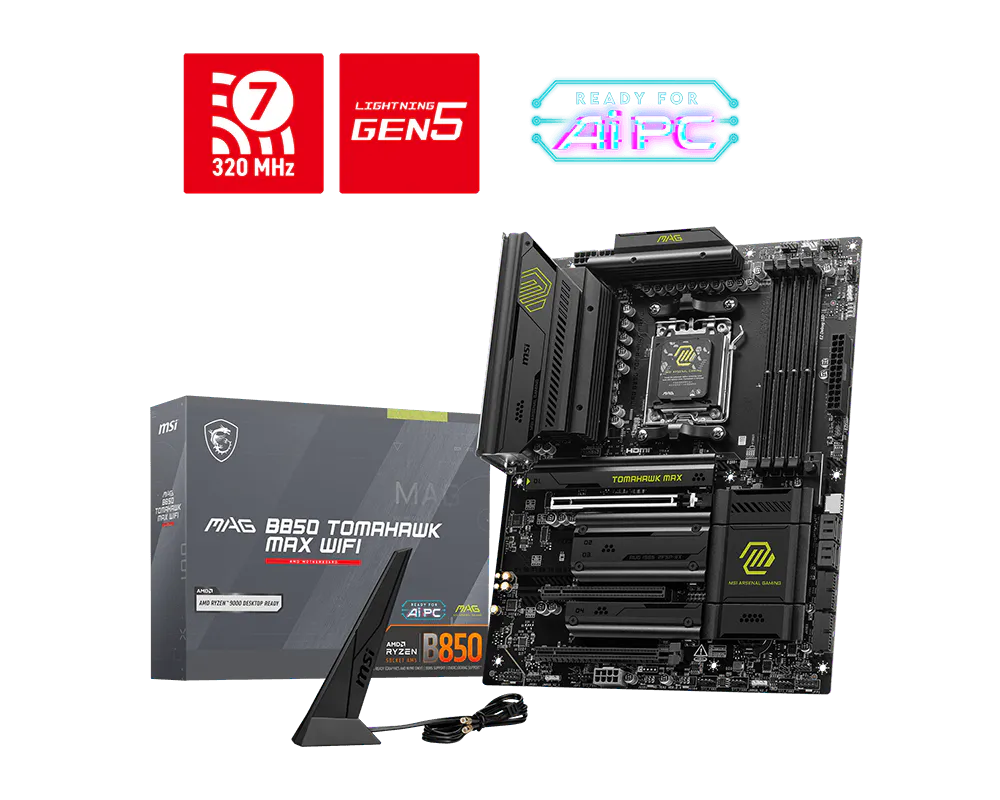 CHIPSETB850