
How to Plan Your First Gaming PC Without Guessing
Turn a budget and a performance target into a complete, compatible parts list before comparing individual products.
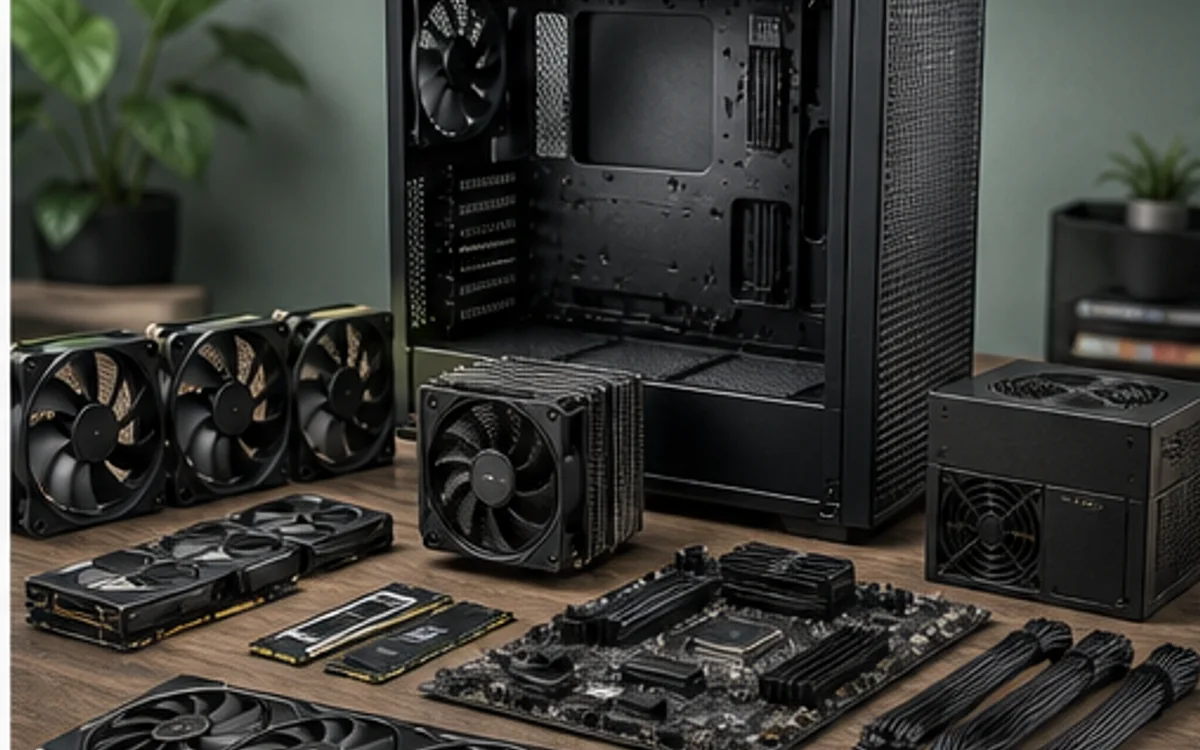
Start with the outcome
A useful build brief describes what the computer must do, not which processor happens to be popular. For gaming, write down the monitor resolution, target frame-rate class, the games you play most and whether streaming runs on the same machine. Those inputs shape the GPU tier, CPU balance and memory capacity far more reliably than a generic “high-end” label.
Set one total budget for the tower and decide whether a monitor is included. TechMuz excludes the operating system from its current Builder budget. Leaving this boundary undefined is how a seemingly affordable CPU and GPU pair turns into an over-budget system after the motherboard, power supply, cooler and case are added.
- Competitive games usually reward frame-rate headroom.
- Graphically demanding games make the GPU the larger constraint.
- Streaming and background workloads raise CPU and memory needs.
Choose in dependency order
Pick a CPU platform and GPU class first, then choose a motherboard that supports the exact CPU and required connections. Add a matched memory kit, storage, cooling, case and power supply only after those anchors are known. This order exposes socket, BIOS, clearance and connector problems while alternatives are still easy to swap.
Do not treat a green socket match as a complete compatibility result. The final check should cover motherboard form factor, GPU length and thickness, cooler height or radiator support, memory clearance, power headroom, PSU connectors, front-panel headers and storage lane sharing. Unknown specifications should remain visible instead of being silently treated as compatible.
Research trail
References support factual checks and topic research. No third-party article text or imagery is republished here.
Put the guide into practice.
Open exact specifications, compatibility fields and available buying references.
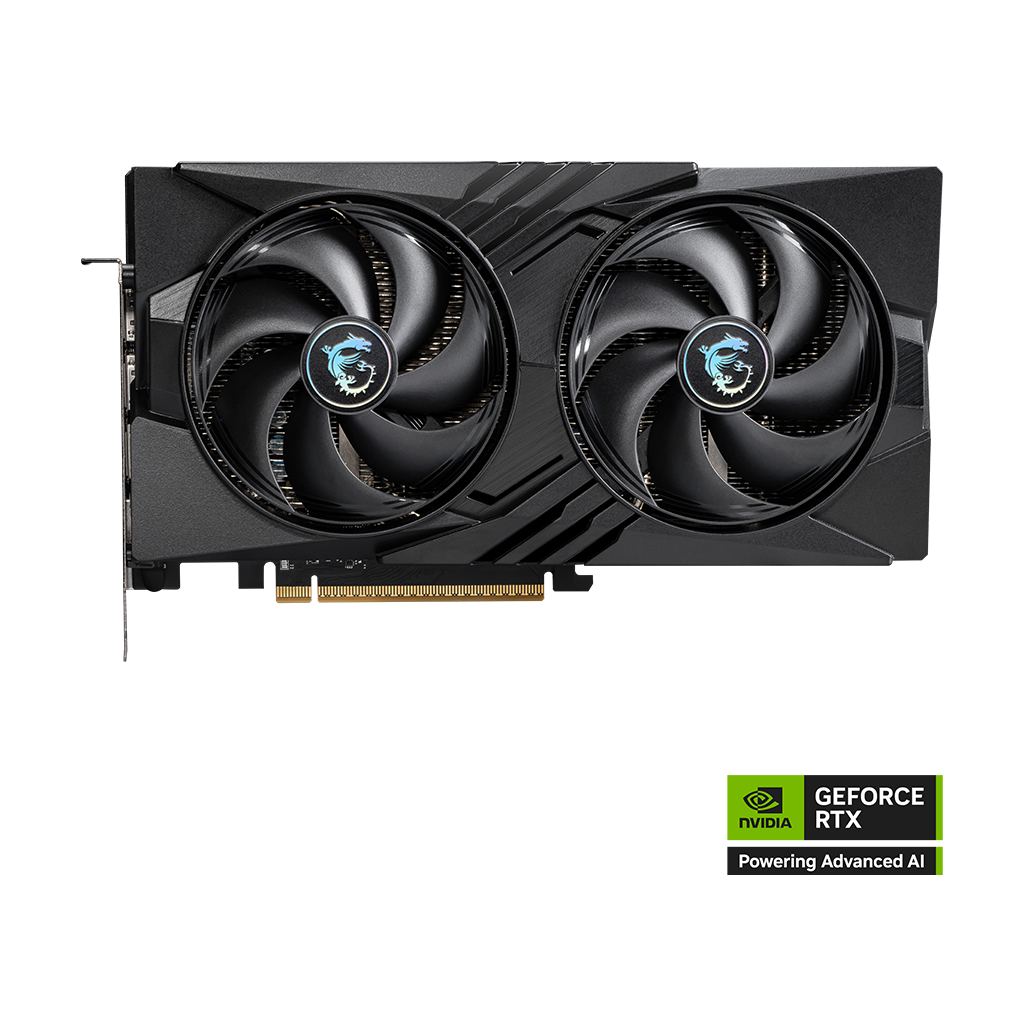 VRAM8GB
GeForce RTX 5060 8G GAMING OC
8GB GDDR7 MSI graphics card with verified board dimensions and power.
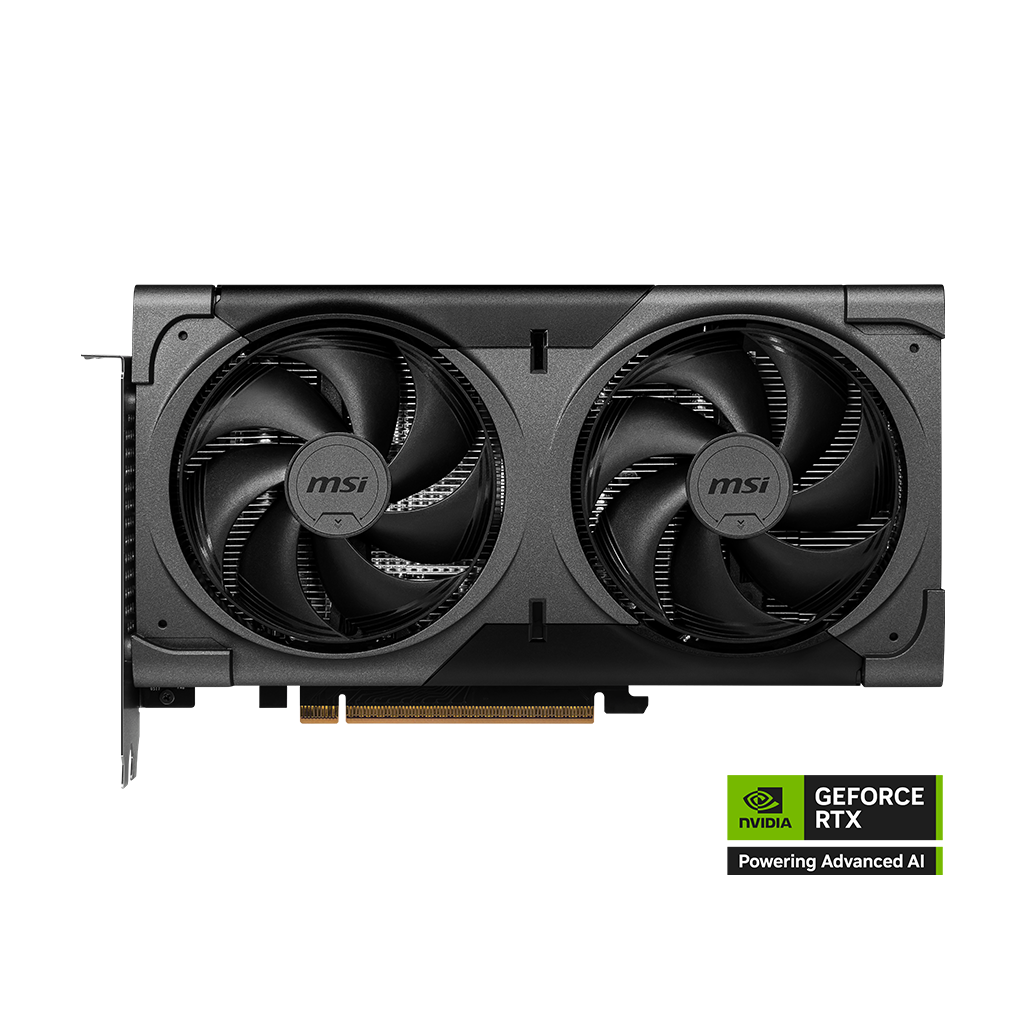 VRAM16GB
GeForce RTX 5060 Ti 16G VENTUS 2X OC BLACK PLUS
16GB GDDR7 MSI graphics card with verified board dimensions and power.
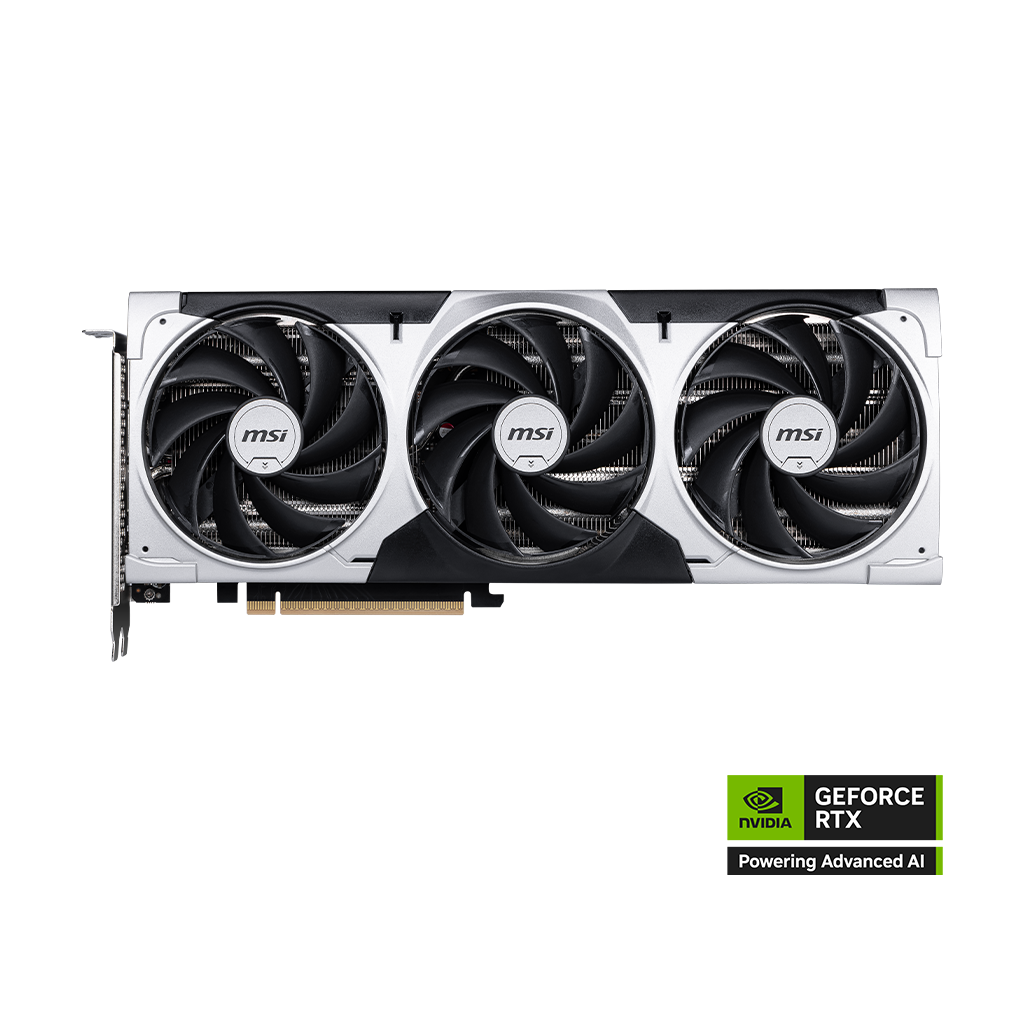 VRAM8GB
GeForce RTX 5060 Ti 8G VENTUS 3X OC
8GB GDDR7 MSI graphics card with verified board dimensions and power.