
How to Allocate a PC Build Budget by Workload
A practical framework for distributing money across performance, reliability, cooling and upgrade capacity.
Fund the bottleneck that matters
Gaming builds normally place more money into graphics performance, while software development, compilation and CPU rendering move more value toward processor cores, memory and fast storage. Video editing needs a balanced mix of CPU throughput, GPU acceleration, memory capacity and sustained storage. Local AI work may be constrained first by GPU memory rather than raw gaming speed.
Instead of starting with fixed percentages, identify the component that directly controls the target result. Give that component enough budget first, then protect the supporting platform from obvious shortfalls. A powerful graphics card paired with an undersized power supply, restrictive case or unsuitable monitor does not deliver a complete outcome.
Set floors and keep a reserve
The motherboard, power supply, case and cooler are easy places to cut because their value is not summarized by one performance number. Set minimum requirements for each: required ports and headers, enough sustained power and correct cables, airflow and physical clearance, and cooling appropriate to the selected processor.
Keep roughly one small component's worth of budget unassigned until the compatibility pass is complete. That reserve absorbs a BIOS-ready motherboard, a higher-capacity PSU, a case with better radiator support or a memory kit that appears on the board vendor's qualified list. TechMuz may show a build up to 20% over budget, but it should explain the overage rather than hide it.
Research trail
References support factual checks and topic research. No third-party article text or imagery is republished here.
Put the guide into practice.
Open exact specifications, compatibility fields and available buying references.
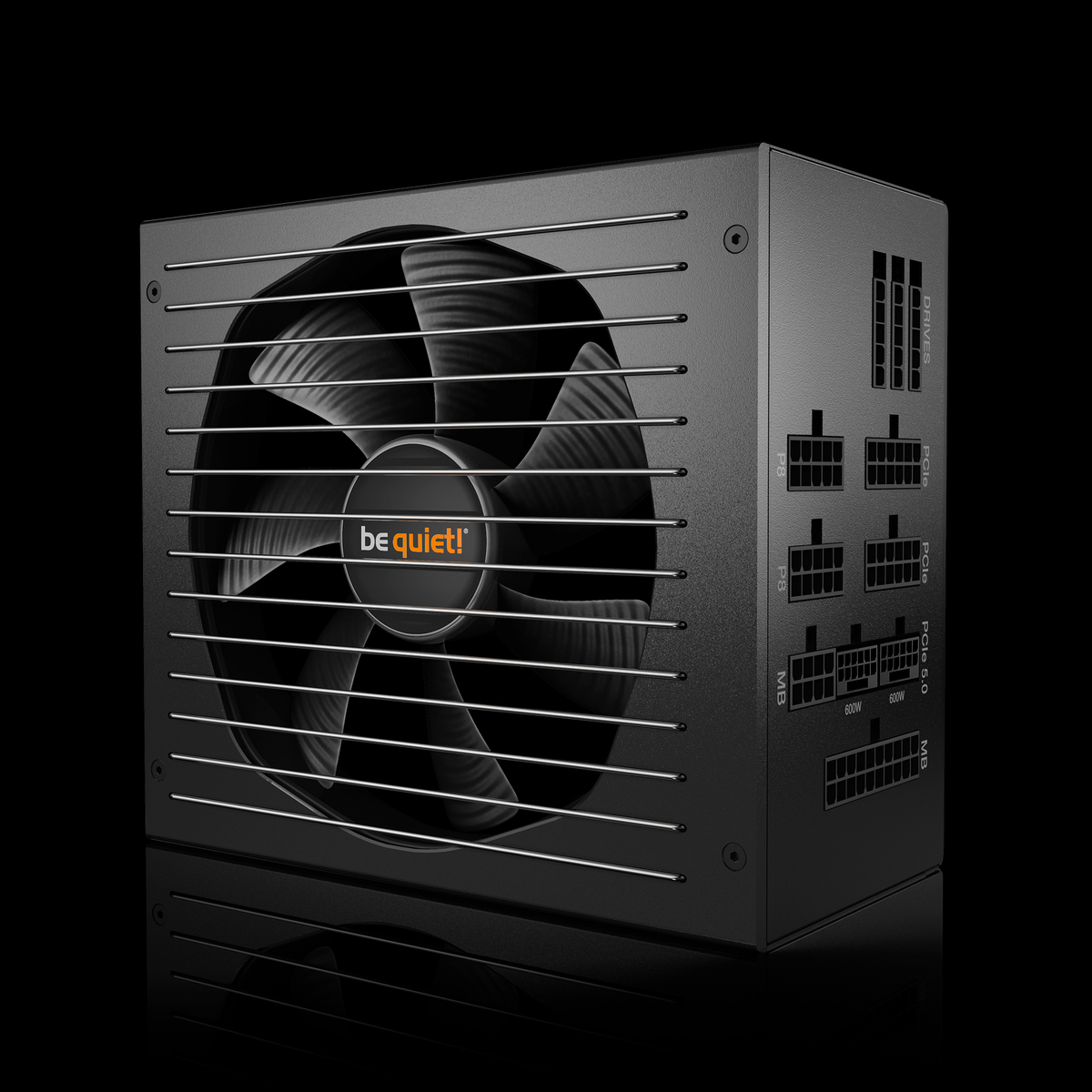 POWER850W
Dark Power 14 850W
Dark Power 14 850W power supply from the current official be quiet! range.
POWER1000WPure Power 13 M 1000W
Pure Power 13 M 1000W power supply from the current official be quiet! range.
CORES8C