Compact PC Build Planning: Small Without Surprise
Plan a small system around exact dimensions, airflow and service access rather than case volume alone.
Build around the real clearance stack
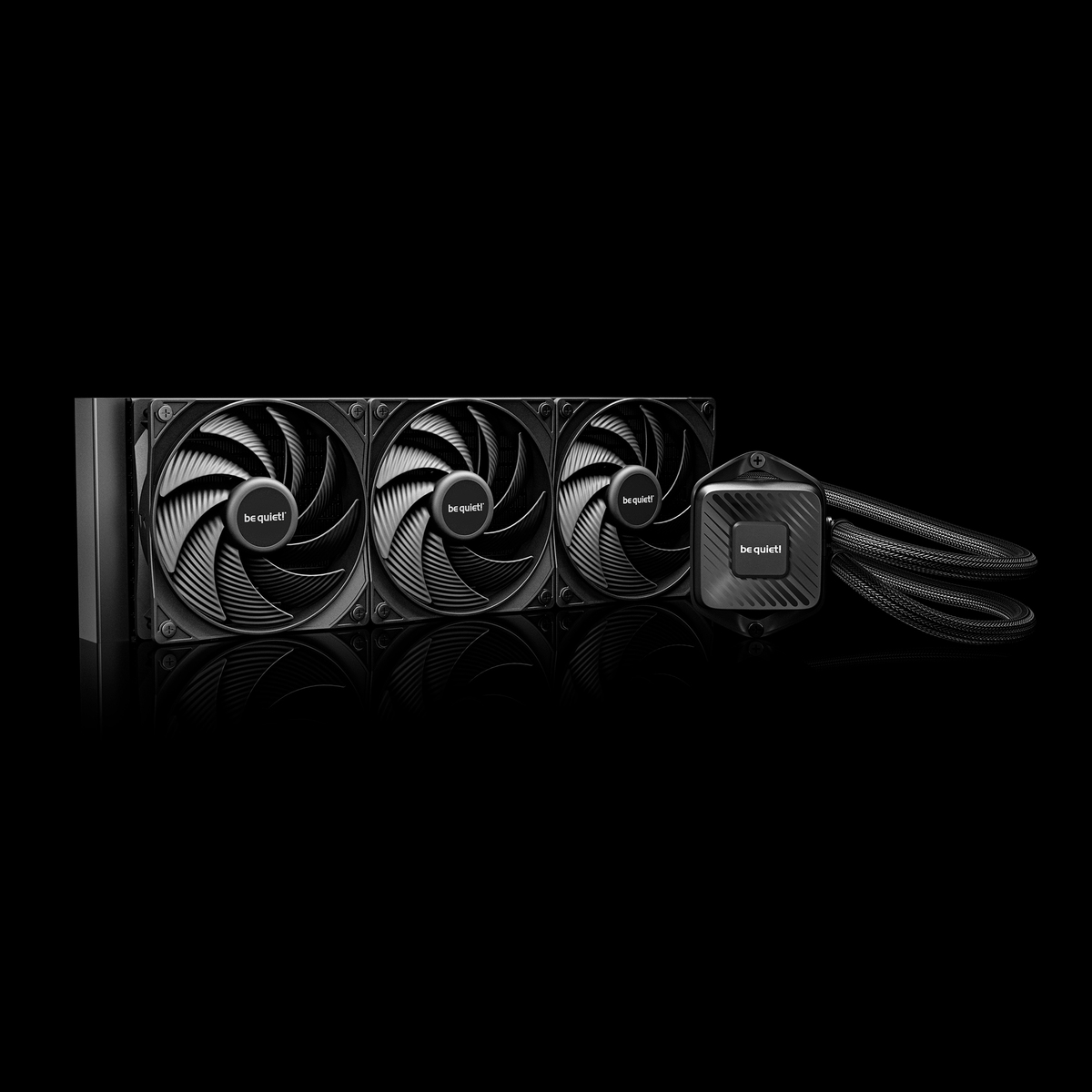
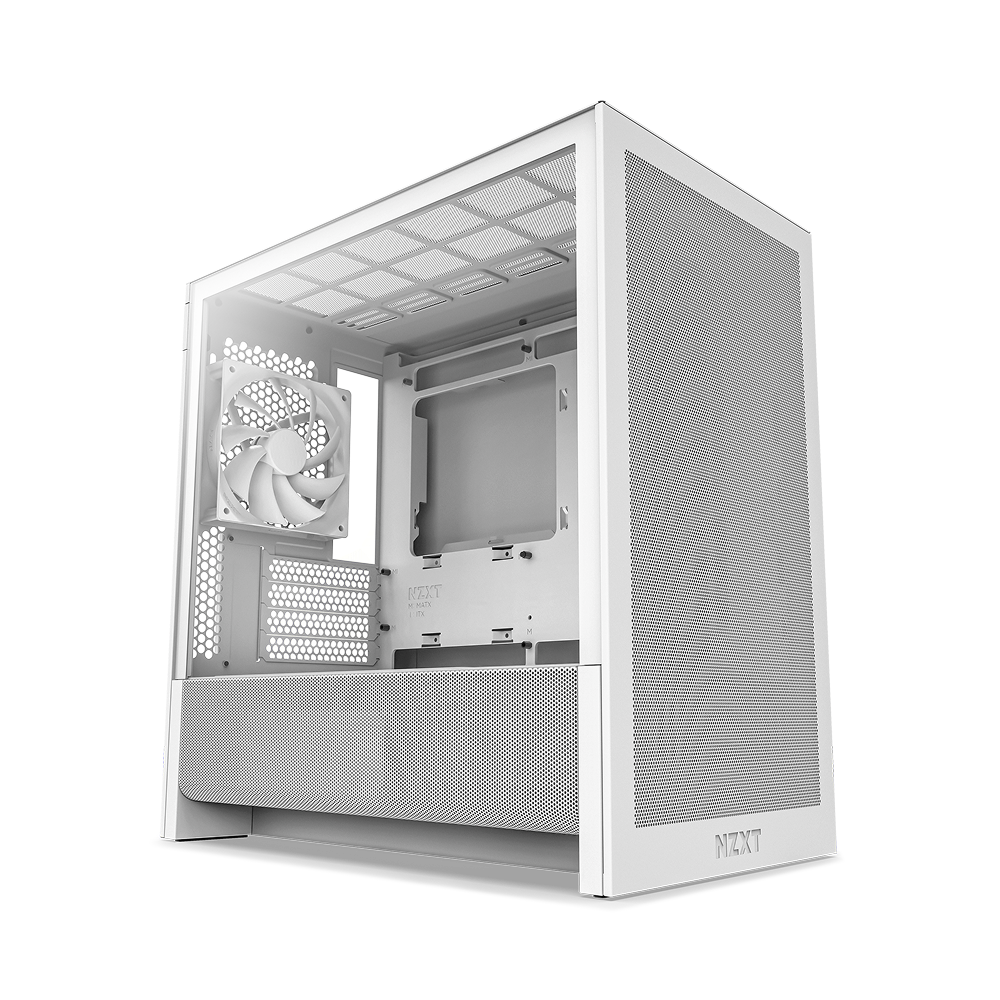
Case specifications often list maximum GPU length and cooler height, but those numbers may assume no front radiator, a particular fan thickness or unused drive cages. Combine the dimensions of the exact GPU, radiator, fans and power connectors. Thick cards also need slot width and side-panel cable bend space, not only length.
Motherboard form factor is only the first fit rule. Confirm power-supply format and depth, supported radiator positions, memory clearance under an air cooler and access to M.2 slots. A compact build that requires removing the GPU for every storage change may be acceptable, but that maintenance cost should be understood.
Design the thermal path
Dense systems have less air volume and fewer forgiving cable routes. Prefer a clear intake-to-exhaust path and avoid placing a hot GPU directly against a restricted panel. More fans are not automatically better; fan size, obstruction and noise at the required speed matter.
Choose CPU and GPU power levels that the enclosure can cool without constant high fan speed. Undervolting or a lower power target can improve acoustics, but TechMuz treats that as an optional tuning step rather than a compatibility requirement. The default configuration should still operate safely at stock settings.
Research trail
References support factual checks and topic research. No third-party article text or imagery is republished here.
Put the guide into practice.
Open exact specifications, compatibility fields and available buying references.