
DIY PC vs. Prebuilt Desktop: Compare the Whole System
Compare component transparency, support, upgradeability and total cost instead of treating two spec headlines as equivalent.
Normalize the configuration first
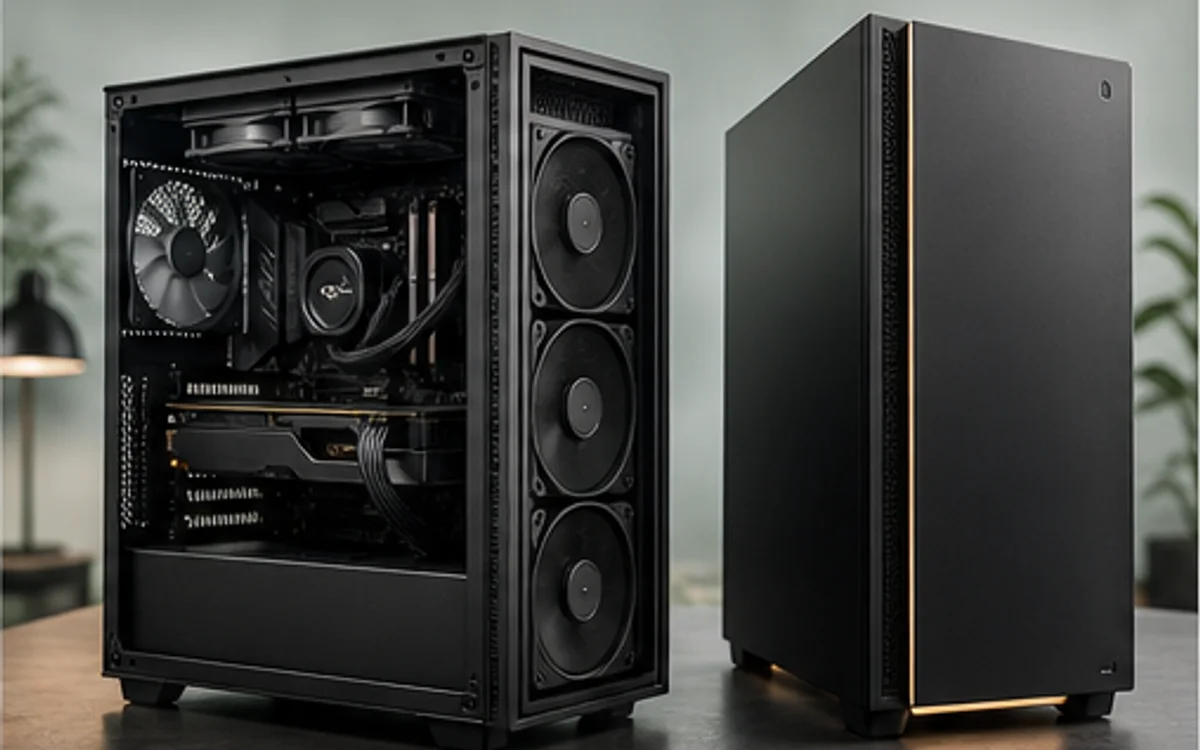
Begin by matching the exact CPU, GPU, installed memory capacity, storage capacity and operating assumptions. Then record the parts a prebuilt listing often leaves vague: motherboard model, memory layout, power-supply capacity and connectors, cooler design, case airflow and expansion space. An unspecified field is not automatically bad, but it prevents a high-confidence comparison.
Also distinguish the desktop family from the configuration sold by a merchant. One chassis name may cover many CPU, GPU, memory and storage combinations. Compare the exact orderable configuration and merchant offer, not a marketing family page that can change after selection.
Price the services and limitations
A prebuilt price includes assembly, one-vendor support and a system warranty. DIY pricing offers component choice, clearer upgrade paths and individual warranties, but the builder owns assembly and diagnosis. A fair comparison places these benefits beside the hardware rather than pretending labor and support are free.
For upgrades, inspect whether the case, motherboard and power supply use standard dimensions and connectors. Confirm spare memory slots, storage positions, PCIe access and cooling capacity. TechMuz flags unknown internal parts so a lower sticker price does not create a false impression of equal long-term flexibility.
Research trail
References support factual checks and topic research. No third-party article text or imagery is republished here.
Put the guide into practice.
Open exact specifications, compatibility fields and available buying references.
 CORES20C
Core Ultra 7 265F
20-core Intel Core Ultra desktop processor for the LGA1851 platform.
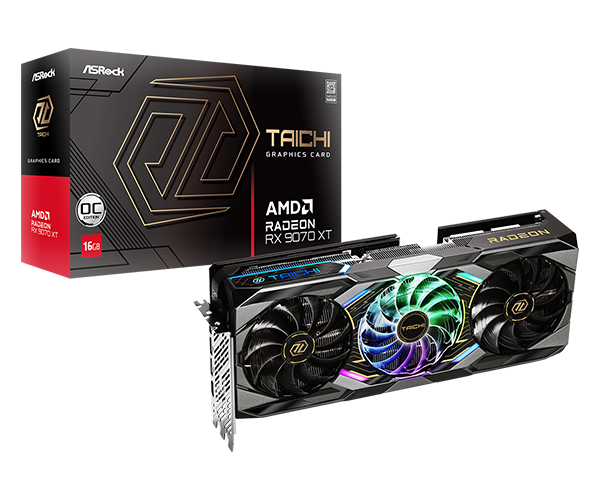 VRAM16GB
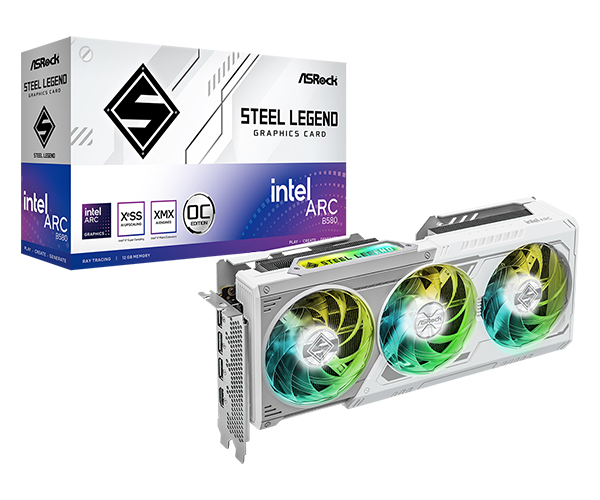 VRAM12GB