How to Build a Quiet PC Without Hiding Heat
Reduce noise by lowering required fan speed, avoiding airflow restrictions and choosing power targets that suit the enclosure.
Reduce the work each fan must do
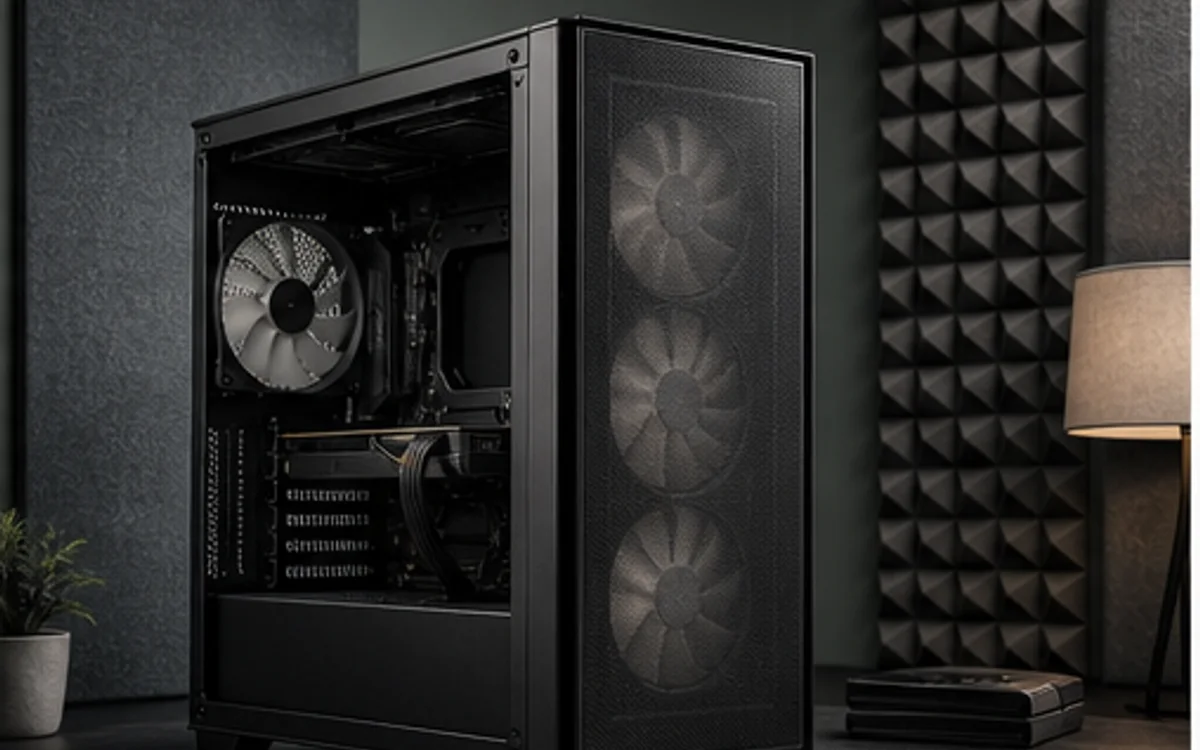
A quiet computer moves enough air at low speed. Use unobstructed intake area, sensible exhaust placement and a cooler sized for the processor's sustained workload. A sealed front panel can force otherwise good fans to spin faster, while a mesh path with filters can deliver the same component temperature at a lower acoustic cost.
Select a graphics card and power target appropriate to the desired noise level. The highest factory overclock may add heat for a small performance gain. For office, development and audio work, steady low noise can be more valuable than the final few percent of benchmark output.
Identify the kind of noise
Fan noise usually changes predictably with temperature. Pump hum from an AIO and electrical coil noise from a GPU or PSU behave differently and may be more noticeable in a quiet room. A silent idle target therefore needs fan-stop behavior, pump control where supported and realistic expectations about unit-to-unit electrical noise.
After assembly, set gradual fan curves and test sustained workloads. Avoid curves that repeatedly jump between two speeds near a temperature threshold. Keep temperature and stability limits ahead of subjective quietness; a system that throttles or accumulates heat is not a successful silent build.
Research trail
References support factual checks and topic research. No third-party article text or imagery is republished here.
Put the guide into practice.
Open exact specifications, compatibility fields and available buying references.