
Local AI Workstation Guide: Start With Model Fit
Plan GPU memory, system memory, storage, power and cooling around the models and tools you intend to run.
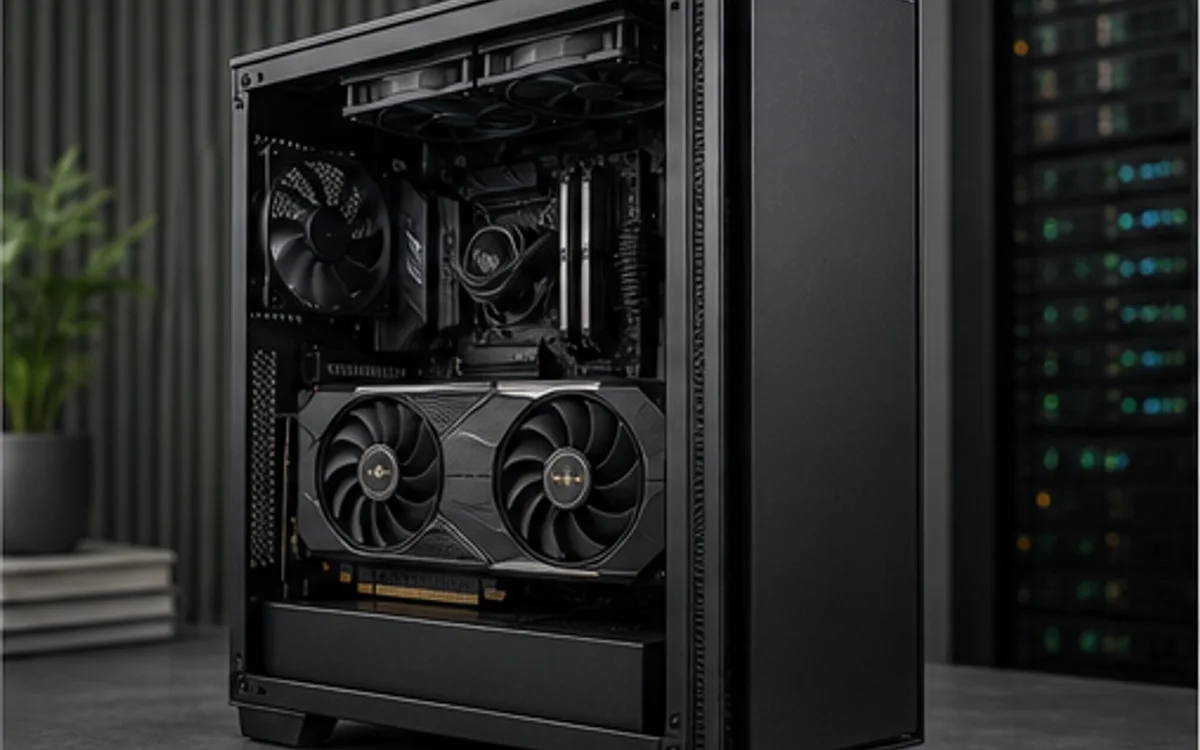
Define the model and software path
Start with the model size, precision or quantization, context needs, batch behavior and framework. A workload that does not fit in available GPU memory may fall back to slower system memory or require a smaller model. Theoretical AI operations do not guarantee application support or end-to-end speed.
Confirm the operating system, driver and framework support for the chosen GPU. Separate vendor specifications from measured inference or training results on the exact software stack.
Support data movement and sustained power
Large model files and datasets make storage capacity and read behavior part of the workflow. System memory must cover the operating system, preprocessing and any CPU offload. Multi-GPU plans need lane, slot-spacing and software checks that go beyond simply finding two physical slots.
Validate the exact card dimensions, cooling intake, connector type and PSU excursion capability. TechMuz allows AI as a primary use, but any throughput conclusion remains an estimate until linked to third-party tests.
Research trail
References support factual checks and topic research. No third-party article text or imagery is republished here.
Put the guide into practice.
Open exact specifications, compatibility fields and available buying references.
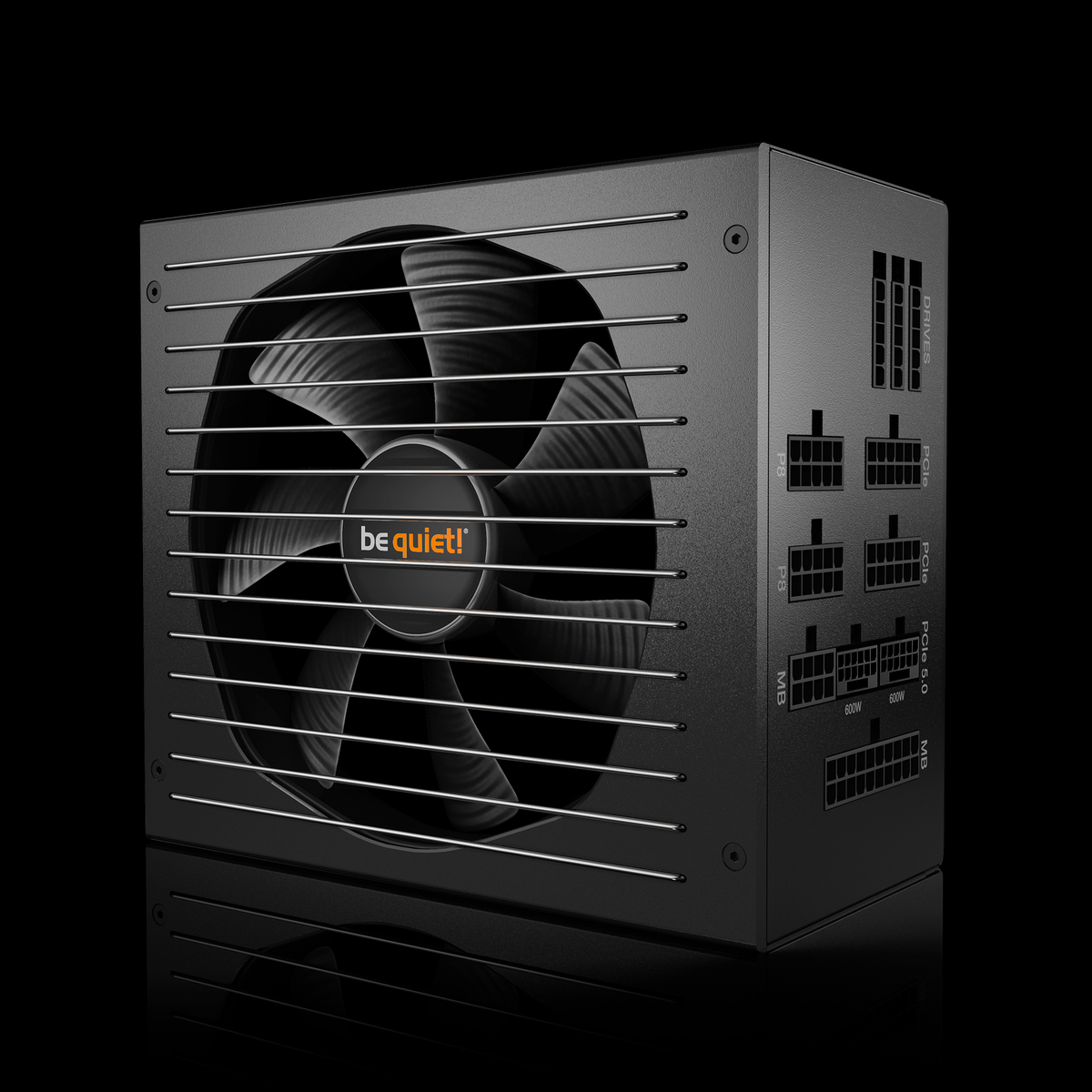 POWER750W
Straight Power 12 750W
Straight Power 12 750W power supply from the current official be quiet! range.
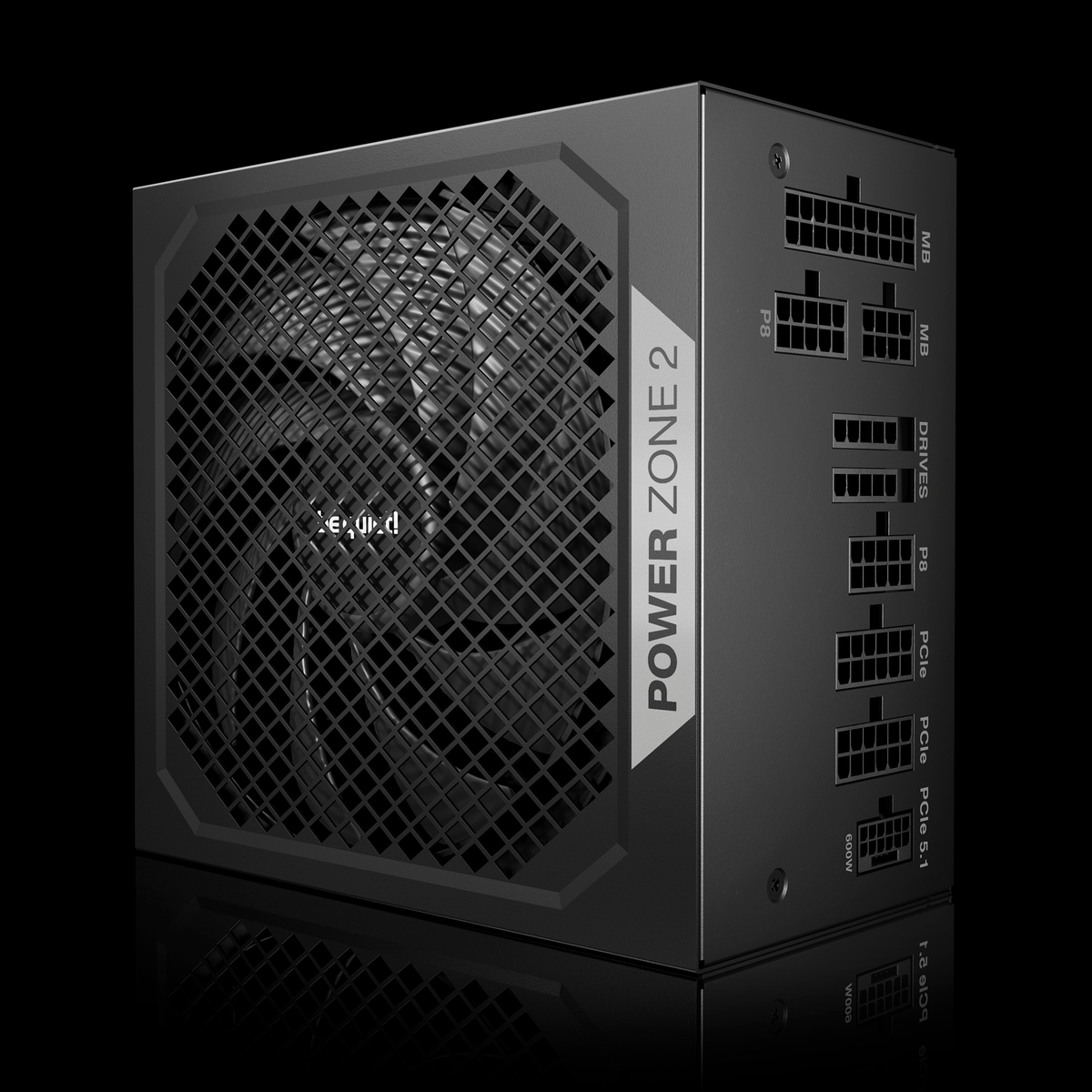 POWER1000W
Power Zone 2 1000W
Power Zone 2 1000W power supply from the current official be quiet! range.
POWER750WPure Power 13 M 750W
Pure Power 13 M 750W power supply from the current official be quiet! range.