Video Editing PC Build Guide: Balance the Pipeline
Build around codec support, timeline complexity, memory, cache storage and export behavior instead of one benchmark.
Describe the media pipeline
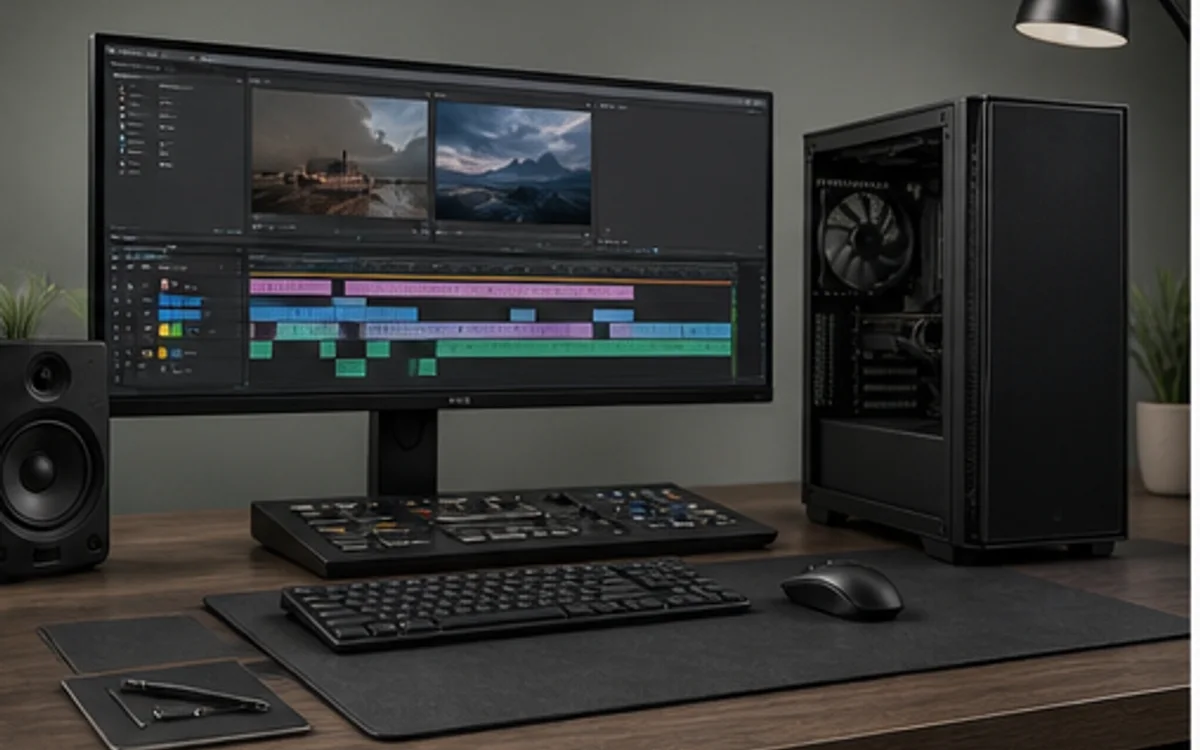
Record the editor, codec, resolution, bit depth, camera count, effects and typical timeline length. Some formats benefit from dedicated media engines, some effects are GPU-accelerated and others remain CPU-heavy. The right balance therefore comes from application-specific evidence rather than a generic creator score.
Include the work that happens around the final export: generating proxies, scrubbing, preview rendering, audio tools and moving footage. A machine that exports quickly but stutters during the working day is not well balanced.
Plan memory and storage roles
Memory capacity should cover the editor, effects, source frames and background applications without frequent paging. Separate operating applications, active media, cache and backup roles when the project size justifies it. Sustained-write behavior and thermal management matter more for large transfers than a short peak SSD number.
Choose cooling and power for long renders with CPU and GPU active. TechMuz links component specifications and flags performance as measured or estimated so a recommendation remains understandable when the exact application test is unavailable.
Research trail
References support factual checks and topic research. No third-party article text or imagery is republished here.
Put the guide into practice.
Open exact specifications, compatibility fields and available buying references.