Quick Facts
- Status: Apple has officially stopped signing ios 18 as of late 2025.
- Downgrade Path: Any user currently running iOS 26 or newer cannot perform a downgrade ios 18 through official channels.
- 32-bit Restore Crisis: Since the July 2026 update to Apple’s servers, cellular 32-bit hardware like the iPhone 5c and 4s often face permanent errors during restore.
- The Baseband Factor: Restore failures on legacy 32-bit devices usually occur because Apple no longer validates the Qualcomm baseband firmware for these specific cellular models.
- iPad Exception: Wi-Fi-only iPads generally avoid these restore hurdles as they lack the cellular modem firmware verification step.
- Recommended Tool: To revive bricked legacy hardware, enthusiasts must use community tools like Legacy iOS Kit to bypass standard signature checks.
- Error Diagnosis: Most restore failures for these older devices manifest as Error 3194 or Error 1015 in iTunes.
Apple has officially stopped signing ios 18. This means that if you are currently running iOS 26 or newer, you cannot downgrade to ios 18 using standard methods because the TSS activation server will no longer provide the necessary digital signature required for the installation.
Understanding the iOS 18 Signing Window
In the ecosystem of Apple device management, the concept of a digital signature acts as a gatekeeper. Whenever you attempt to install a version of iOS on your device, iTunes or Finder initiates a real-time handshake with Apple’s servers at gs.apple.com. This firmware verification process ensures that the software being installed is both authentic and currently authorized by Apple. This "One-Way Street" policy is a core pillar of Apple’s security strategy, designed to keep users on the latest version of their operating system to ensure protection against vulnerabilities.
The availability of an ios 18 signed ipsw is the only thing that allows a restore to complete successfully through official channels. Once Apple decides to close that window, the servers essentially stop giving the "green light" to that specific version of software. For many users who moved to iOS 26 and found the new features or battery life optimization not to their liking, the desire to downgrade ios 18 is common. However, without that server-side handshake, the device enters a state of system verification that it simply cannot pass. This is why you’ll see the dreaded message stating that the device is not eligible for the requested build.
The signing mechanism relies on what are known as SHSH blobs—unique digital signatures generated for each specific device. In the past, enthusiasts would save these blobs to facilitate downgrades later, but Apple has increasingly tightened the loopholes for this method. Because apple has stopped signing ios 18, the official window is now permanently closed for the general public, leaving only those with advanced technical knowledge and previously saved signatures with any hope of moving backward.
The July 2026 32-bit Restore Crisis
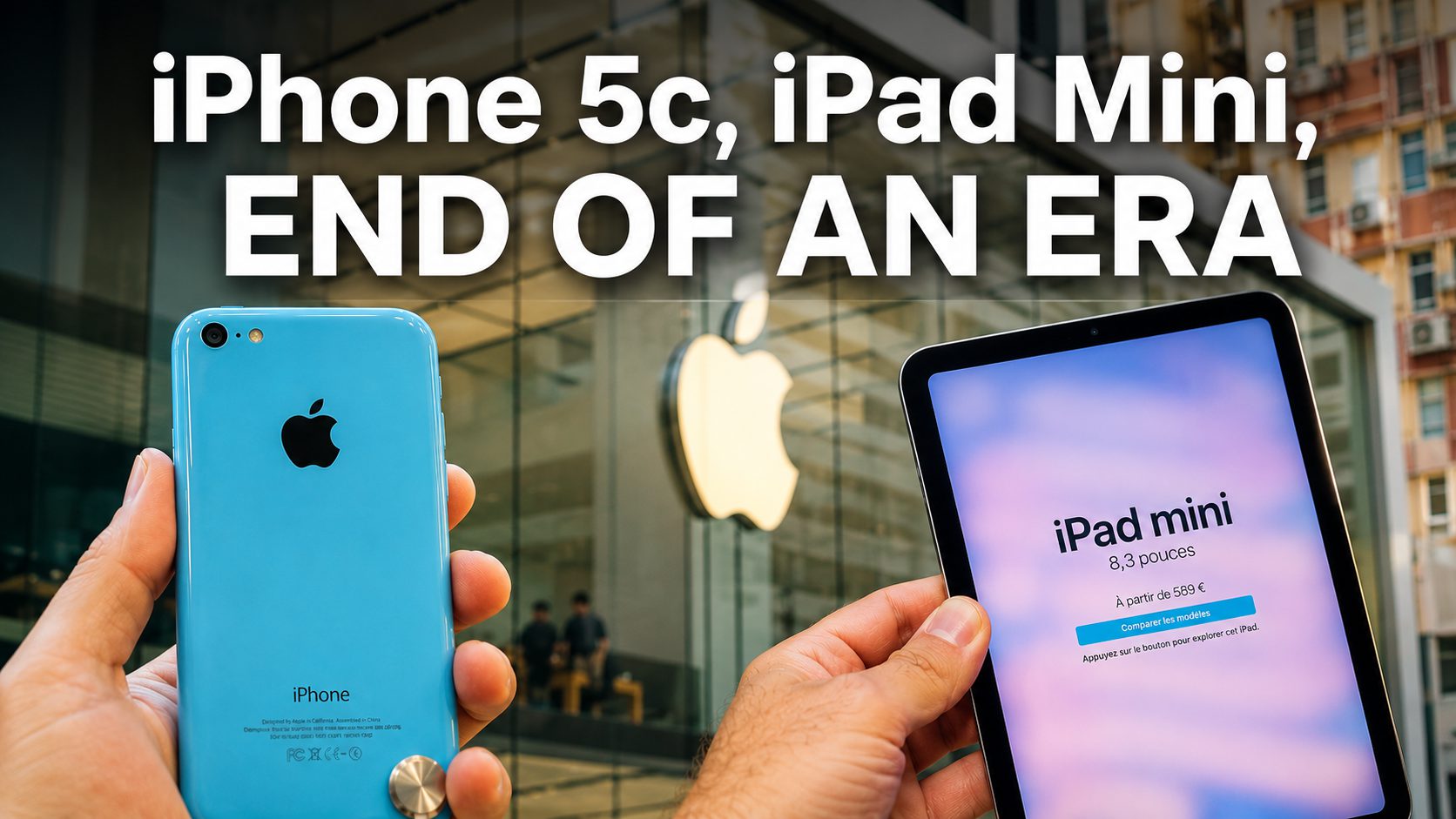
While modern devices deal with the disappointment of missing a downgrade window, legacy hardware is currently facing a much more existential threat. As of July 2026, a significant change in Apple's server-side architecture has triggered what community members call the "32-bit Restore Crisis." This specifically impacts older cellular-equipped devices like the iPhone 5c and the iPhone 4s.
The root of the problem isn't the main iOS software itself, but the component called the Qualcomm baseband firmware. Every time a cellular device is restored, the TSS server must provide a digital signature for the cellular modem as well as the operating system. Recent data suggests that Apple has ceased signing legacy iOS versions such as 9.3.5 and 10.3.3 for 32-bit cellular-equipped devices, essentially "bricking" these devices if a user attempts a fresh restore or a factory reset.
Interestingly, this issue highlights why cellular ipad restores fail while wifi models work seamlessly. Wi-Fi-only iPads do not possess a cellular modem, and therefore, they do not require a separate signature for modem firmware. If the core IPSW for a Wi-Fi model is still being signed (or can be bypassed via other technical means), those devices remain functional. However, for a user trying to restore an iPhone 5c, the process will successfully clear the OS installation but fail at the final 10% when the activation server refuses to authorize the modem. This has created a situation where apple stopped signing baseband firmware for iphone 4 and similar vintage models, effectively removing them from the pool of restorable hardware.
For those interested in legacy hardware preservation, this is a major blow. Apple typically designates devices as obsolete seven years after they were last distributed for sale. At this point, the official support for hardware services and software restores is expected to be terminated, but the active block on baseband signing feels more like a premature retirement of functional 32-bit architecture.
Troubleshooting Common itunes error restoring legacy 32-bit ios devices
When dealing with legacy tech, the numbers often tell the story. If you’ve been scouring forums because your iPhone 4s or 5c is stuck on the "Connect to iTunes" screen, you’ve likely seen a series of numerical codes. Understanding these is the first step toward finding an iphone 4s baseband restore failure fix.
| Error Code | Potential Cause | Immediate Action |
|---|---|---|
| 3194 | Security/Signature mismatch | Check host files; verify firmware signing status. |
| 4013 | Hardware/Cable/NAND issue | Try a different Lightning/30-pin cable or a different USB port. |
| 1015 | Baseband mismatch | Common when trying to downgrade; device is in recovery mode. |
| 11 | Baseband firmware signature failure | Indicates that Apple’s servers refused to sign the modem. |
Restore error 3194 occurs when a device fails to communicate with Apple's firmware signature verification server. This is frequently a byproduct of trying to install an unsigned firmware version. If you see this while is apple still signing ios 18 is the question on your mind, it is almost certainly a confirmation that the signing window has closed.
To properly diagnose if your issue is software or hardware, you should attempt to put the device into DFU mode (Device Firmware Update). Unlike recovery mode, DFU mode is a deep-level state that allows the device to communicate with iTunes without loading the OS or bootloader. This is often the only environment where you can successfully troubleshoot itunes error restoring legacy 32-bit ios devices. If the restore still fails at the baseband stage in DFU mode, you are likely hitting the server-side signing block.
Advanced Solutions: Using Legacy iOS Kit
For those of us who refuse to let our vintage hardware become paperweights, the developer community has provided a lifeline. Since the official restore window is closed and apple has stopped signing ios 18, we must turn to unofficial, third-party solutions. The most reliable tool currently available for 32-bit hardware is the Legacy iOS Kit.
Developed for Linux and macOS, this tool acts as a wrapper for various low-level utilities that can bypass certain signature checks or use saved SHSH blobs to facilitate a restore. It is the primary method for using legacy ios kit for 32-bit device restore in an era where Apple has locked the front door.
Here is the general logic for using these community-developed tools:
- Preparation: Ensure you have a Linux or macOS machine. Windows compatibility for these tools is often limited or requires complex virtual machines.
- Identify Device State: You will need to put your device into DFU mode. This involves a specific timed sequence of holding the Home and Power buttons.
- Firmware Acquisition: You usually need to provide the IPSW file. Even if it is unsigned, the kit will attempt to patch the restore process to ignore certain verification steps.
- SHSH Blobs: If you have saved blobs from years ago, this kit can leverage them to "trick" the device into thinking it has a valid signature.
- Baseband Bypass: For cellular models, some advanced scripts allow you to restore the system software while ignoring the baseband failure, though this often means the device will have no cellular functionality and will only work on Wi-Fi.
While these methods are effective, they come with a high level of risk. They are unofficial paths, and there is no guarantee that they will work for every device. However, when the official restore path ends in a permanent Error 3194 or 11, these tools are the only way to satisfy the technical requirements for legacy hardware preservation.
FAQ
Can I go back from iOS 26 to iOS 18?
No, you cannot officially go back to iOS 18 if you have already upgraded to iOS 26. Apple has ceased signing the iOS 18 firmware. Once the digital signature window is closed on Apple's TSS servers, iTunes and Finder will refuse to install the older version, as they cannot verify the software's authorization.
Is Apple no longer supporting iOS 18?
Apple has stopped providing security updates and firmware signing for iOS 18. While devices currently running iOS 18 will continue to function, they will not receive new features or patches. Furthermore, if you need to restore your device, you may be forced to update to a newer, signed version of iOS if your hardware supports it.
Can I officially downgrade iOS?
Generally, no. Apple allows a small window—usually one to two weeks—after a new version of iOS is released where the previous version remains signed. Once that window closes, there is no official, Apple-supported way to downgrade to a previous version of the operating system.
Can I go back to iOS 18 from iOS 26?
Standard restore methods through iTunes or Finder will not allow you to go back to iOS 18 from iOS 26. Because apple has stopped signing ios 18, the activation servers will block any downgrade attempt. The only potential workarounds involve community-made tools and previously saved SHSH blobs, which are complex and not supported by Apple.