Quick Facts
- Voice Shortcut: Simply ask, "Alexa, what do your lights mean?" for an instant audio explanation.
- Yellow: Indicates an unread notification, message, or shipping update for your packages.
- Blue/Cyan: Alexa is either listening to your wake word or processing a request you just made.
- Red: The microphone (and camera, on Show models) is muted for privacy.
- Green: A pulsing ring means an incoming call; a spinning ring means an active call or Drop In.
- Orange: The device is currently in setup mode or attempting to connect to your Wi-Fi network.
- Purple: Do Not Disturb mode is active, or there was a Wi-Fi error during the initial setup.
- White: Appears when you are manually adjusting the volume levels on the device.
Amazon Echo devices use nine specific light colors to communicate status and notifications. A blue and cyan ring indicates Alexa is listening or processing a request, while a solid red light means the microphone is muted. Orange signifies the device is in setup mode or connecting to Wi-Fi, and white appears when you are adjusting the volume level. Most status rings can be silenced or managed through the device settings in the Alexa app.
Setting up a smart home often starts with an Amazon Echo, but many new owners find themselves squinting at the glowing LED ring wondering what their speaker is trying to say. This visual communication system is actually a sophisticated status indicator. According to official documentation, Amazon Echo devices utilize nine distinct LED light ring colors to visually communicate device status, such as listening, system alerts, and notification updates, to users. Understanding these alexa light colors is the first step toward a seamless smart home experience.
Blue and Cyan: When Alexa Is Listening and Processing
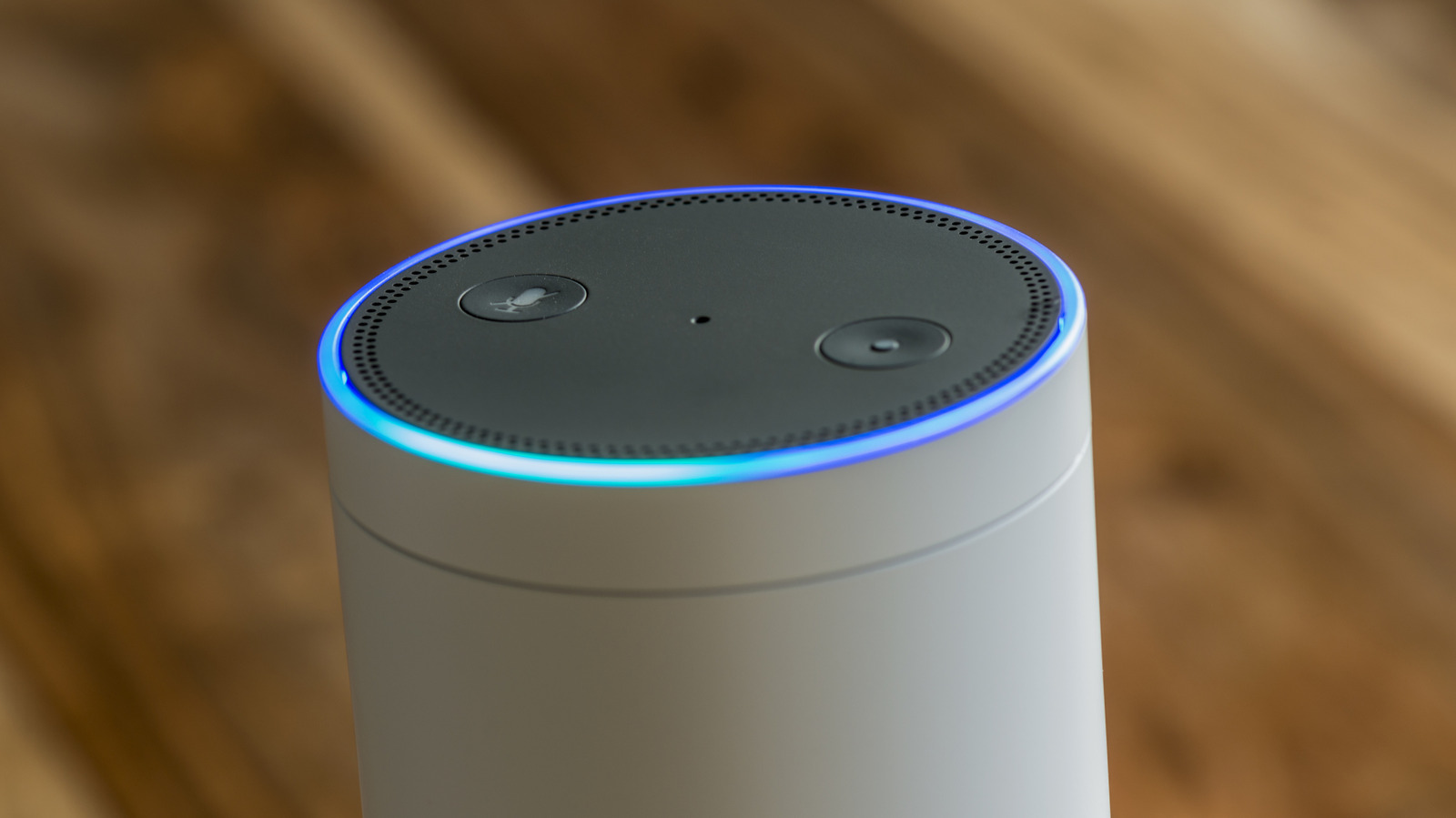
The core of the Echo experience is the interaction, and that is where the blue and cyan lights come in. When you say the wake word, you will see a solid blue ring with a small sliver of cyan pointing in the direction of your voice. This is Alexa telling you she is listening. Once you finish your request, the cyan light begins to pulse or shimmer as the device processes your command.
If you ever find that the alexa blue and green light keeps spinning, it usually means the device is in the middle of a software update or is restarting after a power cycle. This is a common point of confusion for new owners. During this time, the device might not respond to alexa light colors commands because the system resources are focused on the update. Simply give it a few minutes to finish its internal tasks.
One helpful feature to look out for is Follow-up Mode. When this is enabled in the Alexa app, the blue light will linger for a few extra seconds after Alexa finishes speaking. This indicates she is still listening for a subsequent command so you don't have to repeat the wake word. It is a small detail, but it makes the voice assistant feedback feel much more natural and conversational.
Yellow: Notifications and Packages
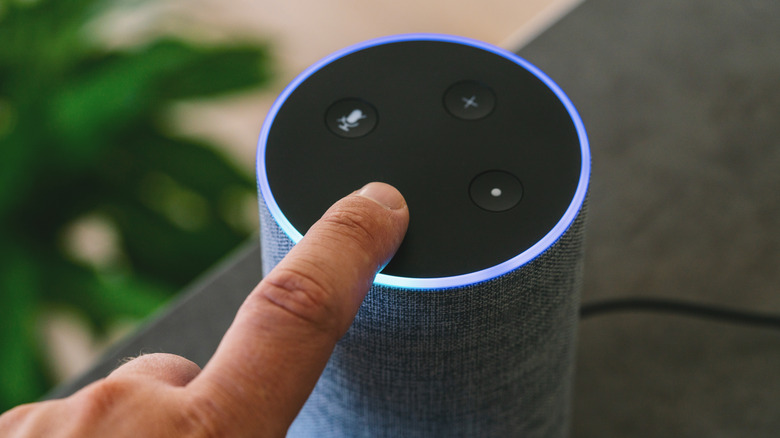
One of the most frequent questions I get from smart home beginners is about the alexa yellow light meaning. If you see a pulsing yellow ring, it does not mean there is an error. Instead, it is a notification alert. Amazon uses this specifically for shipping updates or messages from other Alexa users in your household.
A pulsing yellow light ring on an Amazon Echo specifically signals that there is an unread notification or a missed reminder waiting for the user to review. This is incredibly useful for tracking Amazon Prime deliveries. When your package is out for delivery or has arrived at your doorstep, the alexa yellow light will start its slow pulse.
To clear this light, you can use a simple voice command. Just say: "Alexa, what are my notifications?" or "Alexa, read my messages." Once she has read the updates, the ring will turn off. If you find these alerts distracting, you can customize them in the Alexa app by following this path: Settings > Notifications > Amazon Shipping. There, you can toggle off specific alerts so your alexa ring light colors stay clear of yellow unless it is something you truly want to see.
Green and Red: Calls, Drops Ins, and Privacy Muting
The green and red lights handle the more social and private aspects of your Echo device. Understanding the difference between a pulse and a spin is crucial here.
- Pulsing Green: This means you have an incoming call or someone is attempting to Drop In on your device.
- Spinning Green: This indicates that you are currently on an active call or an active Drop In session.
If you aren't expecting a call and see the green light, it is a good idea to check your alexa light colors list with pictures in the manual to ensure you are interpreting the movement correctly. You can answer by saying, "Alexa, answer call" or ignore it by saying, "Alexa, hang up."
On the flip side, the red light is all about privacy. A solid red light ring on an Echo device serves as a primary privacy indicator, signifying that the microphone or camera has been manually disabled and the device is not listening. Every Echo device has a physical microphone mute button (it looks like a circle with a line through it). When you press it, the alexa red light meaning is clear: your privacy is locked down. Alexa will not respond to her wake word until you press the button again to re-enable the microphones.
Troubleshooting: Orange and Purple Light Errors
When things go wrong, the LED ring changes to warmer or cooler tones to help with alexa orange light troubleshooting. If you see a spinning orange light, the device is usually in setup mode. This is the state it comes in right out of the box. However, if an orange light appears on a device you’ve had for a while, it means the Echo is trying to connect to the internet. If the connection fails, it will pulse orange to let you know.
The purple light is a bit more nuanced. It serves two main functions:
- Connectivity Issues: A pulsing purple light during initial setup indicates a Wi-Fi error.
- Do Not Disturb: A brief purple flash after you give a command means the device is in Do Not Disturb mode.
If you find that your alexa purple light won't turn off, you likely have Do Not Disturb enabled. You can toggle this off by going to the Alexa app and following: Settings > Device Settings > [Select Your Device] > Do Not Disturb. Alternatively, just say: "Alexa, turn off Do Not Disturb." This is a common fix for households where someone might have accidentally scheduled a quiet time. Knowing how to turn off alexa light colors through the app is a vital skill for any smart home enthusiast.
White and Spinning Colors: Volume and Special Alerts
The white light is the most straightforward of all the alexa ring light colors. It simply represents your volume level. As you press the volume up or down buttons, the ring fills with white light to show you the percentage. A full circle means 100% volume, while a small sliver means the volume is low.
However, there is a variation of the white light that involves a spinning pattern. This is specific to users who have an Alexa Emergency Assist subscription. If the device is in "Away" mode and detects a sound like a smoke alarm, it may show a different LED pattern.
It is also worth noting that alexa echo dot light colors may look slightly different depending on which generation you own. The older "puck" style Echo Dots have the light ring on the top edge, while the newer spherical models have the light at the base, reflecting off the surface the device sits on. Regardless of the hardware design, the color meanings remain consistent across the entire family of speakers.
| Color | Pattern | Meaning |
|---|---|---|
| Blue & Cyan | Solid/Spinning | Alexa is listening or processing a request |
| Yellow | Pulsing | You have a new notification or message |
| Red | Solid | The microphone is muted for privacy |
| Green | Pulsing | You have an incoming call or Drop In |
| Green | Spinning | You are currently on an active call |
| Orange | Spinning | The device is in setup mode or connecting to Wi-Fi |
| Purple | Solid/Flash | Do Not Disturb mode is on or Wi-Fi failed |
| White | Partial Ring | Volume levels are being adjusted |
FAQ
What do the colors of Alexa lights mean?
The colors are a visual language used by Amazon Echo devices to tell you their status without needing a screen. They range from interaction indicators like blue and cyan to alert indicators like yellow for notifications and red for privacy mutes.
What color on Alexa means someone is listening?
A blue ring with a cyan sliver indicates that Alexa has heard the wake word and is currently listening to your command. The cyan part of the ring will generally point in the direction of the person speaking.
Why is Alexa glowing blue and green?
If your Alexa glows with a spinning blue and green pattern, it usually means the device is currently starting up or installing an important software update. If the green is pulsing without blue, it specifically signifies an incoming call or Drop In.
What do the different colored lights on Alexa mean?
Each color corresponds to a specific system state. Blue is for processing, yellow is for notifications, red is for a muted microphone, green is for communication, orange is for setup/Wi-Fi, and purple is for Do Not Disturb or connectivity errors.
Master Your Smart Home Atmosphere
Understanding these visual cues is the best way to ensure your smart home runs smoothly. Whether you are clearing a yellow notification about a package or checking the red light to ensure your privacy during dinner, the light ring is a powerful tool. Remember that if you are ever in doubt, you can use the voice command "Alexa, what do your lights mean?" to get a verbal explanation directly from the source. Mastering these alexa light colors allows you to interact with your Echo device more intuitively, making your connected home feel truly smart.