Quick Facts
- The Benchmark: A Delta E value below 2.3 is the threshold where the human eye cannot perceive color errors.
- Top Tech: QD-OLED panels currently lead the industry, achieving up to 99% DCI-P3 color space coverage.
- The Target: The industry standard for white balance is the D65 white point, which mimics natural noon sunlight.
- Quick Fix: Engaging Filmmaker Mode is the most effective way to instantly align your screen with creator intent.
- HDR Standards: Dolby Vision and HDR10+ provide dynamic metadata to ensure scene-by-scene color precision.
- Hardware Reality: High-end panels offer better out-of-the-box performance, reducing the need for professional calibration.
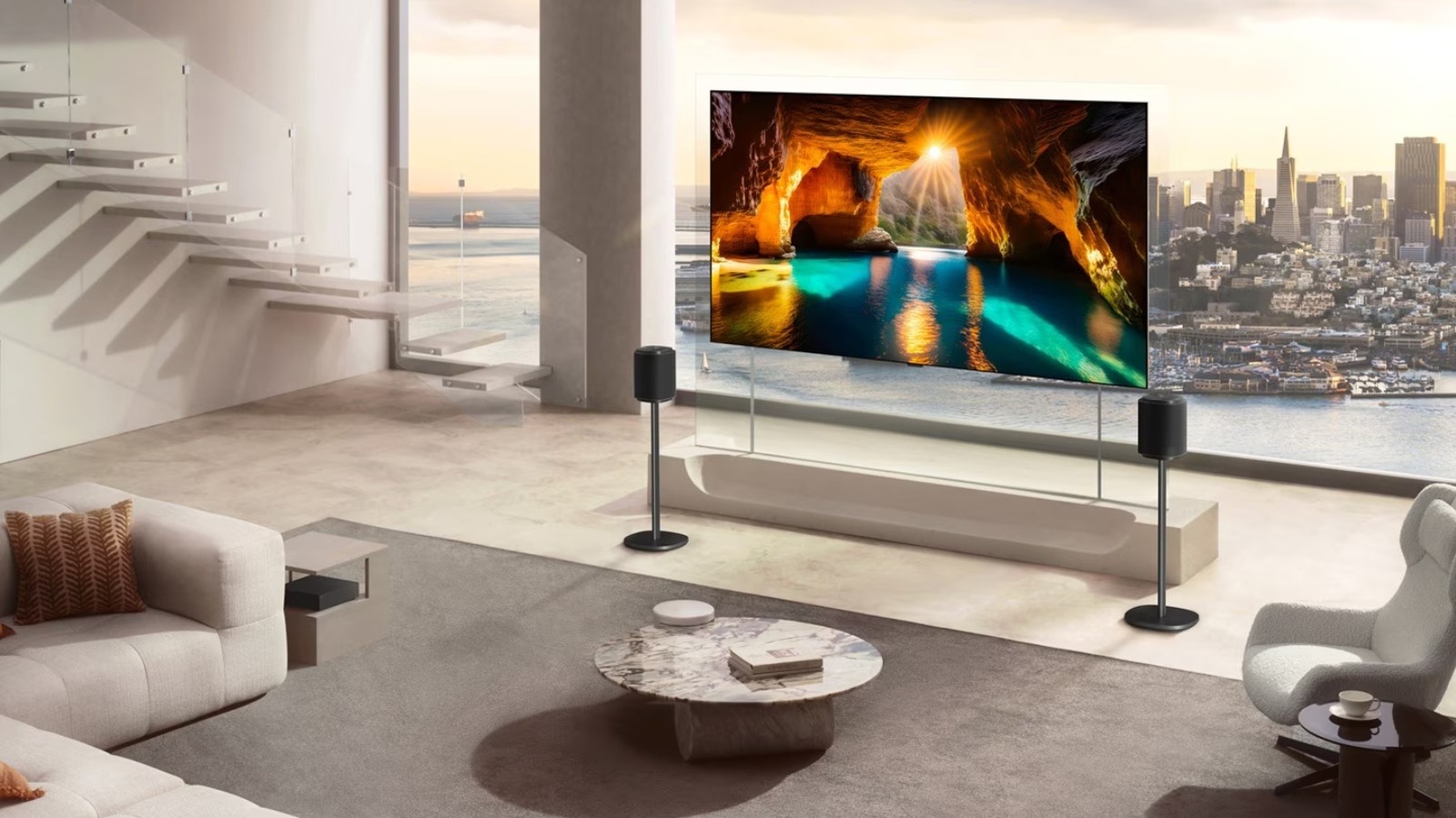
TV color accuracy ensures a display reproduces colors exactly as the director and colorist intended in the mastering suite. Achieving this level of fidelity requires the screen to align with established industry standards like the D65 white point and the Rec.2020 color space. By minimizing color shifts and preserving detail in both extreme shadows and bright highlights, an accurate TV allows you to experience a film’s emotional narrative through its authentic visual palette.
Understanding the Creator's Intent: Why Color Matters
When a director like Denis Villeneuve or Greta Gerwig sits in a professional mastering suite, they aren’t just looking at a screen; they are painting with light. Color is a language used to evoke specific emotions. A sterile, blue tint might convey isolation in a sci-fi thriller, while a lush, golden warmth can signal nostalgia in a period piece. However, if your display at home lacks proper TV color accuracy, that intentional blue might shift toward a sickly green, or the golden sunset might turn into a neon orange. This disconnect shatters the creator intent and pulls you out of the cinematic experience.
The gap between a consumer display and a professional reference monitor often comes down to how the hardware interprets data. Professional monitors used by colorists cost upwards of $30,000 because they offer a perfect 1:1 representation of the signal. In the consumer world, we see a massive budget tv vs high-end tv color accuracy comparison. A $250 budget LED screen often ships with a cool blue bias because it makes the screen appear brighter on a showroom floor. In contrast, a $2,000 premium OLED is designed to prioritize color volume and shadow detail, ensuring that the dark alleys in a noir film remain inky black rather than a washed-out gray.
In color science, we measure these discrepancies using Delta E values. A Delta E (ΔE) value of 2.3 is widely regarded as the Just Noticeable Difference threshold. This is the point at which the human eye can first perceive a deviation from the reference color. If your TV has a Delta E score of 5 or 6 out of the box, you aren't seeing the movie; you are seeing the TV's version of the movie. High-end panels strive for a Delta E under 2.0 right from the factory, providing a transparent window into the colorist intentions without requiring the user to own expensive light meters or software.
OLED vs QLED: The Hardware Battle for Accuracy
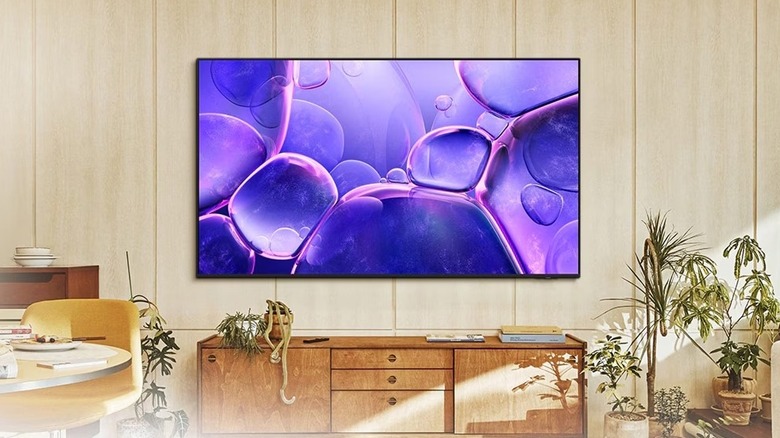
Choosing the right panel technology is the first step toward achieving professional-grade visuals. In the current market, the OLED vs QLED color accuracy debate is a frequent topic for enthusiasts. OLED technology, particularly the newer QD-OLED variants, has a distinct advantage because it is self-emissive. Since each pixel can turn off completely, you get an infinite contrast ratio. This is vital for color accuracy because color is intrinsically linked to light levels. When a TV can produce a perfect black, the colors sitting on top of that black appear more saturated and true to life.
Standard QLED TVs use a backlight and quantum dots to produce a wide color gamut. While they excel at peak brightness, they often struggle with blooming—where light from a bright object bleeds into a dark area. This light leakage can distort the hues in high-contrast scenes. However, high-end QLEDs with thousands of local dimming zones are narrowing this gap. If you are watching in a bright living room, a QLED might actually provide better perceived accuracy by overcoming ambient glare, but for oled vs qled color accuracy for dark room movies, OLED remains the undisputed champion.
| Feature | OLED (Standard/WOLED) | QD-OLED | High-End QLED (Mini-LED) |
|---|---|---|---|
| DCI-P3 Coverage | 96% - 98% | 99% - 100% | 90% - 95% |
| Black Levels | Perfect (0 nits) | Perfect (0 nits) | Ultra-low (0.001 nits) |
| Peak Brightness | 800 - 1300 nits | 1500 - 2000 nits | 2000+ nits |
| Color Volume | Excellent | Best in Class | Good (Bright) |
| Accuracy (Out-of-box) | High | Very High | Moderate |
It is also important to understand what is dci-p3 color gamut and why it matters. DCI-P3 is the color space used in digital cinema. If a TV only covers 80% of this space, it literally cannot display certain shades of red or green that the director included in the film. While the newer Rec.2020 color space is the eventual goal for 4K Ultra HD, most current content is mastered to the DCI-P3 standard. Therefore, a TV that can accurately track this gamut is essential for anyone serious about high-fidelity entertainment.
Software DNA: Brand Processing Styles
Even if two TVs use the same panel, they will look different because of their internal processing. This is the software DNA of the brand. Sony, for example, is legendary in the industry for its "Master Series" TVs. Because Sony also manufactures the professional monitors used in Hollywood studios, their consumer sets often have the best out-of-the-box performance. Their processing focuses on natural skin tones and a smooth transition between shades, avoiding the "plastic" look often found on cheaper displays.
LG and Samsung take slightly different approaches. LG’s OLEDs are the favorite of the gaming and calibration community because they offer incredibly deep menus for manual white balance calibration. Samsung, on the other hand, often prioritizes punchy, vibrant images. While this looks spectacular for animated films, it can sometimes lean toward over-saturation. However, in recent years, Samsung has embraced Filmmaker Mode, allowing users to bypass the aggressive dynamic tone mapping and return to a more accurate, reference-grade image.
DIY TV Calibration: Reaching Reference Standards at Home
You don’t need to hire a professional to significantly improve your viewing experience. Most modern TVs include presets that get you 90% of the way to a professional studio look. Following a DIY TV calibration guide can help you find that remaining 10%. The single most important change you can make is switching your picture mode. Avoid "Vivid," "Dynamic," or "Standard" modes. These settings usually push the color temperature to a very cool blue and artificially sharpen the image, which adds halo artifacts around objects.
Pro Tip: If your TV has it, always select Filmmaker Mode. This preset was created through a collaboration between directors and manufacturers to disable all unnecessary post-processing, such as motion smoothing and artificial contrast enhancement, while setting the color temperature to the D65 standard.
Recommended Settings Checklist
- Picture Mode: Filmmaker Mode or Movie/Cinema Mode.
- Color Temperature: Warm2 or Expert 1 (this targets the 6500K D65 white point).
- Gamma: Set to 2.4 for dark-room viewing or 2.2 for brighter rooms.
- Brightness/Contrast: Use a reference test pattern to ensure black levels aren't clipping.
- Motion Interpolation: Turn off "Auto Motion Plus" or "TruMotion" to eliminate the soap opera effect.
- Sharpness: Set to 0 or 10 (higher values create fake edges that weren't in the original film).
When it comes to high dynamic range, the Dolby Vision vs HDR10+ accuracy debate is significant. Dolby Vision is generally considered superior because it uses dynamic metadata to tell your TV exactly how to adjust its brightness and color for every single frame. This prevents the TV's own processing from taking over and ensures that the best tv picture settings for creator intent viewing are maintained throughout the entire movie. If you have the choice, always prioritize content available in Dolby Vision for the most consistent accuracy.
Environmental Factors: Ambient Light and Perceived Accuracy
The room you sit in is just as important as the TV itself. Your eyes are highly adaptable, which can actually be a disadvantage for color accuracy. If you have a bright yellow lamp next to your TV, your brain will adjust to that yellow light, making the colors on the screen look blue by comparison. This is how ambient light affects perceived tv color accuracy. To combat this, videophiles often use 6500K bias lighting—a strip of white light placed behind the TV. This reduces eye strain and helps your pupils stay at a consistent size, making the blacks on your screen look even deeper.
Furthermore, if you are struggling with how to calibrate your tv for movie accuracy at home, consider the reflections. Even the most accurate OLED panel will lose its color precision if a window is reflecting a bright green lawn onto the glass. Controlling the light in your environment is the final step in ensuring that the D65 white point you’ve calibrated for actually looks like white to your eyes.
FAQ
What does color accuracy mean for a TV?
TV color accuracy refers to the ability of a display to reproduce the exact hues, saturation levels, and brightness intended by the content creator. It is measured by how closely the TV follows industry standards like the Rec.709 or DCI-P3 color spaces and the D65 white point. A TV with high accuracy ensures that skin tones look natural and that the director's specific color grading is preserved.
Which TV technology has the best color accuracy?
Currently, QD-OLED (Quantum Dot OLED) technology is considered the leader in color accuracy. By combining the perfect black levels of OLED with the wide color gamut of quantum dots, these panels can cover nearly 99% of the DCI-P3 color space. Traditional WOLED panels from brands like LG and Sony are also excellent choices for professional-grade accuracy in dark environments.
Is professional TV calibration worth it?
For most users, using the built-in Filmmaker Mode or Cinema presets provides enough accuracy for an enjoyable experience. However, professional calibration is worth it for enthusiasts with high-end home theaters. A professional uses a spectrophotometer to account for panel variability, ensuring the TV reaches a Delta E below 1.0, which is perfect to the human eye.
How do I test my TV's color accuracy at home?
You can test accuracy by using reference images or calibration discs like the Spears & Munsil UHD Benchmark. Look for natural skin tones and neutral grays; if grays look blue or reddish, your white balance is off. For a more technical check, you can use a basic colorimeter and free software like HCFR to measure how far your TV deviates from the D65 standard.
Does HDR affect color accuracy?
Yes, HDR can significantly impact color accuracy. While HDR allows for more vibrant colors and higher brightness, it also requires the TV to perform tone mapping. If a TV's tone mapping is too aggressive, it can distort colors in very bright scenes. Using formats like Dolby Vision helps maintain accuracy by providing the display with precise instructions for every scene, reducing the margin for error.
By understanding the hardware and taking the time to adjust your software settings, you can bridge the gap between your living room and the Hollywood mastering suite. Seeing a movie exactly as the creator intended isn't just about technical perfection—it's about finally seeing the full story.