Quick Facts
- Cost: Approximately $0.37 per tag when purchased in bulk packs.
- Battery: These are passive stickers that require no internal battery; they are powered by the phone.
- Compatibility: iPhone 10s or newer for background scanning; most Android devices released since 2020.
- Top Chip: Use NTAG215 for universal compatibility and the best balance of memory.
- Time Saver: Implementation in professional settings can lead to a 20% higher efficiency in access management.
- Longevity: Tags are durable and can be rewritten thousands of times unless locked.
To set up NFC tag automation, you need a compatible smartphone and blank NFC tags, such as the NTAG215. Using apps like Apple Shortcuts, Tasker, or Home Assistant, you can create specific triggers that execute when your phone detects a tag. Once programmed, a simple tap can automate complex routines like unlocking smart locks, adjusting thermostats, or toggling home theater systems.
Hardware Guide: Choosing the Right NFC Tags
When you first dive into the world of Near Field Communication, the sheer variety of stickers, discs, and cards can be overwhelming. As a smart home editor, I always tell my readers that hardware choice is the foundation of a reliable experience. Most people starting with NFC tag automation should look specifically for NTAG215 chips. While you might see MIFARE tags available, those are typically reserved for high-security access systems like hotel key cards or corporate badges and can be finicky with standard smartphone readers.
NTAG215 stickers are the industry standard for home use because they offer universal compatibility with both Android and iPhone devices. They provide enough memory to store complex URLs or text strings, though for most automation triggers, the phone simply identifies the tag unique ID. One crucial tip: if you plan to stick a tag onto a metal surface—like a refrigerator or a PC case—you must buy specifically shielded on-metal variants. Standard stickers use electromagnetic induction to communicate, and metal surfaces will interfere with the signal, rendering the tag unreadable.
Cost-effectiveness is another major draw here. At roughly $0.37 per tag, you can afford to experiment. You can place them in every room without breaking the bank. These passive stickers require no batteries, making them a low-maintenance solution compared to expensive Zigbee or Thread-based smart buttons that eventually need a battery swap.
How to Program NFC Tags: iOS vs. Android
The process of learning how to program NFC tags for beginners is surprisingly straightforward, but the workflow differs depending on your mobile operating system. If you are an iPhone user, the beauty is in the native integration. You do not need a third-party app for basic triggers.
For iOS users with an iPhone 10s or newer:
- Open the Shortcuts app and tap the Automation tab.
- Select Create Personal Automation and scroll down to find the NFC trigger.
- Tap Scan and hold the top of your iPhone near the tag.
- Name the tag (e.g., Bedside) and then add the actions you want to run, such as turning off the lights and setting an alarm.
On the Android side, the ecosystem is more open but requires a bit more setup. I recommend starting with the NFC Tools app to write data to the tag and Tasker for complex logic. While Tasker has a small learning curve and a cost of about $3-$4, it is the gold standard for power users.
For Android users using Tasker and Apple Shortcuts NFC triggers:
- Open Tasker and create a new Profile.
- Select Event, then Net, and then NFC Tag.
- Tap the tag to your phone to register the ID.
- Link this profile to a Task that executes your desired actions, like silencing your phone or launching a specific productivity app.
Top NFC Automation Recipes for the Smart Home
The real magic happens when you move beyond the setup and start looking at practical NFC automation recipes for iPhone and Android. One of my favorite home uses is a bedside sleep mode. By placing a tag on your nightstand, a single tap can ensure your smart lighting control dims the house, your thermostat adjusts to a cooler sleeping temperature, and your phone enters Do Not Disturb mode.
Another popular choice is NFC tags for guest Wi-Fi access setup. Instead of reciting a complex password, you can program a tag that automatically connects your friends to the network when they tap it. This uses the contactless data exchange capabilities of the chip to send the credentials directly to their device.
Pro Tip: Use Home Assistant or IFTTT integration to bridge the gap between devices that aren't natively compatible with your phone's ecosystem. This allows an NFC tap to trigger a sequence across different brands, like a Samsung fridge and a Philips Hue bulb simultaneously.
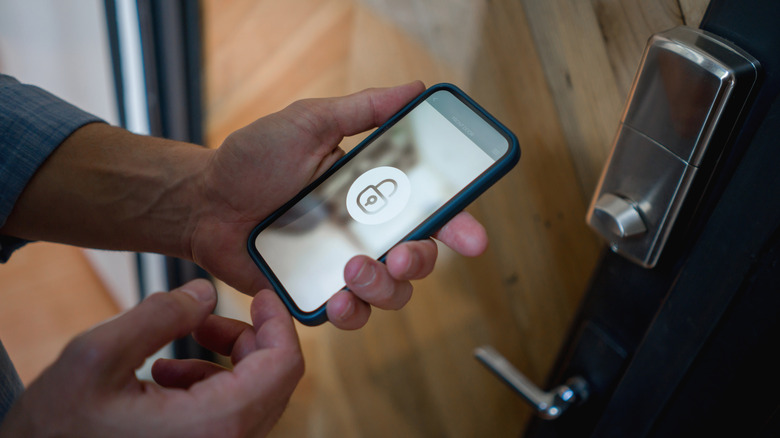
For those focused on security, using NFC tags for smart lock security is a game-changer. You can hide a tag near your entryway—perhaps behind a decorative plaque—that serves as a secret trigger to lock every door in the house. It is faster than opening an app and more discrete than a voice command.
| Feature | NFC Tags | Smart Buttons |
|---|---|---|
| Price | ~$0.40 per trigger | $20 - $50 per trigger |
| Power | Passive (No Battery) | Requires CR2032 or similar |
| Range | Near Contact (1-2 cm) | Bluetooth/Zigbee Range (30ft+) |
| Visibility | Can be hidden/thin stickers | Bulky physical hardware |
| Setup | Requires phone tap | Can be pressed by anyone |
Professional Workflows: NFC Tag Automation for Office Productivity
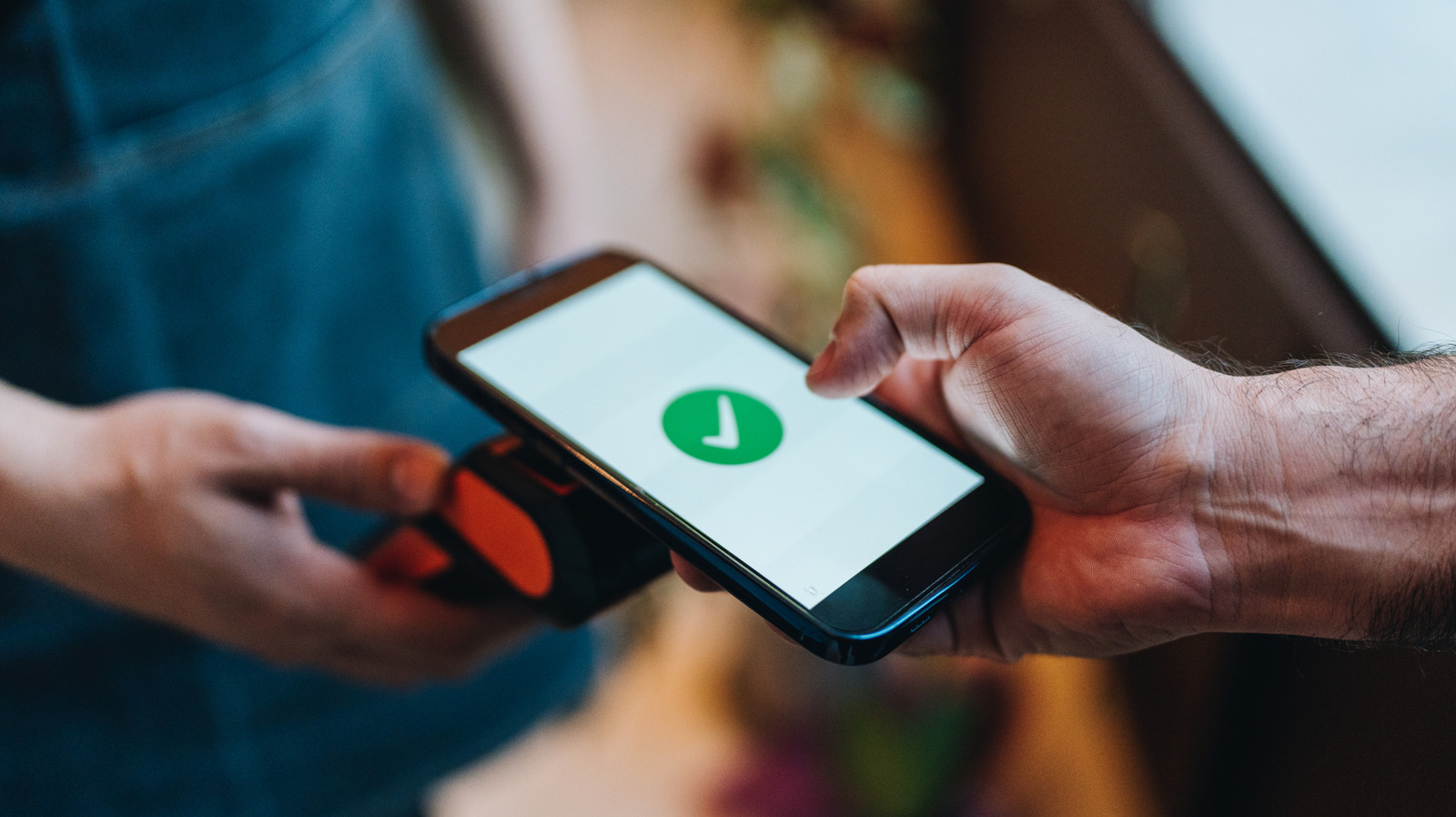
In an office or professional environment, NFC tags streamline workflows by reducing manual device management. You can program tags to instantly share Wi-Fi credentials with guests or exchange digital business cards via peer-to-peer mode. This is particularly effective for networking; instead of carrying paper cards, a tag on the back of your phone or on your desk can instantly pull up your LinkedIn profile or portfolio on a client's device.
Research indicates that organizations using NFC technology for inventory management and asset tracking can reduce manual counting time by up to 50%. While that is a high-level enterprise use, the same logic applies to your home office. You can use NFC tag automation for office productivity by placing a tag on your laptop dock. When you sit down, a tap can automatically silence your phone, launch your project management software, and turn on your "On Air" light for video calls.
Furthermore, businesses that implement Near Field Communication (NFC) based access control systems experience a 20% increase in time efficiency compared to traditional manual logging methods. As of 2025, it is estimated that over 80% of smartphones worldwide support Near Field Communication (NFC) technology, facilitating widespread integration into daily home and office automation routines. This means almost everyone walking into your office already has the key to these efficiencies in their pocket.
Troubleshooting and Reliability Tips
Even with the best best smart home automations with NFC tags, you might occasionally run into read errors. The most common culprit is phone case thickness. While most cases allow the signal to pass through, heavy-duty rugged cases or those with metal plates for magnetic car mounts will block the signal. If you find your phone struggling to recognize a tag, try moving the tag to the very top edge of the phone where the antenna is usually located.
Another issue involves tag reliability over time. While the chips are durable, the adhesive might fail, or the antenna can be damaged if the sticker is bent too sharply. For tags placed in public areas or shared offices, I recommend using the write-protection feature in the NFC Tools app. Once you have programmed your automation, locking the tag prevents someone else from overwriting your instructions with their own data.
Finally, consider the environment. If you are placing tags outdoors, look for waterproof PVC tags rather than simple paper stickers. Taking these small steps ensures your automation routines work every single time without frustration.
FAQ
What can you automate with NFC tags?
You can automate almost any digital or smart home action, including toggling lights, setting timers, sharing Wi-Fi passwords, launching specific apps, silencing your phone, and even sending pre-written text messages.
How do I set up NFC tags for home automation?
First, purchase NTAG215 tags. Then, use the Shortcuts app on iPhone or Tasker on Android to create an automation. Choose the NFC trigger, scan the physical tag to register it, and assign the smart home actions you want to occur when the tag is tapped.
Do NFC tags require batteries to work?
No, they are passive stickers. They draw a tiny amount of power from your smartphone's magnetic field via electromagnetic induction the moment you bring your phone close to them.
Which smartphones are compatible with NFC tag automation?
Most modern smartphones are compatible. For iPhones, you need a model 10s or newer for background tag reading. Most Android devices manufactured since 2020 have NFC capabilities, though you should check your specific model's settings.
Do NFC tags work through phone cases?
Yes, they typically work through plastic, silicone, and leather cases. However, they will not work through cases made of metal or those containing metal plates for magnetic mounts.
How much do NFC tags typically cost?
NFC tags are very affordable, usually costing around $0.30 to $0.50 per tag when bought in packs of 10 or more. Bulk packs of 50 or 100 can bring the price down even further.
The beauty of this technology lies in its simplicity. By spending just a few dollars on a pack of NTAG215 stickers, you can transform your physical environment into a responsive, automated space. Whether it is simplifying your morning routine or making your office more efficient, the potential for creative automation is limited only by your imagination. Start with a few simple recipes and see how quickly these small stickers become an indispensable part of your connected life.