Quick Facts
- Core Process: PS Vita modding requires installing custom firmware like HENkaku Ensō to bypass system restrictions.
- Best Model: The PCH-1000 is favored for its OLED display, while the PCH-2000 Slim offers better battery life and micro-USB charging.
- Storage Solution: Use an SD2Vita adapter and a standard microSD card to replace expensive proprietary memory cards.
- Performance Boost: Overclocking the CPU to 500MHz via PSVshell improves frame rates in demanding 3D titles and emulators.
- Emulation Support: Native PSP and PS1 support via Adrenaline, with 8-bit and 16-bit consoles handled through RetroArch cores.
- Current Status: All Vita models on firmware 3.74 are currently exploitable using the browser-based HENlo method.
- Key Utility: Applications like VitaShell and VitaDB Downloader are essential for file management and discovering community content.
PS Vita modding involves installing custom firmware like HENkaku Ensō to unlock homebrew applications and massive storage via SD2Vita. By utilizing modern exploits, you can transform this handheld into the ultimate emulation hub for PSP, PS1, and classic consoles.
Hardware First: PS Vita 1000 vs 2000 for Modding
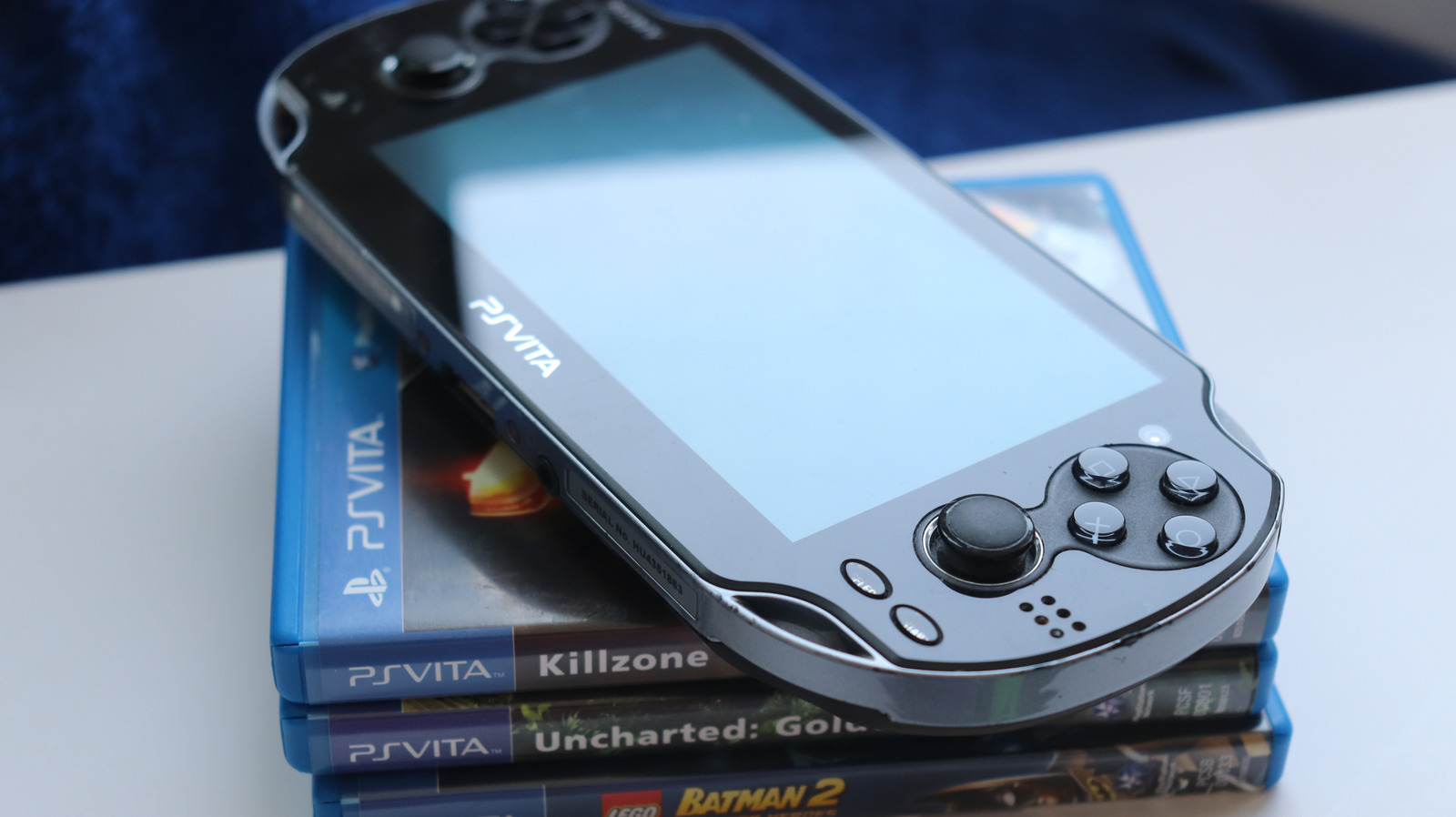
Before you start your PS Vita modding journey, you need to know which hardware you are holding. Sony released two primary models: the original PCH-1000 and the PCH-2000 Slim. Both are excellent, but they offer different advantages for the modern modder.
The PCH-1000 is often considered the premium choice because of its 5-inch OLED display. The colors are deeper, and the contrast is significantly better than the later model. However, the 1000 model has a major hurdle for modders: it lacks internal storage. To even begin the exploit process, you must have an original Sony proprietary memory card.
The PCH-2000, or the Slim, replaced the OLED with an LCD screen. While the screen is a slight downgrade, the Slim extended the average battery life for gaming by approximately one hour. More importantly, the Slim has 1GB of internal storage and uses a standard micro-USB port for charging, which makes it much more convenient for travel.
| Feature | PS Vita 1000 (OLED) | PS Vita 2000 (Slim) |
|---|---|---|
| Display | 5-inch OLED | 5-inch LCD |
| Internal Storage | None (Sony card required) | 1GB (Built-in) |
| Charging Port | Proprietary Multi-use | Micro-USB |
| Battery Life | 3-5 Hours | 4-6 Hours |
| Build | Heavy, Premium Metal/Glass | Light, Plastic |
Internally, both models share the same powerful internals. The system is powered by a quad-core ARM Cortex-A9 MPCore processor and a quad-core PowerVR SGX543MP4+ graphics unit. With 512MB of system RAM and 128MB of video RAM, the Vita was years ahead of its time, providing enough horsepower to run high-quality native games and robust emulators.
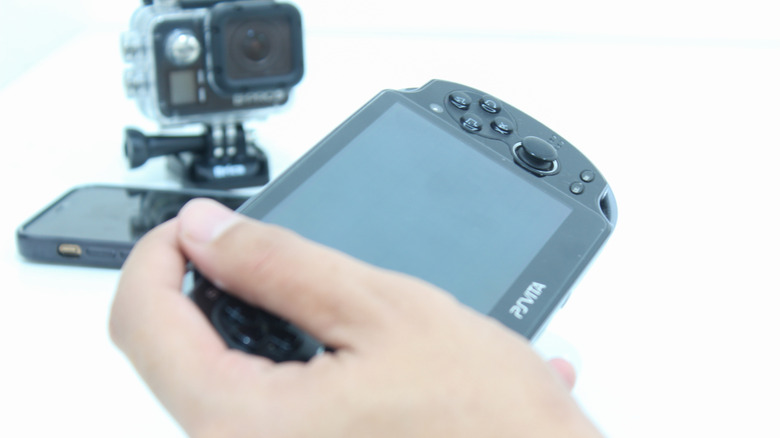
Step by Step Guide to PS Vita Custom Firmware
The days of needing complicated PC setups and specific cables are mostly over. Today, we use a browser-based exploit called HENlo. This is the first step in unlocking the PS Vita custom firmware benefits that make the device so versatile in 2026.
To start, you need to ensure your Vita is connected to the internet and logged into a PSN account. Navigate to the official HENlo deployment website through the Vita’s built-in browser. From here, you can install HENkaku, which is a temporary homebrew enabler. This allows you to run unsigned code and install VPK files.
Safety Alert: Risk Assessment While the HENlo exploit is extremely stable, always ensure your battery is at least 50% charged before beginning. Modern modding is very safe, but a sudden power loss during firmware flashes can cause software issues. Always follow the on-screen prompts carefully.
Once HENkaku is running, the next goal is making it permanent. This is where Ensō comes in. By installing HENkaku Ensō, the custom firmware will load automatically every time you turn on the device. You won't need to re-run the browser exploit after a reboot. For most users on firmware 3.74, the easiest path is using a tool called VitaDeploy. This "all-in-one" app handles the installation of the firmware and the essential system tools you’ll need later.
Released in July 2016, the HENkaku exploit was the first native homebrew enabler for the PlayStation Vita, and the community has spent the last decade perfecting it. It works by bypassing the system's filesystem sandbox, giving you full control over the hardware.
Expanding Your Library: Using SD2Vita for PS Vita Storage Expansion
One of the biggest PS Vita modding motivations is escaping Sony's expensive memory cards. At launch, Sony used a proprietary format that cost significantly more than standard SD cards. Today, we solve this with an SD2Vita adapter.
This tiny adapter is shaped like a Vita game cartridge. You insert a microSD card into the adapter and then plug the adapter into the game card slot of your Vita. To make the system recognize this as the primary storage (ux0), you need a plugin called YAMT (Yet Another Mount Tool).
Setting up the adapter is straightforward using VitaDeploy:
- Format the microSD card to TexFAT using the internal tools.
- Use the YAMT settings in the system menu to mount the SD2Vita as your main storage.
- Move your existing data from the internal memory or Sony card to the new microSD.
Using sd2vita for ps vita storage expansion allows you to carry your entire library of native titles, PSP games, and retro ROMs on a single 256GB or 512GB card. This effectively turns the device into a pocket-sized arcade with virtually no storage limits.
The Software Foundation: Essential Vita Homebrew Applications
Once your firmware is permanent and your storage is huge, you need the right tools to manage the system. Modding isn't just about playing games; it's about improving the overall utility of the handheld.
The first thing you should install is VitaShell. This is the Swiss Army knife of Vita homebrew applications. It acts as a file manager, an FTP server, and a way to install VPK files. It also allows you to connect the Vita to a PC via USB to drag and drop files directly onto your SD2Vita.
Another critical piece of software is iTLS-Enso. Because the Vita is an older device, its internal security certificates are outdated. This causes errors when trying to access modern websites or the homebrew browser. iTLS-Enso adds modern TLS support, fixing these SSL/HTTPS issues.
Finally, install the VitaDB Downloader. Think of this as a community-run app store. Instead of hunting for VPK files on forum threads, you can browse, download, and update thousands of homebrew games and utilities directly on the device. From media players to ports of classic PC games, everything is curated here for easy access.
The Emulation Powerhouse: PS1, PSP, and Beyond
The true magic of a modded Vita is its ability to play nearly every PlayStation game released before 2012. Because the Vita contains the same hardware components as a PSP, it doesn't just emulate PSP and PS1 games—it runs them natively.
The best way to experience this is through Adrenaline. This software creates a complete "ePSP" environment on your Vita. When you open Adrenaline, your Vita essentially becomes a PSP, complete with the classic XMB (XrossMediaBar) interface. You can play your ISO files with perfect compatibility, and you can even use the Vita's right analog stick to control the camera in games that originally struggled with the PSP’s single-stick layout.
For older systems, the PS Vita emulation guide usually points toward RetroArch. This is a frontend for various emulators known as cores. The Vita is powerful enough to run the following systems perfectly:
- NES and SNES: Near-perfect performance with various filters to mimic old CRT TVs.
- Sega Genesis/Mega Drive: Flawless execution of 16-bit classics.
- Game Boy, Color, and Advance: The Vita’s screen makes GBA games look better than they ever did on original hardware.
For more ambitious retro fans, specialized emulators like DaedalusX64 have made huge strides in N64 support. While not every game runs at full speed, classics like Super Mario 64 and Mario Kart 64 are fully playable.
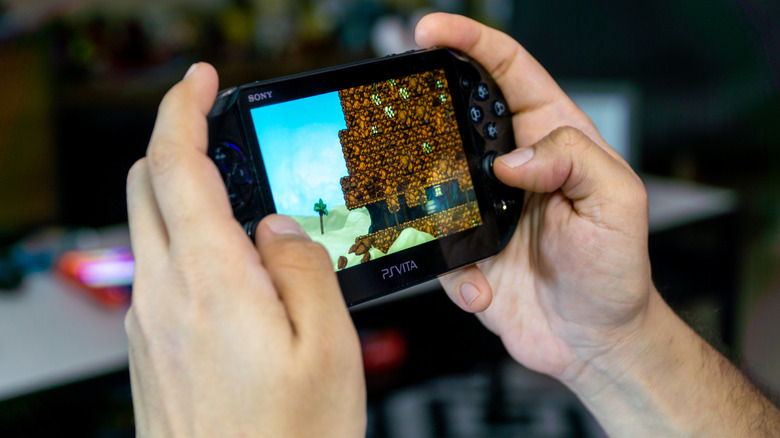
Tuning the Rig: Overclocking and UI Overhaul
To get the most out of your ultimate retro rig, you need to push the hardware. Sony originally underclocked the Vita's CPU to preserve battery life, but with a modded system, we can unlock its true potential.
Using a plugin called PSVshell, you can increase the clock speed from the standard 333MHz to 500MHz. This is a game-changer for performance. Games that used to have frame drops, like Borderlands 2 or certain PSP titles running in Adrenaline, suddenly become much smoother. You can set specific clock speeds for individual games, ensuring that the system only works hard when it needs to.
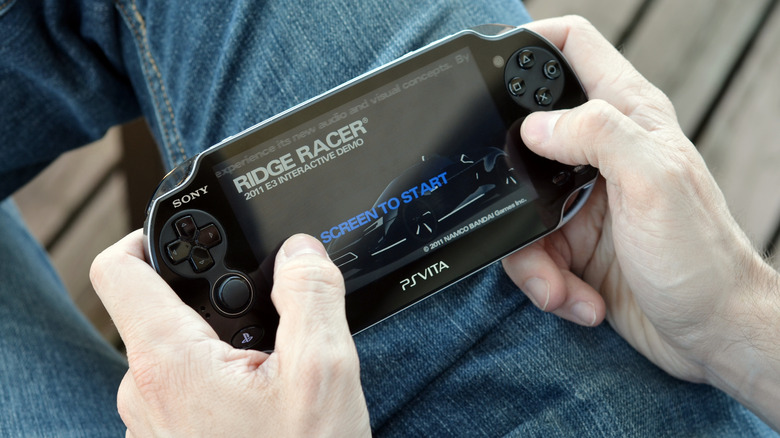
After optimizing performance, it's time to fix the visuals. The standard Vita "LiveArea" with its floating bubbles can feel a bit dated. Many modders prefer setting up retroflow launcher for a cleaner ui. This homebrew app replaces the bubble interface with a high-end 3D coverflow menu. It automatically scans your folders for games and downloads high-resolution box art, making your library look like a professional digital collection.
If you enjoy reading, applications like Noboru allow you to read manga directly on the OLED screen, which is perfectly sized for handheld reading. For fans of the PS4, modding doesn't break Remote Play. You can still stream your console to your Vita, making it a comprehensive portable entertainment device.
FAQ
Is it worth modding a PS Vita in 2024?
Absolutely. Since Sony has stopped supporting the platform with new software, modding is the only way to keep the hardware relevant. It expands the library from a few hundred native games to thousands of retro titles and community ports.
What are the benefits of modding a PS Vita?
The primary benefits include removing storage limits via SD2Vita, installing custom themes, and gaining access to a massive library of emulators. It also allows for performance tweaks like overclocking and the ability to back up your physical cartridges to digital files.
Can modding a PS Vita get you banned from PSN?
While there is always a theoretical risk when using custom firmware, the PS Vita modding community has seen very few bans in recent years. Most users continue to sync trophies and use the PSN store without issue, though it is recommended to avoid using cheats in online multiplayer games.
Is modding a PS Vita difficult for beginners?
With the advent of browser-based tools like HENlo and all-in-one installers like VitaDeploy, the process is easier than ever. If you can follow a series of menu prompts and use a computer to move files, you can mod a Vita in about 20 minutes.
What is the best custom firmware for the PS Vita?
HENkaku Ensō is widely considered the gold standard. It is a permanent custom firmware that remains active even after a full reboot, providing the most stable and "console-like" experience for the user.
Can you still play original game cartridges on a modded PS Vita?
Yes, the custom firmware does not disable the game card slot. However, if you are using an SD2Vita adapter, it will occupy that slot. Most modders choose to "dump" their physical cartridges into digital files so they can play them from the microSD card and keep the adapter plugged in.
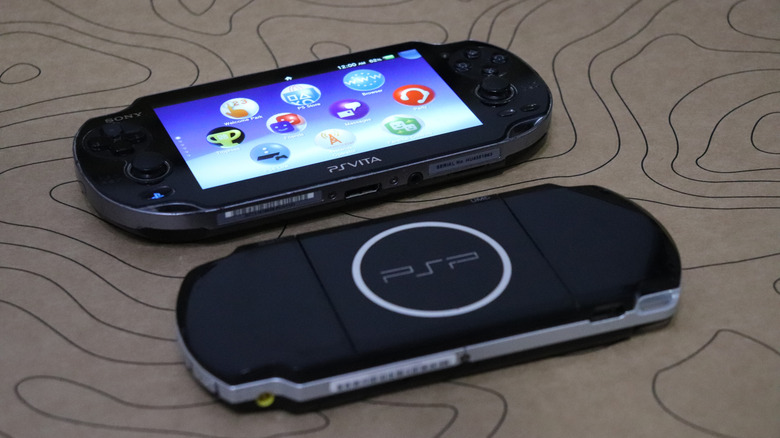
The PS Vita remains one of the most capable handhelds ever built. By taking the time to install custom firmware and optimize the hardware, you aren't just hacking a console; you are preserving a piece of gaming history. Whether you are chasing the perfect OLED blacks or the nostalgia of the PSP library, the Vita is the ultimate canvas for your retro gaming dreams. Check out community repositories like GitHub or the VitaDB for the latest homebrew ports and keep your rig updated with the latest community-made tools.