Quick Facts
- Audio Protocol: Wired uses uncompressed Linear PCM encoding; wireless relies on lossy AAC-LC compression.
- Audio Distortion: Wired achieves 0.01042% THD+N, while wireless measurements jump to 0.15072%.
- Frequency Response: Physical connections support up to 22kHz, whereas wireless peaks around 17.5kHz.
- Interface Latency: Wired offers near-instant response; wireless setups typically suffer 1 to 2 seconds of delay.
- Battery Efficiency: Using a cable reduces battery drain by 23-32% per hour compared to wireless mirroring.
- Connection Stability: Physical cables bypass Wi-Fi interference common in urban areas and heavy traffic.
Wired Apple CarPlay provides superior audio quality by using Linear PCM encoding for lossless transmission, outperforming the compressed AAC-LC used in wireless setups. It also eliminates system latency and prevents battery drain during heavy use, making it the preferred choice for those seeking a stable and high-fidelity driving experience.
The Audiophile Edge: Why LPCM Matters
As someone who spends most of my time dissecting the nuances of high-end headphones and home theater systems, I have always been skeptical of convenience over quality. In the world of car audio, the convenience of wireless connectivity has a hidden cost that your ears definitely notice, even if you can't quite put your finger on it. The technical reality is that wired Apple CarPlay and its wireless counterpart handle data in fundamentally different ways.
When you plug your iPhone into your infotainment head unit using a high-quality cable, the system utilizes Linear PCM encoding. This is a lossless, uncompressed audio format that ensures every bit of data from your music file reaches the car's sound system intact. In contrast, wireless CarPlay transmits audio over a Wi-Fi connection using AAC-LC compression. This "Low Complexity" codec is designed to maintain a stable connection with low power consumption, but it does so by stripping away data, particularly in the higher frequency ranges.
The difference isn't just theoretical; it is measurable. In side-by-side technical testing, wired Apple CarPlay achieved a Total Harmonic Distortion plus Noise (THD+N) measurement of 0.01042%. For comparison, the wireless version of the same system recorded 0.15072% THD+N. That is a massive leap in distortion that clouds the clarity of your favorite tracks. If you are using wired carplay for lossless apple music, you are getting the full benefit of your subscription. Wireless connections often see a frequency roll-off at 17.5kHz, whereas a wired connection maintains a flat response all the way up to 22kHz, capturing the air and detail in the recording that audiophile performance demands.
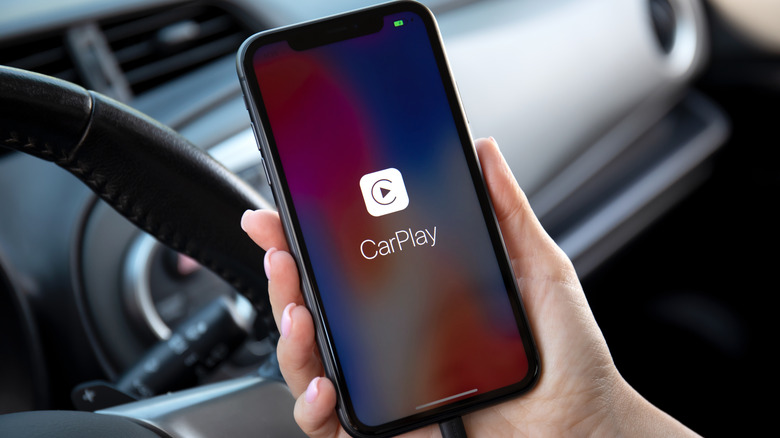
When the audio signal stays digital until it reaches the car's internal digital-to-analog converter, you maintain a much higher signal-to-noise ratio. This results in a cleaner, more impactful soundstage. For anyone who has invested in premium aftermarket speakers or a high-end factory sound system, relying on wired carplay linear pcm sound quality is the only way to actually hear what your hardware is capable of.
Zero Lag: Reducing Latency and Input Delay
Beyond the sound, there is the matter of how the system "feels." We have all experienced that frustrating moment where you tap the "Next Track" button on your steering wheel or screen, and there is a noticeable pause before the music actually changes. This is system latency, and it is the Achilles' heel of wireless smartphone mirroring.
Industry testing indicates that wireless Apple CarPlay setups generally experience an audio latency of 1 to 2 seconds during song changes and user interface interactions. While a second might not sound like much, in a modern user interface, it feels like an eternity. A physical cable reduces this to near-zero. Because the data does not need to be packaged, compressed, transmitted over the air, and then unpacked, the touchscreen responsiveness is significantly improved.
This responsiveness is even more critical when you are navigating through a complex city. If you are wondering why wired carplay is better for navigation responsiveness, consider how Wi-Fi interference works. In dense urban areas or near major intersections with lots of radio traffic, the 5GHz Wi-Fi band used by wireless CarPlay can get crowded. This leads to "stuttering" maps or delayed turn-by-turn instructions. By using a physical connection, you ensure CarPlay connection stability that is immune to outside interference. This results in smoother map navigation and faster app transitions, ensuring you never miss a turn because the screen was lagging behind your actual position.
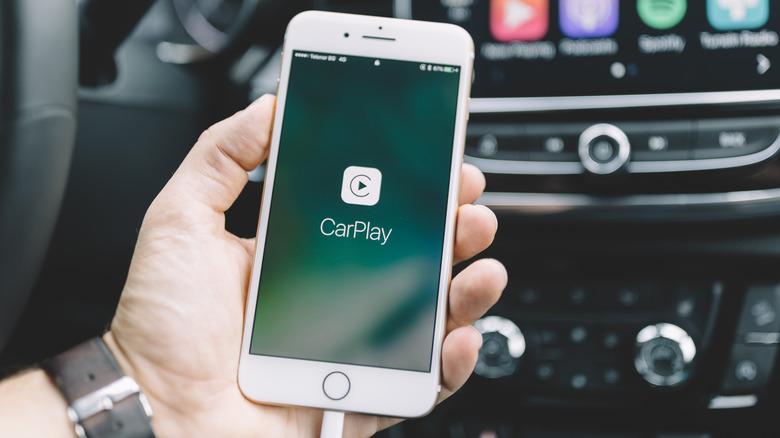
To understand how to reduce apple carplay input lag, you have to look at the "handshake" process. Wireless systems are constantly managing a Bluetooth handshake for the initial connection and a Wi-Fi link for the data. This dual-radio dance is prone to hiccups. A wired setup simplifies this into a high-speed data bus, providing the bandwidth needed for a fluid interface.
Thermal Management: Preventing Radio Stress
One of the most overlooked wired carplay battery charging benefits is actually related to heat. When you use CarPlay wirelessly, your iPhone is working overtime. It is simultaneously running GPS for your location, using cellular data (often 5G) to pull maps and music, and then using a Wi-Fi radio to broadcast all that data to the car. This combination creates what we call "Radio Stress."
This intense processing generates significant heat. If you have ever noticed your phone getting hot to the touch or even displaying a temperature warning while sitting in your center console, that is why. High heat is the primary enemy of long-term battery health. By plugging in, you alleviate much of this stress. The phone can draw power directly from the car's USB or USB-C port, often using USB-C Power Delivery to charge efficiently.
| Feature | Wired Connection | Wireless Connection |
|---|---|---|
| Battery Drain | Charging / Neutral | 23-32% Drain per Hour |
| Device Temperature | Cool / Warm | Often Hot |
| Signal Stability | Consistent | Subject to Interference |
| Connection Time | Instant upon plug-in | 10-30 Second Pairing |
Because the phone isn't forced to broadcast high-bandwidth video and audio data over Wi-Fi, the internal processor runs more efficiently. Users typically see about 30% better battery efficiency when comparing a wired trip to a wireless one. This prevents the device from dying during long trips and ensures that when you arrive at your destination, your phone has more than enough charge for the rest of your day.
Troubleshooting: Fix Audio Degradation in iOS 18+
Even with the best wired setup, software bugs can sometimes interfere with your experience. Since the release of iOS 18, many users have reported a sudden drop in audio quality, where the music sounds "thin" or like a low-bitrate phone call. This is often caused by a specific accessibility feature called Vocal Shortcuts.
Pro Tip: The iOS 18 Audio Fix If your CarPlay audio sounds like a phone call, go to Settings > Accessibility > Vocal Shortcuts and toggle the feature OFF. This bug often forces the iPhone to use the lower-quality "Hands-Free Profile" instead of the high-fidelity Linear PCM stream.
To maintain the best CarPlay audio quality benefits, you should also pay attention to your hardware. Not all cables are created equal. For a stable connection, use a certified MFi (Made for iPhone) cable or a high-quality USB-C cable from a reputable brand. If you experience frequent disconnections, check the Lightning interface or USB-C port for lint or debris. A clean physical connection is the first step toward achieving that 0.01% THD+N audiophile performance.
Furthermore, if you notice a carplay connection delay with wired setups, it is often helpful to check the infotainment head unit for firmware updates. Manufacturers frequently release patches to improve how the car communicates with the latest versions of iOS.
FAQ
Does wired Apple CarPlay offer better sound quality than wireless?
Yes, wired Apple CarPlay offers significantly better sound quality because it uses uncompressed Linear PCM encoding. This avoids the data loss associated with the AAC-LC compression used in wireless connections. Measured tests show that wired connections have much lower total harmonic distortion and a wider frequency response, reaching up to 22kHz compared to the 17.5kHz limit often seen in wireless setups.
What is the difference between wired and wireless Apple CarPlay?
The primary difference lies in how data is transmitted. Wired CarPlay uses a physical USB or USB-C cable to send high-bandwidth, uncompressed data directly to the car. Wireless CarPlay uses a combination of Bluetooth for the initial handshake and Wi-Fi for data transmission. This introduces compression into the audio signal and creates a 1-2 second latency in the user interface that is not present in wired connections.
Is wired Apple CarPlay better than wireless?
For the majority of users who prioritize audio fidelity, system responsiveness, and battery health, wired Apple CarPlay is the superior choice. While wireless is more convenient for short trips, the wired connection eliminates input lag, provides a more stable interface in areas with high signal interference, and prevents the phone from overheating due to excessive radio usage.
Does wired Apple CarPlay charge your phone while in use?
Yes, one of the main advantages of a wired connection is that it provides consistent power delivery to the iPhone. While wireless CarPlay is a heavy drain on the battery (often 20-30% per hour), a wired connection will either maintain the current charge or increase it, depending on the power output of your car's USB port. This is especially beneficial for long road trips where GPS and music streaming would otherwise deplete the battery quickly.
What kind of cable is needed for Apple CarPlay?
To ensure the best performance and stability, you should use a high-quality data-certified cable. For older iPhones, this means an Apple-certified MFi Lightning cable. For iPhone 15 and newer, a high-speed USB-C cable that supports both power delivery and data transfer is required. Avoid cheap, charging-only cables, as they lack the internal wiring necessary to transmit the complex CarPlay data stream.