Quick Facts
- Required Version: Wear OS 4 or newer (Watch UI 8 for Galaxy devices)
- Core Model: Gemini 2.5 Flash, specifically optimized for high-speed wrist interactions
- Top Productivity Hack: Summarizing gmail threads with gemini on galaxy watch to skip manual scrolling
- Automation: Multi-step app automation that combines calendar, messaging, and navigation
- Key Feature: Standalone mode functionality that operates without a constant phone connection
- Primary Focus: Transitioning from passive notifications to proactive task orchestration
Gemini on Wear OS 4+ enhances productivity via Google Workspace sync and proactive intelligence. These Gemini smartwatch features allow users to handle complex productivity workflows hands-free by integrating Google Workspace sync and Generative AI directly into the Wear OS interface.
Taming Your Inbox: Gmail Summaries and Smart Drafts
As someone who spends half my life testing the latest mobile tech, I know the pain of trying to manage an overflowing inbox on a 1.4-inch screen. Traditionally, smartwatches were great for seeing that you had an email, but terrible for actually doing anything about it. That changes with the Google Gemini Gmail summaries smartwatch functionality. Instead of swiping through twenty different replies in a long thread, you can now ask for actionable summaries that hit the high points.
The real magic happens through the integration of the Rambler model. This specialized background intelligence doesn't just read the text; it understands the intent. When you need to reply, Gemini uses this contextual awareness to help you draft responses using natural language. If you have ever used voice-to-text while walking through a noisy subway station, you know how messy the transcription can be. Gemini acts as a filter, cleaning up your spoken thoughts into professional, coherent drafts.
Editor's Tip: If you are still using the old voice assistant, consider switching from google assistant to gemini on pixel watch 4 through the settings menu to unlock these generative drafting capabilities.
This isn't just about reading; it is about reclaiming your time. You can view a thread, get the gist of the conversation, and tap a suggested smart response that actually sounds like you, not a robot. It turns your watch into a genuine communication hub rather than just a notification mirror.
Proactive Orchestration: The Automated Daily Briefing
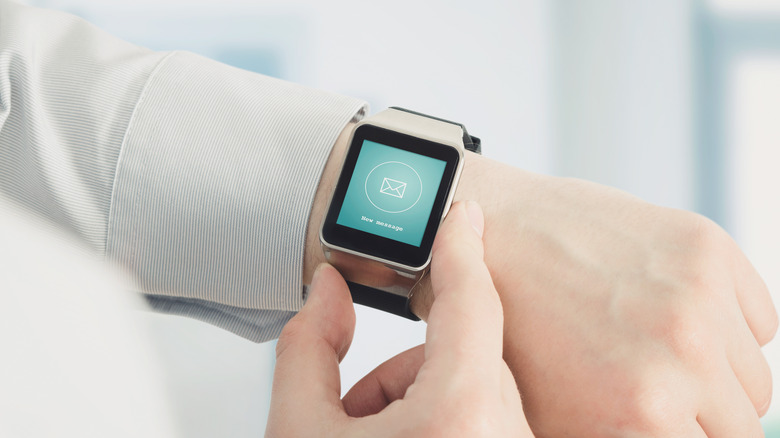
We have all had those mornings where we wake up already feeling behind. You are trying to juggle a coffee, a gym bag, and your car keys while checking when your first meeting starts. This is where the Daily briefing hack becomes your personal concierge. Unlike a standard calendar alert, Gemini uses task orchestration to look across your entire digital life.
By leveraging Google Gemini on Wear OS productivity tips, you can set up a routine where your watch provides a comprehensive overview of your day at a specific time. At 7 a.m., your Pixel or Galaxy Watch can provide a rundown that includes:
- Your upcoming schedule from Google Calendar.
- Weather-based clothing recommendations (e.g., "It's raining, grab an umbrella for your 10 a.m. commute").
- Priority items pulled from your Gmail that might require immediate attention.
- Estimated travel times based on current traffic patterns.
The beauty of this feature lies in its proactive suggestions. If Gemini notices a two-hour gap between your lunch meeting and a gym session, it might suggest a time to run that errand you put on your Keep list yesterday. This level of intelligence moves the smartwatch from a "reactive" device to a "proactive" partner. According to recent technical updates, Google Gemini for Wear OS 4 and later supports these multi-step sequences, allowing you to trigger a complex chain of events with a single prompt.
Beyond Basic Commands: Multi-Step Fitness and Media Hacks
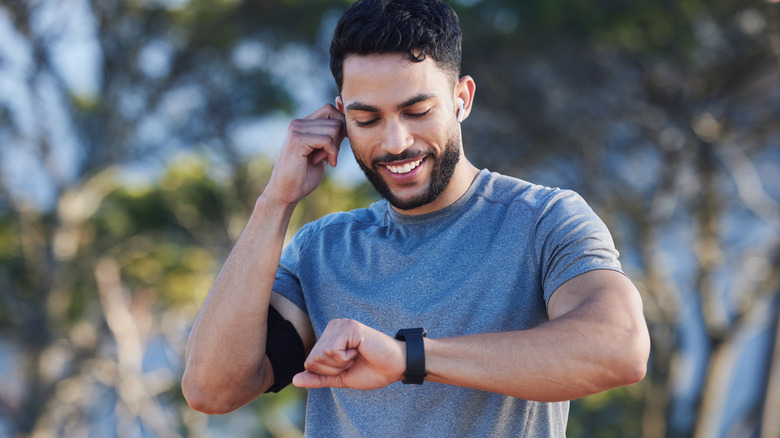
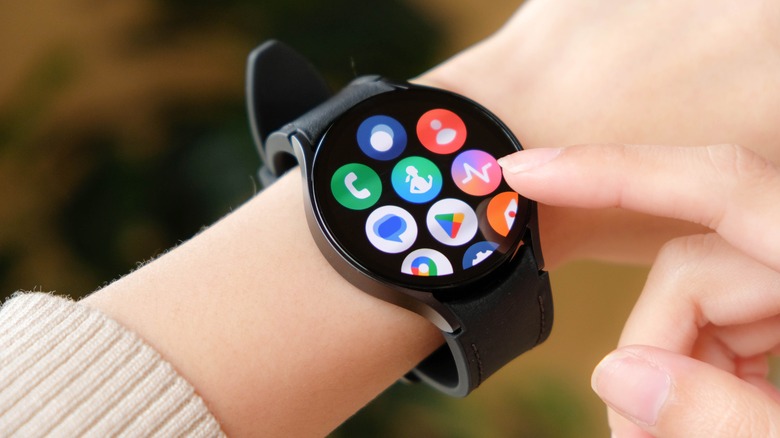
When you are in the middle of a heavy set at the gym or a sprint on the trail, the last thing you want to do is navigate through layers of menus. This is where your Pixel Watch AI assistant guide becomes invaluable. Most users know they can ask to "play music," but Gemini allows for much deeper, more specific Natural language processing.
For instance, you can use voice commands for gemini on galaxy watch 8 classic to request highly specific media states. Instead of just a genre, try saying, "build a playlist for my focus session." Gemini will scan your YouTube Music library and preferences to curate a set on the fly. This level of hands-free automation ensures your flow state remains uninterrupted.
The integration goes even deeper with health platforms. Through Samsung Health integration, Galaxy Watch users can query complex biometric data using conversational AI. You don't have to wait until you get home to see how your heart rate zones compared to last Tuesday. You can simply ask, "How does my current pace compare to my last 5k?" or "What was my sleep score for the past three nights?"
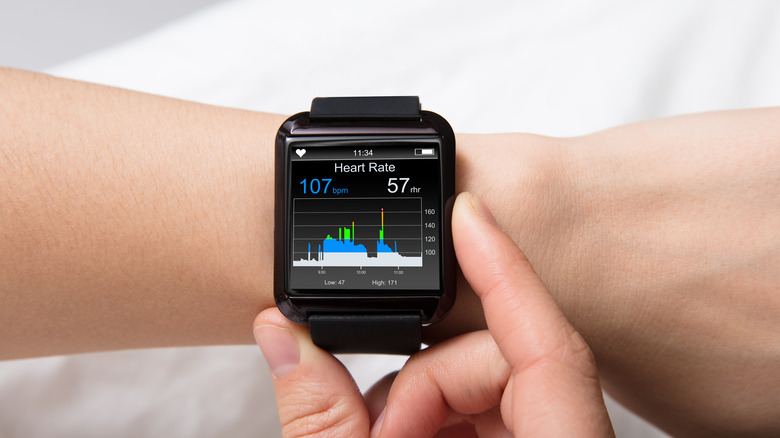
Furthermore, Gemini can provide real-time Generative AI advice during your workout. If you are feeling a specific muscle strain, you can ask for a quick stretch routine. It effectively turns your wearable into a context-aware coach that understands the physical activity you are currently performing.
| Feature | Legacy Assistant | Gemini on Wear OS |
|---|---|---|
| Media Control | Basic "Play/Pause" | Situation-specific playlist creation |
| Health Data | Manual menu navigation | Natural language health queries |
| Contextual Awareness | Low | High (uses multi-app data) |
| Voice Accuracy | Standard | Enhanced by Rambler model |
Phone-Free Productivity: Utilizing Standalone Gemini Intelligence
One of the most significant shifts in the latest Watch UI 8 update is the move toward true independence. We are finally entering an era where you can leave your phone at home and still maintain high-level productivity. These Gemini smartwatch features are no longer just "remotes" for your phone; they are standalone AI computers on your wrist.
To get the most out of this, you need to understand the best gemini prompts for wear os productivity. When you are out for a run or at the store without your phone, you can use Gemini as a persistent memory bank. You can tell your watch, "remember that I parked on level 3, section B," or "add almond milk to my grocery list." Because of the deep Google Workspace sync, these notes are instantly available across all your devices once you are back online, but the processing happens right there on the watch.
The standalone intelligence also extends to smart home controls. If you are returning from a walk, you can use your watch to trigger complex "Home" routines. By saying "I'm almost home," Gemini can simultaneously unlock the front door, set the thermostat, and turn on the hallway lights. This level of Contextual AI awareness used to require a phone to act as the "brain," but the Gemini 2.5 Flash model handles these requests locally with impressive speed.
FAQ
What are the key features of the Gemini smartwatch?
The core features include advanced natural language processing for drafting emails, multi-step task automation for daily routines, and deep integration with Google Workspace and Samsung Health. Unlike older assistants, it can summarize long threads and provide proactive suggestions based on your calendar and location.
Does the Gemini smartwatch support third-party apps?
Yes, Gemini on Wear OS can interact with a growing list of third-party applications. It uses its orchestration layer to pull data or trigger actions in apps like Spotify, Strava, and various smart home platforms, provided they are compatible with the Wear OS 4+ ecosystem.
Can I make calls from a Gemini smartwatch?
Absolutely. You can use Gemini to initiate calls using natural language commands like "Call Sarah on her mobile." If your watch has LTE capabilities or is connected to Wi-Fi/Bluetooth, it will process the request and start the call directly from your wrist.
What health metrics does the Gemini smartwatch track?
Depending on your hardware (Pixel Watch or Galaxy Watch), it tracks heart rate, ECG, sleep stages, blood oxygen (SpO2), and skin temperature. Gemini enhances this by allowing you to ask conversational questions about these metrics, such as "How has my resting heart rate changed this week?"
If you haven't made the switch yet, I highly recommend diving into your settings and enabling Gemini today. Start with the daily briefing—it is the single biggest change to my morning routine this year. The transition from a simple watch to a proactive AI assistant is exactly the kind of mobile evolution we have been waiting for.