Our Top Picks
The selection for 2026 hinges on whether you need a reliable backbone for a standard household or a high-performance network for a data-heavy smart home. For most users, we recommend the Eero 6 for its simplicity and price, while power users should look toward the ASUS ZenWiFi BQ16 Pro for its unmatched speed and coverage.
| Model | Best For | Price Tier | Max Speed |
|---|---|---|---|
| Eero 6 | Entry-level users & smaller homes | Budget (<$200) | 900 Mbps |
| TP-Link Deco AXE5400 | Large homes on a budget | Budget (<$200) | 5.4 Gbps |
| ASUS ZenWiFi BQ16 Pro | Professional setups & 8K streaming | Pro (>$400) | 30 Gbps |
| Netgear Orbi 970 | Multi-gigabit internet & 10G ports | Pro (>$400) | 27 Gbps |
| Google Nest WiFi | Seamless smart home integration | Budget (<$200) | 2.2 Gbps |
The best mesh routers for 2026 are split into two categories: affordable systems like the TP-Link Deco AXE5400 for standard home coverage, and pro-grade WiFi 7 systems like the ASUS ZenWiFi BQ16 Pro for 8K streaming and high-speed gaming across 9,000 sq ft.
The State of Mesh WiFi in 2026: WiFi 7 Goes Mainstream
We have officially entered the era where WiFi 7 is no longer a luxury for the early adopter. As of this year, the market size for Wi-Fi 7 technology has surged to an estimated 8.63 billion dollars in 2026, representing a massive shift in how we build our home networks. This growth is driven by a move away from theoretical speeds toward real-world throughput speeds that actually reach the corners of your backyard.
The technical breakthrough making this possible is Multi-Link Operation (MLO). In previous generations, your devices were locked into a single band (2.4GHz, 5GHz, or 6GHz). With current wifi 7 mesh routers, devices can transmit data across multiple bands simultaneously. This significantly reduces latency and ensures that even if one band is congested by your neighbor’s network, your 8K video streaming remains uninterrupted. This technological leap is reflected in the market data, with 117.9 million units of WiFi 7 access points expected to ship globally this year.
Best Budget Mesh WiFi Systems (Under $200)
For many households, the priority isn't ten-gigabit speeds but rather eliminating dead zones and maintaining signal stability for zoom calls and Netflix. The current crop of affordable mesh wifi systems for large homes proves that you don't need to spend four figures to get reliable coverage.
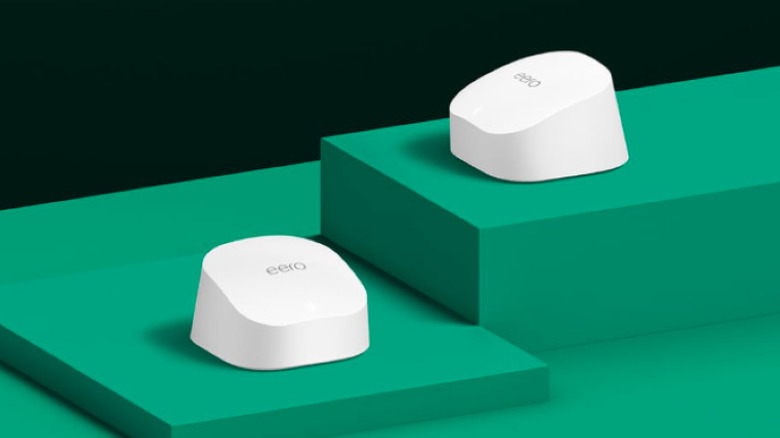
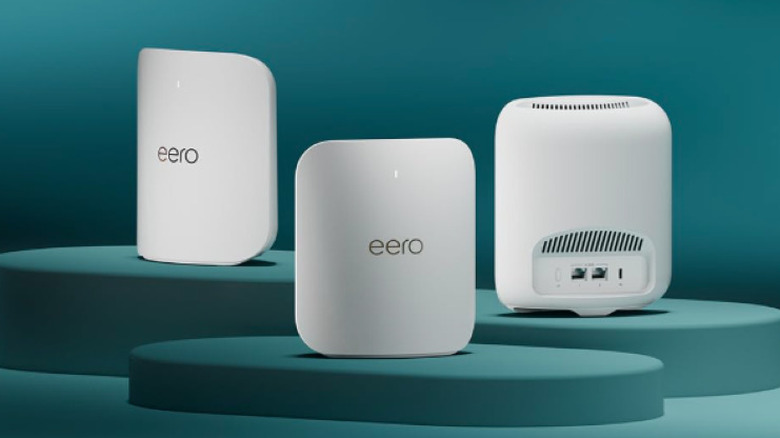
1. Eero 6
The Eero 6 continues to be the gold standard for users who want a "set it and forget it" experience. While it isn't the fastest on the list, its ability to manage IoT device capacity without crashing is remarkable.
- Reasons to Buy: Extremely easy setup via app; compact footprint; reliable Zigbee smart home hub built-in.
- Reasons to Avoid: Limited manual configuration options; lacks the 6GHz spectrum found in newer models.
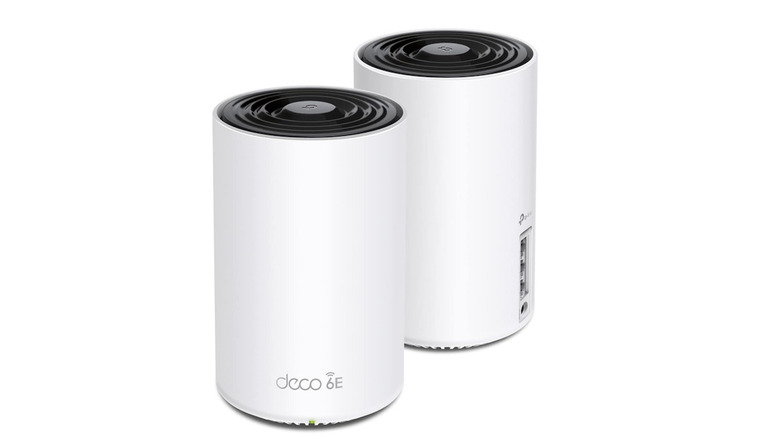
2. TP-Link Deco AXE5400
This is arguably the best wifi 6e mesh routers for 2026 value right now. By utilizing the 6GHz band as a dedicated wireless backhaul, it avoids the congestion of older 5GHz bands.
- Reasons to Buy: Incredible price-to-performance ratio; covers up to 5,500 square feet with a 3-pack.
- Reasons to Avoid: The units are physically larger than Eero; advanced security features require a subscription.
3. Google Nest WiFi
Ideal for the Google Home ecosystem, this system doubles as a series of smart speakers. It is a top-rated budget mesh wifi for those who prioritize seamless roaming and voice control over raw speed.
- Reasons to Buy: Great design; doubles as a Google Assistant speaker; excellent app interface.
- Reasons to Avoid: Only dual-band, which can lead to slowdowns in very crowded households.
4. TP-Link Archer BE3600
A newcomer to the budget space, this is one of the first entry-level wifi 7 mesh routers that brings Multi-Link Operation to a sub-$200 price point.
- Reasons to Buy: Future-proof WiFi 7 tech at a bargain; 2.5G WAN port.
- Reasons to Avoid: Only a 2-node system at this price; software is a bit more complex than Eero.
5. Linksys Velop Pro 6E
A solid middle-ground for users who need signal penetration through older walls without the pro-tier price tag.
- Reasons to Buy: Very stable wireless backhaul; cognitive mesh technology optimizes on the fly.
- Reasons to Avoid: Setup can be finicky compared to competitors.
Top Professional & Gaming Mesh Systems (Over $400)
When we move into the professional tier, we aren't just looking for coverage; we are looking for the best wifi 7 mesh routers for gaming and 8k streaming. These systems are designed to handle multi-gigabit fiber connections and provide mesh wifi systems with best signal stability at distance.
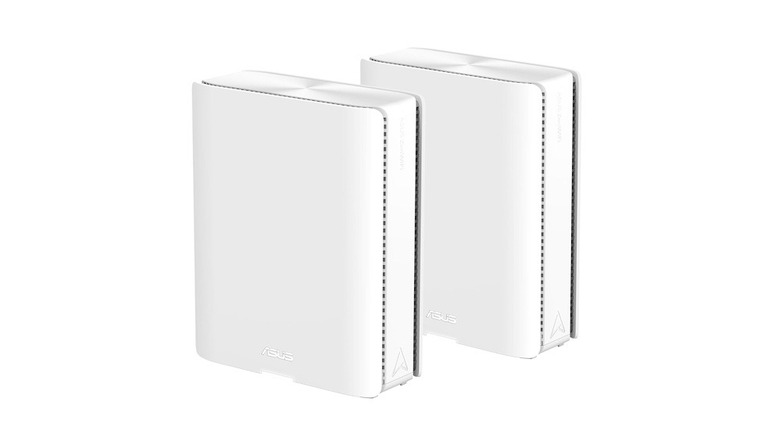
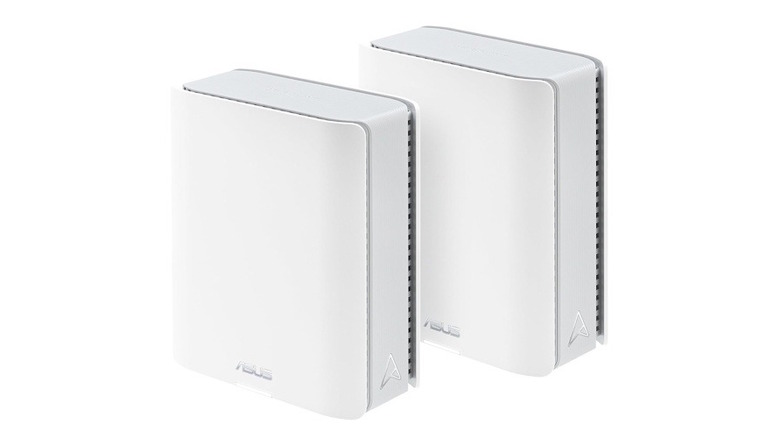
6. ASUS ZenWiFi BQ16 Pro
Our top performance pick. This system features quad-band technology and a staggering 30,000 Mbps aggregate speed. It is built for the home of the future.
- Reasons to Buy: Dual 10G ports; massive coverage up to 8,000 sq ft; no subscription fees for security features.
- Reasons to Avoid: Very high initial cost; the units are bulky and require significant shelf space.
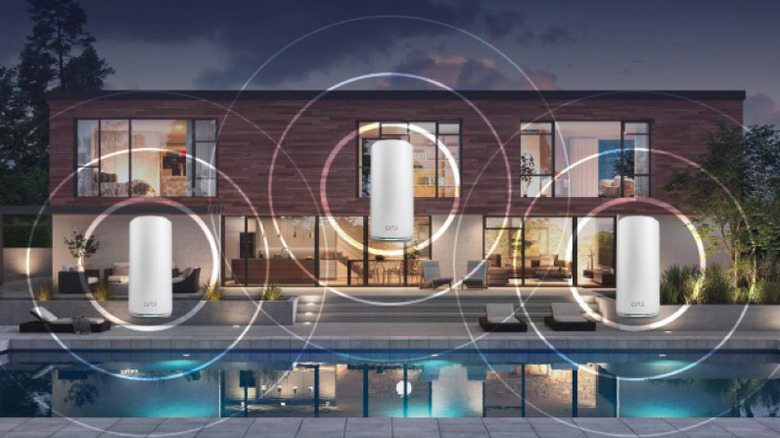
7. Netgear Orbi 970
The Orbi 970 is the pinnacle of luxury networking. It uses a patented dedicated backhaul that ensures your internal network speeds don't drop even when dozens of devices are active.
- Reasons to Buy: Best-in-class range; incredible 10G Ethernet backhaul support.
- Reasons to Avoid: Most expensive option on the market; requires a subscription for the best parental controls.
8. ASUS ZenWiFi BT10
Specifically marketed as one of the best mesh routers for gamers, the BT10 features active cooling fans to maintain performance during high-intensity data transfers.
- Reasons to Buy: Low latency for competitive gaming; active cooling; built-in VPN features.
- Reasons to Avoid: Fan noise can be audible (around 35 dB) in a quiet room.
9. TP-Link Deco BE85
This system offers a balanced professional experience, blending the latest WiFi 7 specs with an easy-to-use interface.
- Reasons to Buy: 10G and 2.5G ports; works with Matter and Thread for smart home management.
- Reasons to Avoid: Subscription-based security (HomeShield).
10. Netgear Orbi 870
A slightly more attainable version of the 970, the 870 still offers tri-band connectivity and 6700 square feet of coverage, making it ideal for large suburban homes.
- Reasons to Buy: Excellent signal penetration through drywall and floors.
- Reasons to Avoid: Limited customization in the mobile app.
Critical Buying Factors: Beyond the Speed Label
When we test whole home wifi mesh systems, we look at factors that don't always appear on the box. The most significant hurdle in any home is signal loss. In our benchmarking, we found that signal penetration varies wildly depending on your home's construction.
| Material | Expected Signal Loss (dB) | Impact on Mesh Performance |
|---|---|---|
| Drywall | 3-5 dB | Minimal; nodes can be far apart. |
| Brick | 6-12 dB | Moderate; requires closer node placement. |
| Concrete | 12-20 dB | Severe; Ethernet backhaul strongly recommended. |
| Glass/Mirror | 2-5 dB | Can cause signal reflection and interference. |

Another factor we often highlight is the "Subscription Tax." While a budget system might look cheaper upfront, the Total Cost of Ownership (TCO) over five years can change that.
Sidebar: Total Cost of Ownership (5-Year Estimate)
- Eero 6: $170 (Hardware) + $500 (Eero Plus Subscription) = $670
- ASUS ZenWiFi: $600 (Hardware) + $0 (AiProtection is Free) = $600
- Netgear Orbi: $800 (Hardware) + $500 (Netgear Armor) = $1,300
Finally, consider mesh wifi routers with built-in smart home hubs. If you are building a modern home, having Matter and Thread support directly in your router reduces the need for extra bridges and simplifies your IoT device capacity management.
FAQ
How many mesh nodes do I need for my home?
Generally, one node is sufficient for every 1,500 to 2,000 square feet. However, if your home has multiple floors or is built with heavy materials like brick or concrete, you may need additional nodes to maintain signal strength. For a standard 3,000 square foot home, a 2-pack or 3-pack is usually the sweet spot to ensure no dead zones remain.
Does a mesh WiFi system replace my existing modem?
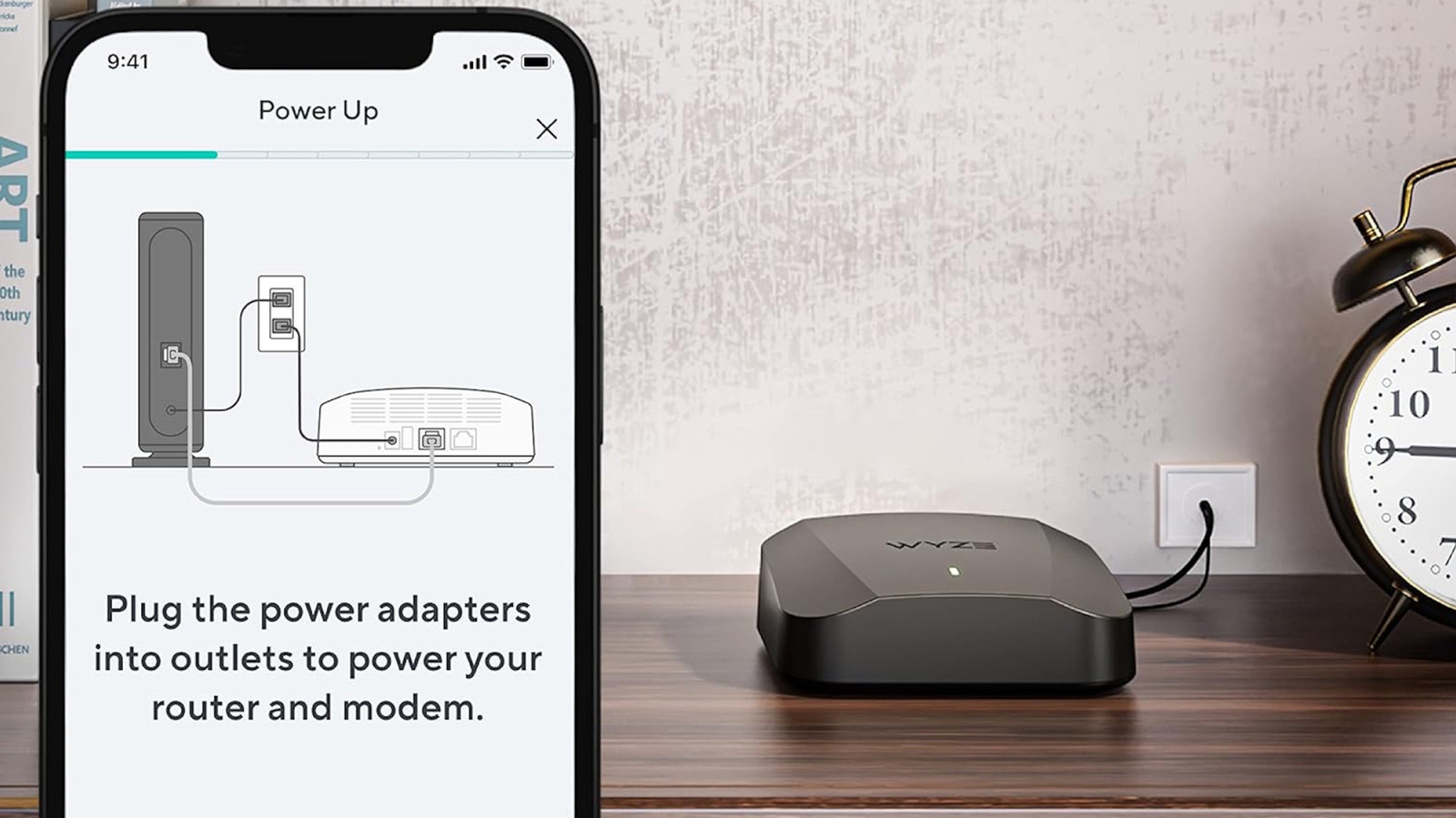
No, a mesh system does not replace your modem. You still need a modem (or a gateway provided by your ISP) to bring the internet signal into your home. The mesh router connects to the modem via an Ethernet cable and then broadcasts that signal wirelessly throughout the house. Some ISPs provide a modem/router combo; in this case, you should put your ISP's device into Bridge Mode to let the mesh system handle the routing.
Is mesh WiFi worth it for a small house?
If your home is under 1,000 square feet and has an open floor plan, a single high-quality router is often enough. However, mesh is worth it even in small spaces if you have unusual layouts, thick interior walls, or if your modem is placed in a far corner of the house. Mesh systems excel at providing a consistent connection that a single router might struggle to maintain through obstacles.
How far apart should mesh router units be placed?
For the best results, mesh nodes should be placed about 30 to 50 feet apart. They should be close enough to communicate with each other effectively but far enough apart to expand the coverage area. Ideally, there should be no more than two walls between nodes. If you are using an Ethernet backhaul, placement is much more flexible as the nodes connect via wire.
Is a WiFi extender as good as a mesh system?
No, a WiFi extender is generally inferior to a mesh system. Extenders create a separate network name (SSID), forcing your devices to manually switch as you move, which often causes drops. Mesh systems use a single SSID and intelligent roaming, allowing your device to pass seamlessly from one node to another without losing the connection.
Choosing the Right System for Your Needs
In 2026, the gap between budget and pro systems has narrowed in terms of reliability, but the performance ceiling for pro-grade units has never been higher. If you live in a typical suburban home with a sub-gigabit internet plan, a budget-friendly option like the Eero 6 or the TP-Link Deco AXE5400 will provide a seamless experience for years to come.
However, if you are a creative professional handling 8K video files, a competitive gamer sensitive to every millisecond of latency, or someone living in a massive estate, investing in the ASUS ZenWiFi BQ16 Pro or Netgear Orbi 970 is a necessity. These systems ensure that your network is never the bottleneck in your digital life. Evaluate your home's square footage, your wall materials, and your total number of connected devices before making the final call.