Quick Facts
- Average Cost: Each tag typically ranges from $0.25 to $0.50.
- Core Hardware: NTAG215 or NTAG216 chips are recommended for sufficient memory.
- Essential Apps: iOS Shortcuts for Apple users; NFC Tools or Tasker for Android users.
- Power Source: None required; tags utilize proximity communication to draw power from your phone.
- Key Benefit: Provides a physical, low-cost trigger for complex routines without needing voice commands or apps.
- Market Trend: The global near field communications (NFC) tags market is surging, valued at approximately $10.66 billion in 2024.
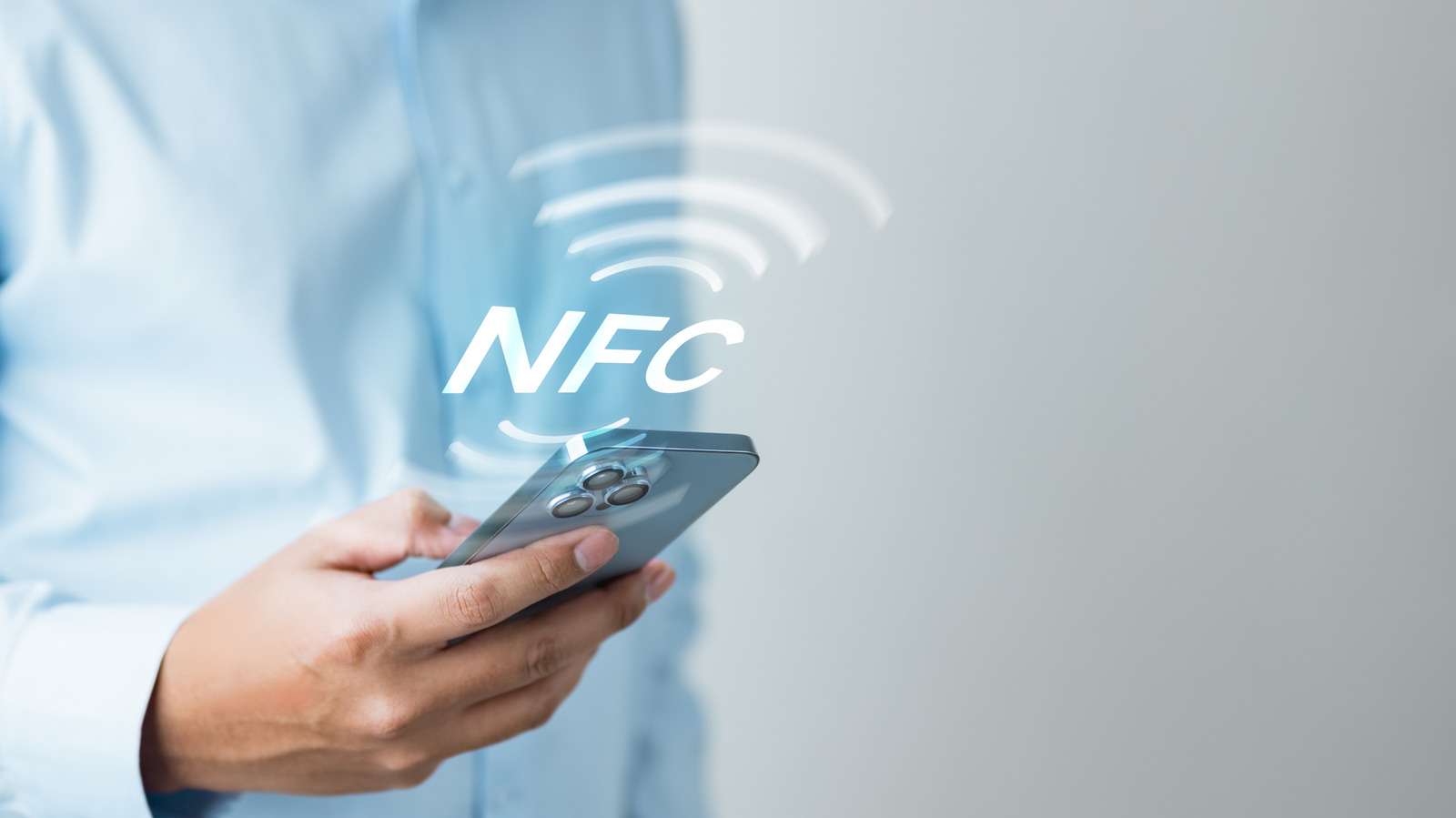
NFC tag uses for home automation involve using small, inexpensive stickers as physical triggers to launch complex routines. By tapping a phone against a programmed tag, users can instantly share guest WiFi, log medication, or activate work-from-home focus modes without opening apps or using voice commands.
Choosing Your Hardware: NTAG215 vs. Metal-Shielded Stickers
Before we dive into the creative ways to transform your home, we need to talk about the physical stickers themselves. Not all NFC stickers are created equal, and choosing the wrong one can lead to a frustrating experience where your phone simply refuses to acknowledge the tag. For most smart home nfc stickers projects, you want the NTAG215 chip. It offers the best balance of memory capacity and compatibility. While NTAG213 is cheaper, its limited memory often fails when trying to store complex URLs or multi-step instructions.
One of the most common pitfalls I see is trying to stick a standard NFC tag onto a refrigerator or a washing machine. Metal surfaces interfere with the magnetic field of the tag, rendering it useless. To solve this, you must purchase on-metal or metal-shielded tags. These have a thin ferrite layer that protects the signal from metallic interference. If you are placing tags outdoors, such as on a gate or a plant pot, ensure they are rated as waterproof.
| Chip Type | Memory Capacity | Best Use Case |
|---|---|---|
| NTAG213 | 144 Bytes | Simple URL triggers or basic toggles. |
| NTAG215 | 504 Bytes | Smart home routines, Amiibo emulation, and multi-step tasks. |
| NTAG216 | 888 Bytes | Large contact cards (vCards) or extensive data storage. |
To get started, you will need to know how to program nfc tags using your smartphone. For iPhone users, the native Shortcuts app is your primary tool. You simply create a new automation, select NFC as the trigger, and scan your sticker. For Android enthusiasts, NFC Tools and Tasker provide a more granular level of control, allowing you to write specific tasks directly to the tag or use the tag's unique ID to fire off a script.
Hardware Checklist
- A pack of NTAG215 adhesive stickers
- A few on-metal shielded tags for appliances
- A smartphone with a built-in NFC reader (most phones from the last 5 years)
- The iOS Shortcuts app or NFC Tools for Android
1. The Productivity Suite: Work From Home Optimization
Modern professional life often feels like a constant battle for focus. One of the best NFC tag automations for work from home involves creating a dedicated focus zone. We have all been there: you sit down to work, and then spend ten minutes opening Slack, setting your status, dimming the lights, and finding your "Deep Work" playlist on Spotify.
By placing an NFC sticker on the corner of your desk, you can automate this entire transition. A single tap can trigger a routine activation that sets your phone to Do Not Disturb, launches your email client, and adjusts your smart office lighting to a cool white temperature to keep you alert. You can even set condition-based automation triggers. For example, if you tap the tag before 9 AM, it opens your calendar; if you tap it after 5 PM, it initiates a "Shutdown" routine that closes work apps and turns on the evening news.

2. Bedside Routines: Sleep Hygiene and Smart Scenes
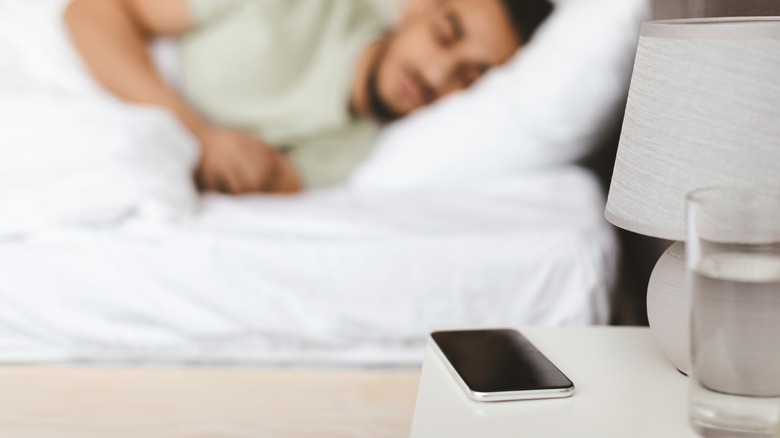
Using voice commands to turn off lights at night can be disruptive, especially if you have a partner sleeping next to you. This is where proximity communication shines. I recommend sticking a tag on your nightstand or even under the surface of the wood if it is thin enough.
Tapping your phone to this tag as you lie down can trigger a Sleep Mode smart scenes configuration. This might include locking the front door via your HomeKit integration, setting the thermostat to a cooler temperature, and arming your security system. It replaces the need to stare at a bright screen right before sleep, which helps maintain better sleep hygiene. Many of my readers use nfc automation ideas to set a 7 AM alarm automatically during this process, ensuring they never wake up late because they forgot to set the clock.
3. The Modern Kitchen: Hands-Free Recipes and Timers
The kitchen is perhaps the most practical place for contactless triggers. When your hands are covered in flour or raw chicken, the last thing you want to do is swipe your expensive smartphone screen to check a recipe or set a timer.
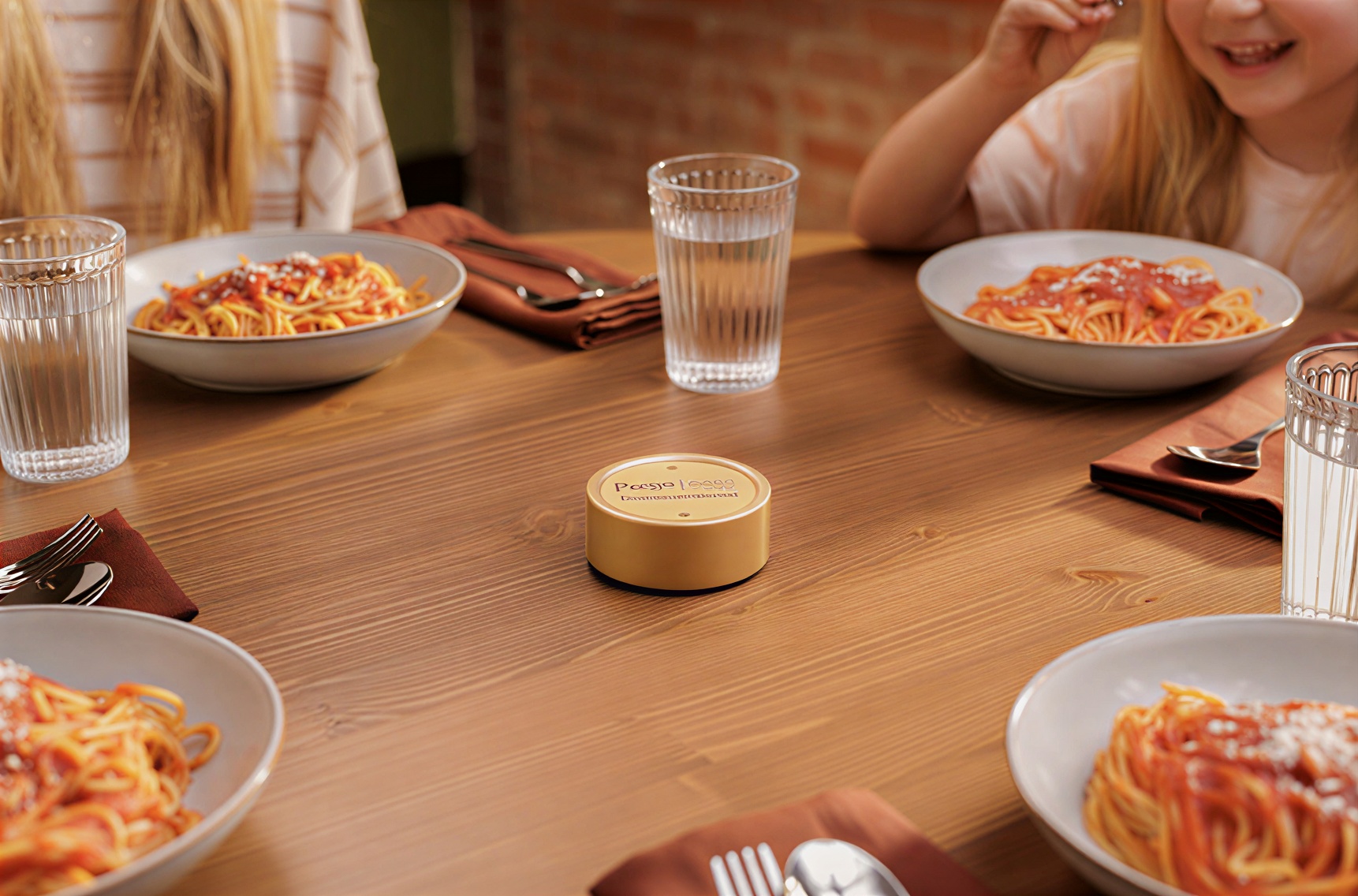
By setting up NFC tags for hands-free kitchen recipes, you can mount a waterproof sticker inside a cabinet door or on the side of the microwave. When you tap it with the back of your phone, it can instantly pull up your favorite chili recipe or launch a specific 10-minute pasta timer. Some users even link these tags to Home Assistant to toggle the kitchen exhaust fan or boost the under-cabinet lighting. Since NFC tags are passive and require no battery, they can live in the humid environment of a kitchen for years without maintenance.

4. Household Management: Laundry, Medication, and Plants
Managing a household involves dozens of tiny recurring tasks that are easy to forget. We can use NFC tag uses to turn these chores into a seamless digital log. For instance, placing a tag on your washing machine can serve as a physical reminder. When you start a load, tap the tag to set a reminder on your phone for 45 minutes later. This simple step prevents the dreaded "wet clothes smell" that occurs when laundry is forgotten for hours.
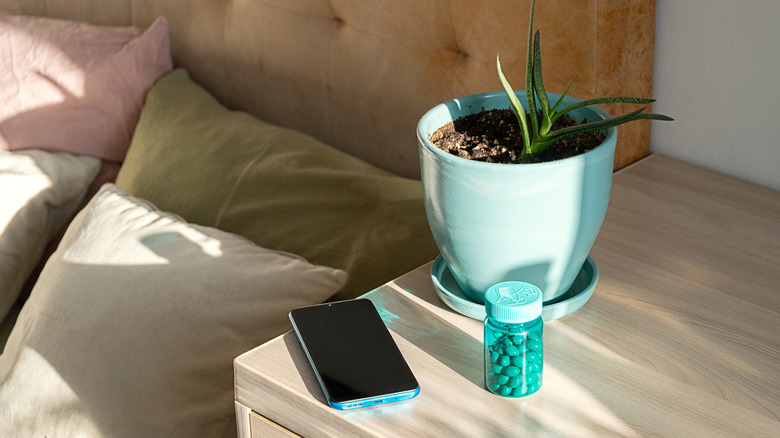
Health management is another critical area. Using NFC stickers for smart home medication logs allows you to track exactly when you took a dose. Instead of trying to remember if you took your vitamins, you simply tap a tag on the bottle. This can trigger a script that logs the timestamp into a Google Sheet or your Health app.
Even your garden can benefit. The market for these small devices is growing rapidly because of their versatility; notably, Type 2 NFC tags, which are frequently used for cost-effective and high-volume home automation applications, accounted for the largest market revenue share at 38.5% in 2024. You can use these tags on plant pots to track watering schedules. A quick tap logs the watering event, helping you maintain a consistent schedule for finicky houseplants.
5. Guest Experience and Child-Friendly Automation
We have all experienced the awkward dance of sharing a long, complex WiFi password with guests. One of the most popular nfc automation ideas is to create a "Guest WiFi" tag. By learning how to program NFC tags for guest wifi sharing, you can store your network SSID and password on a tag hidden behind a picture frame or under a coaster. When a guest taps their phone, they are instantly prompted to join the network without typing a single character.
For parents, creative NFC tag uses for kids audio stories offer a screen-free entertainment option. You can hide NFC tags inside physical toys or on the back of favorite books. When the child taps an old smartphone or tablet against the toy, it triggers a specific Spotify playlist or an audiobook. This creates a tactile, interactive experience that feels like magic to a toddler while keeping them away from the distractions of the open internet.

FAQ
What are some creative ways to use NFC tags?
Beyond basic lighting control, you can use tags to toggle your phone's hotspot when you enter your car, launch a specific workout on your Apple Watch when you hit the gym, or even use them as digital "business cards" that instantly save your contact info to someone else's phone. Some users even place them on moving boxes to see a digital list of the contents without opening the box.
How do I set up an NFC tag on my phone?
On an iPhone, open the Shortcuts app, go to the Automation tab, tap the plus icon, and find NFC. Scan your tag and then add the actions you want to occur. On Android, download an app like NFC Tools. Use the Write menu to add data like a URL or a WiFi network, or use an app like Tasker to link the tag's unique ID to a complex system script.
Do NFC tags require a power source or battery?
No, NFC tags are passive devices. they do not have a battery or any internal power source. They remain dormant until a powered device, like your smartphone, comes within about 4 centimeters. The phone creates a small electromagnetic field that provides enough energy for the tag to transmit its stored data.
Can you rewrite data on an NFC tag?
Yes, most commercially available NTAG215 and NTAG216 tags can be rewritten thousands of times. However, you can also choose to "lock" a tag during the programming process. Once a tag is locked, the data becomes permanent and cannot be changed, which is useful for public-facing tags like a guest WiFi trigger.
Are NFC tags waterproof?
Standard paper or thin plastic NFC stickers are not waterproof and will degrade if exposed to moisture. However, you can easily find PVC-coated tags or epoxy-covered tokens that are fully waterproof. These are ideal for outdoor use on gates, mailboxes, or near kitchen sinks and showers.
Can NFC tags be used for home automation?
Absolutely. They act as physical "buttons" for your smart home. By integrating them with platforms like Apple HomeKit, Google Home, or Home Assistant, an NFC tag can trigger any device in your ecosystem. This makes them perfect for scenarios where a voice command is inconvenient or where you want a specific action to happen only when a specific person is in a specific spot.
Workflow Optimization for the Smart Home
As the market continues to grow toward a projected total of $28.75 billion by 2032, the reliability and capacity of these little stickers will only improve. If you are just starting, my advice is to grab a cheap 10-pack of NTAG215 stickers and start with one simple task, like the bedside sleep routine.
Once you see how much more fluid your smart home feels when you aren't constantly talking to a voice assistant or digging through apps, you will find yourself looking for every possible surface to stick a tag. From the laundry room to the home office, these tiny triggers are the secret to a truly seamless automated life.