Quick Facts
- Top Budget Pick: Basesailor USB-C to USB-A 3-pack (~$8).
- Best Build Quality: Jsaux Aluminum Alloy adapter.
- Max Power Delivery: Typically capped at 7.5W to 12W (No Power Delivery support).
- Data Transfer Speeds: Ranges from 480Mbps to 5Gbps based on the host port.
- Safety Standard: High-quality units include a 56kΩ pull-up resistor.
- Hard Restriction: These adapters never support video output via DisplayPort Alt Mode or HDMI.
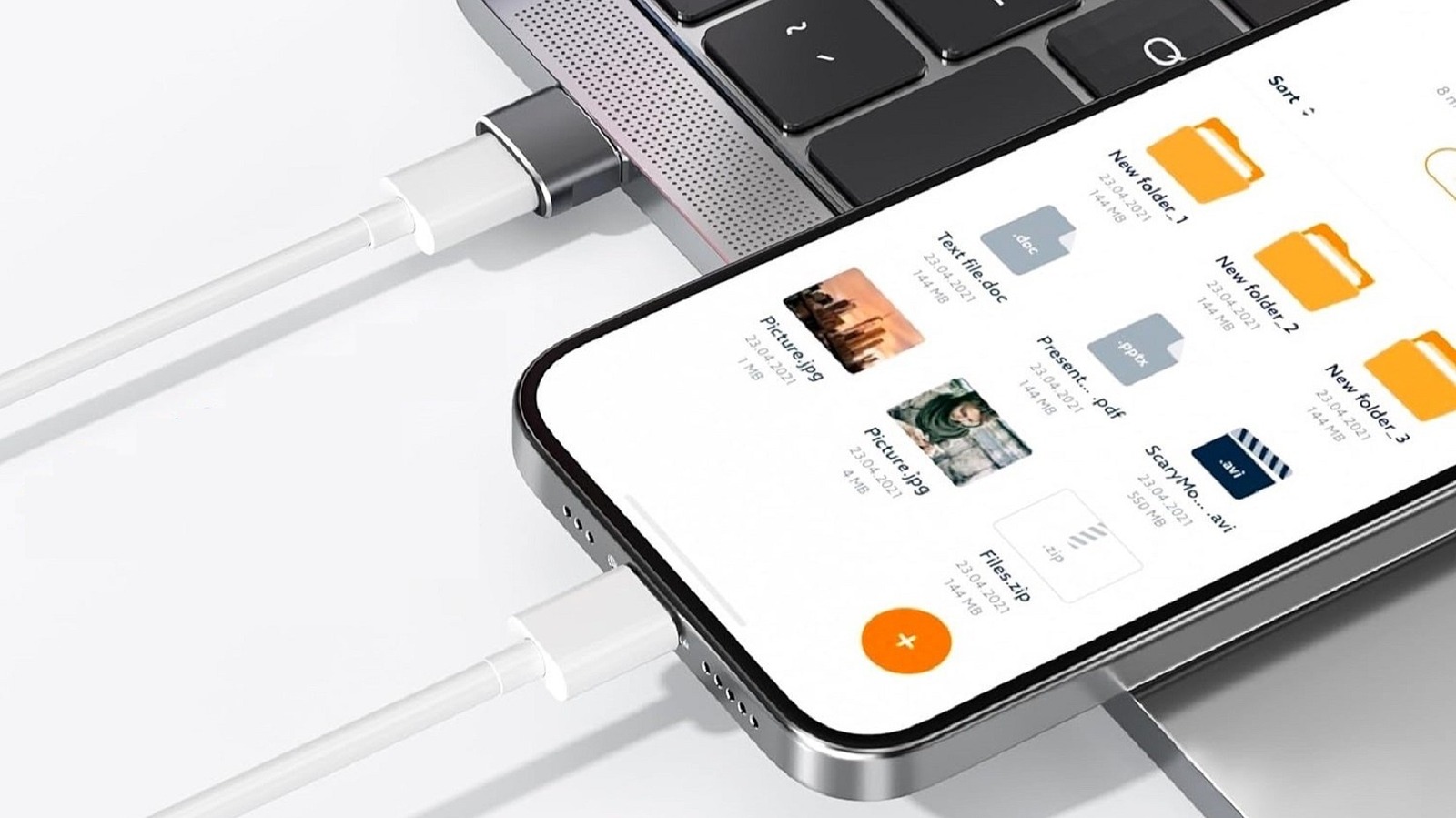
A USB-C to USB-A adapter acts as a physical bridge for legacy hardware but is restricted by the older USB-A port's capabilities. Using one limits data transfer speeds to USB 2.0 or 3.0 standards and prevents high-speed Power Delivery. These adapters also do not support video output via DisplayPort Alt Mode or HDMI, as USB-A hardware lacks the necessary internal wiring.
Why This $8 Adapter Beats Buying New Cables
As a mobile device editor, my desk is often a chaotic graveyard of tangled cords. Every time a new flagship phone launches, it seems like we are pushed further into the USB-C future. But our reality is often stuck in the past. Your car probably still has those rectangular USB-A slots. Your favorite bedside lamp might have a legacy charging port. Even high-end office docks from just a few years ago are covered in older connections.
The immediate reaction for many tech enthusiasts is to go on a shopping spree, replacing every cable in their ecosystem with a C-to-C equivalent. However, before you drop $30 or $50 on a new cable kit, consider the cost-to-utility ratio of a simple USB-C to USB-A adapter. For about the price of a latte, you can buy a multi-pack of these tiny dongles that offer immediate backward compatibility for your existing gear.
Is it safe to use cheap USB-C to USB-A adapters for your $1,200 smartphone? The answer is a resounding yes, provided you know which specific brands to look for. These adapters provide a plug-and-play functionality that keeps your legacy hardware relevant. Instead of trashing perfectly functional cables, you are simply adding a bridge. This compact dongle approach is not just about saving money; it is about reducing electronic waste while maintaining the convenience of your current setup.
Understanding the Bottleneck: Power and Data Limits
To understand why an $8 adapter is a compromise, we have to look at the technical architecture. USB-C is designed to be the "one port to rule them all," capable of delivering up to 240W of power in its latest iterations. In contrast, the legacy USB-A ports found on older laptops and car dashboards were never intended for such high throughput.
The global USB Type-C market was valued at approximately $42.15 billion in 2023 and is projected to reach $91.65 billion by 2031, reflecting how quickly the world is moving toward this standard. However, when you use a USB-C to USB-A adapter, you are effectively putting a speed governor on a Ferrari.
| Feature | Native USB-C to USB-C | USB-C to USB-A Adapter |
|---|---|---|
| Max Charging Speed | Up to 240W (PD 3.1) | 7.5W - 12W (Typical) |
| Data Transfer Speed | Up to 40Gbps (USB4) | 480Mbps - 5Gbps |
| Video Output | Supported (DP Alt Mode) | Not Supported |
| Fast Charging | Power Delivery / PPS | Trickle Charging only |
The most significant of the USB-C to USB-A adapter limitations is the loss of Power Delivery. Because the connection originates from a standard USB-A port, the power output is restricted to the legacy port standard. You will notice that charging USB-C devices on USB-A ports results in what we call trickle charging. It is enough to keep your phone alive during a long GPS-guided drive, but it won't give you that "50% charge in 30 minutes" experience you get from a dedicated wall brick.
Regarding data transfer speeds when using USB-C to USB-A adapters, the bottleneck is equally real. While a native C-to-C connection might handle massive file transfers in seconds, an adapter usually caps your data throughput at 5Gbps (USB 3.0) or even 480Mbps (USB 2.0) if you are using a cheaper model. For syncing a few photos or music files, this is negligible. For moving 4K video libraries, it is a test of patience.
Use Case: Connecting Modern Tech to Legacy Cars
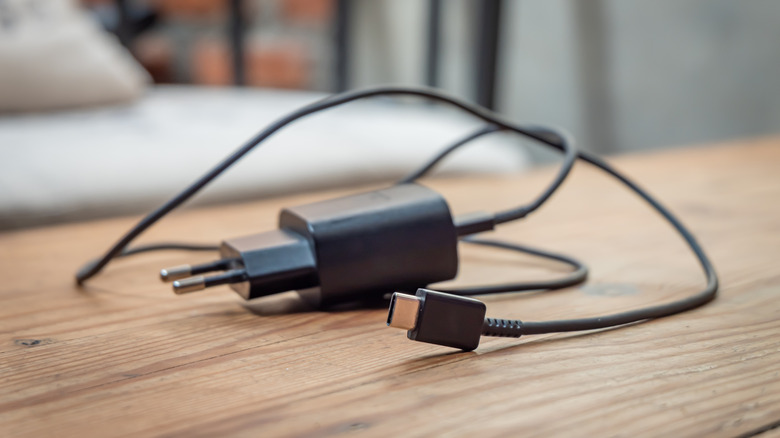
One of the most common real-world frustrations I hear from readers involves their vehicles. You buy the newest iPhone or a Steam Deck, only to realize your 2019 SUV only offers USB-A ports. This is where the USB-C to USB-A adapter becomes an essential piece of travel gear.
By connecting USB-C phone to car USB-A port via one of these adapters, you can maintain your digital life without needing a professional dashboard upgrade. In my testing with the Basesailor and Jsaux models, I found that they reliably support both data sync and power. This means your Apple CarPlay or Android Auto interface should trigger perfectly, provided the adapter is rated for data and not just power.
However, keep in mind the USB-C to USB-A adapter limitations for fast charging in this scenario. Most car ports output a measly 5W or 10W. If you are running a power-hungry navigation app while playing music, your phone might only charge at a snail's pace. It is a functional workaround, but don't expect the adapter to magically upgrade the electrical output of your car's alternator.
Safety First: 56kΩ Resistors and Build Quality
In the early days of USB-C, there was a lot of fear regarding "bad" cables and adapters. Some poorly manufactured accessories could actually fry a laptop's motherboard by drawing too much power. This is why build quality is the most important factor when choosing between brands.
When asking is it safe to use cheap USB-C to USB-A adapters, you must look for the inclusion of a 56kΩ pull-up resistor. This tiny internal component tells the connected device exactly how much power it is allowed to draw from the host. Without it, a phone might try to pull 3 Amps from a port only designed for 1 Amp, leading to overheating or electrical failure.
Warning: Never purchase "male-to-male" USB-C adapters or non-standard couplers that do not explicitly mention safety certifications. These are technically against USB-IF specifications and can cause permanent damage to your hardware.
In the battle of Jsaux vs Basesailor USB adapter for phone charging, both brands have earned a reputation for reliability. They typically use an aluminum alloy housing which helps with heat dissipation—a crucial feature since these tiny devices can get warm during extended data transfers. These brands use high-quality internal wiring that adheres to safety standards, making them a much better choice than the generic, unbranded plastic adapters found in bargain bins.
What This Adapter Cannot Do (The No-Video Rule)
Managing expectations is key to being a happy tech consumer. There is one hard "no" when it comes to these budget adapters: they cannot transmit video.
- No DisplayPort Alt Mode: USB-A ports do not have the necessary physical pins to carry a video signal.
- No HDMI Passthrough: Even if you connect a USB-C to HDMI cable to the adapter, the signal will not go through.
- Limited External Drive Performance: While you can use a USB-C to USB-A adapter for external hard drive transfer, the speeds will be limited by the host port. Do not expect NVMe-level performance.
If you are trying to connect your tablet to a monitor or a Steam Deck to a TV, a simple $8 adapter will not work. You will need a dedicated USB-C hub or a dock that connects directly to a native USB-C port on your host device. Understanding why USB-C to USB-A adapters don't support video saves you the headache of a return and the frustration of "it's not working" troubleshooting.
FAQ
What is a USB-C to USB-A adapter used for?
A USB-C to USB-A adapter is primarily used to connect modern devices that come with USB-C cables—like the latest iPhones, Android tablets, or wireless headphones—into older machines or chargers that only have the traditional, rectangular USB-A ports. It acts as a physical converter so you don't have to buy entirely new cables for your car, older laptop, or wall bricks.
Can I use a USB-C to USB-A adapter to charge my phone?
Yes, you can absolutely use these adapters for charging. However, you should be aware that you will not get fast charging or Power Delivery speeds. The charging rate will be limited by the output of the USB-A port you are plugging into, which is usually significantly slower than a modern USB-C wall charger.
Will a USB-C to USB-A adapter slow down my device?
The adapter itself doesn't "slow down" the internal processing of your device, but it does limit the speed of data transfer and charging. Because you are routing the connection through an older port standard, tasks like moving large files or topping up your battery will take longer than they would with a native USB-C connection.
Do USB-C to USB-A adapters support USB 3.0 speeds?
Many high-quality adapters from brands like Basesailor or Jsaux do support USB 3.0 speeds, which can reach up to 5Gbps. However, this only works if the host port you are plugging into is also a USB 3.0 port (usually color-coded blue). If you plug the adapter into an older USB 2.0 port, you will be limited to 480Mbps.
Is it safe to leave a USB-C to USB-A adapter plugged in?
Generally, it is safe to leave the adapter plugged into a port, such as in your car or on the side of your computer. Because it is a passive bridge, it doesn't draw power on its own when nothing is connected to it. However, always ensure you are using a certified adapter with a 56kΩ resistor to prevent any potential power draw issues when a device is eventually attached.
Can I use a USB-C to USB-A adapter for an external hard drive?
You can use it for an external hard drive, and it is a great way to access files on older computers. Just keep in mind that the data transfer speed will be capped. If you have a high-speed SSD, the adapter will likely become a bottleneck, preventing the drive from reaching its maximum advertised read and write speeds.