Quick Facts
- Worst Overall: SimpliSafe SCM301 ($180) due to significant performance gaps in motion tracking.
- Highest Hidden Costs: Arlo Ultra 3rd Gen requires an expensive proprietary base station and high monthly fees.
- Privacy Red Flag: Wyze Battery Cam Pro remains a concern following a major breach affecting 13,000 users.
- Poor Value: Kangaroo Indoor + Outdoor Cam ($35) lacks basic encryption and hardware durability.
- Performance Lag: Philips Hue Battery Camera suffers from high notification latency and slow wake times.
- Key Red Flags: Slow motion detection response times, poor daytime or nighttime video resolution, and mandatory monthly subscriptions for basic features.
- Security Concerns: Lackluster data encryption and privacy policies can leave sensitive footage vulnerable to unauthorized access.
In 2026, the home security cameras to avoid include the SimpliSafe SCM301, Arlo Ultra 3rd Gen, Wyze Battery Cam Pro, Kangaroo Indoor + Outdoor Cam, and Philips Hue Battery Camera. These models are flagged for poor surveillance footage clarity, high hidden costs, and significant security camera privacy concerns. Avoiding no-name or cheap security camera brands is essential for protecting home data and privacy, as many budget options lack clear privacy protocols, end-to-end encryption, or multi-factor authentication.
The Red Flags: What Makes a Security Camera Worst Rated?
When you are shopping for a way to protect your home, it is easy to get blinded by shiny marketing materials. A box might scream 4K Ultra HD in giant gold letters, but as an editor who lives and breathes smart home tech, I can tell you that resolution is often a hollow promise. If a camera captures 4K video but does so at a stuttering 10 frames per second, you are not going to see a clear face; you are going to see a blurry ghost. One of the biggest security camera red flags is this exact discrepancy between paper specs and real-world performance.
Beyond the hardware, we have to look at the total cost of ownership. Many of the worst rated home security cameras appear affordable upfront but chain you to expensive cloud storage subscriptions just to view a ten-second clip of a delivery. In 2026, a camera that lacks local storage slots is a major red flag for buyers. Furthermore, notification latency—the time it takes from a person stepping onto your porch to your phone buzzing—can be the difference between catching a thief and watching a video of your empty porch three minutes too late.
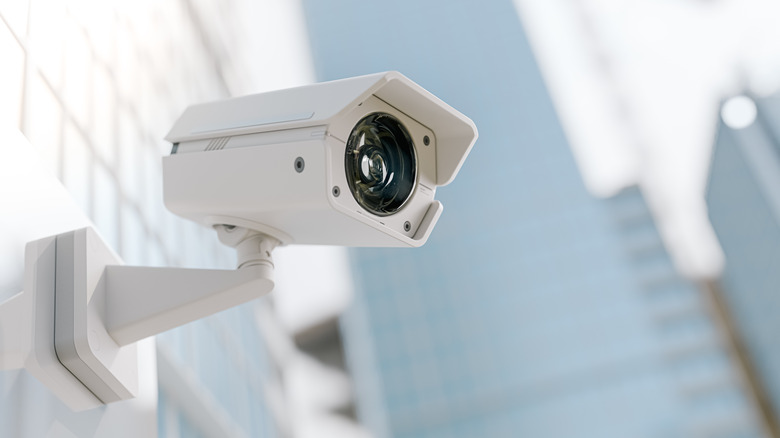
1. Arlo Ultra 3rd Gen: The Proprietary Trap
Arlo has long been a titan in the industry, but the Arlo Ultra 3rd Gen has become increasingly difficult to recommend for the average user. While the video quality is undeniably sharp, the ecosystem is built on a foundation of high hidden costs. To get the most out of this camera, you are almost forced to purchase a proprietary base station that can cost upwards of $300 on its own. This isn't just an extra box taking up space; it is a gatekeeper that complicates the setup and limits your flexibility within different smart home ecosystems.
The financial burden does not stop at the hardware. Arlo has some of the most aggressive cloud storage subscriptions in the market, often charging between $8 and $25 per month depending on how many cameras you have and the resolution you want to save. Without this subscription, many of the advanced features you paid for—like object detection and activity zones—become useless. For a camera that already sits at a premium price point, being nickeled-and-dimed for basic functionality makes it one of the home security cameras to avoid this year. If you are looking for a high-end experience without the "Arlo Tax," you are better off looking elsewhere.
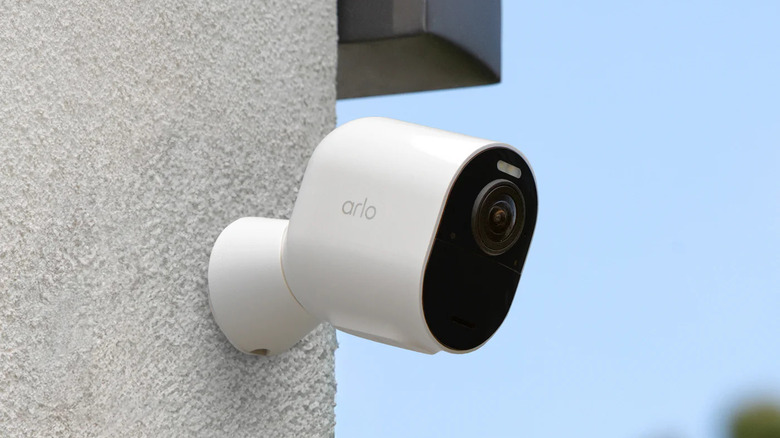
2. Wyze Battery Cam Pro: Data Privacy Risks
Wyze was once the darling of the budget smart home world, but recent years have seen the brand struggle with significant security camera privacy concerns. The hardware itself, specifically the Wyze Battery Cam Pro, offers a tempting price-to-performance ratio, but the hidden cost here is your peace of mind. In February 2024, a major security breach affected approximately 13,000 Wyze customers, allowing unauthorized users to view thumbnails or video footage from cameras that were not their own.
This wasn't a one-off incident; it highlighted a recurring pattern of security vulnerabilities that the company has struggled to patch effectively. When we talk about security camera brands with data privacy concerns, Wyze is unfortunately at the top of the list for many experts. The lack of robust end-to-end encryption on their standard cloud tiers means that your most private moments could potentially be exposed. While the company has made efforts to implement better multi-factor authentication, the historical risks of buying no-name security camera brands or budget-focused manufacturers like Wyze often outweigh the twenty dollars you save at checkout. For a device meant to provide security, the irony of it being a privacy liability is too great to ignore.
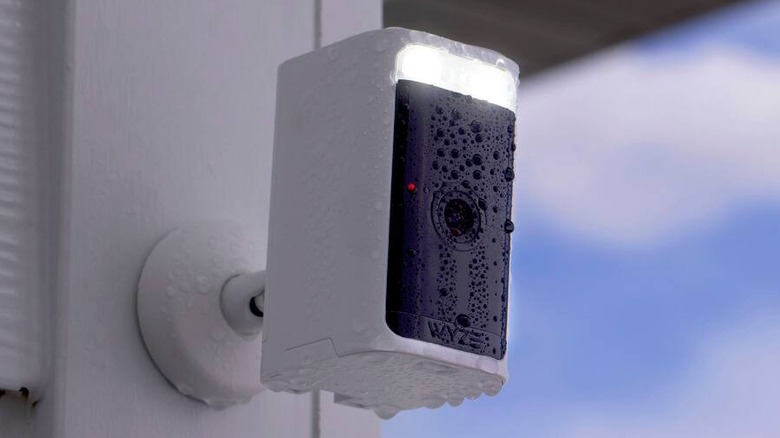
3. SimpliSafe SCM301: Subpar Performance at a Premium
SimpliSafe is a household name in professional monitoring, but their standalone hardware often lags behind specialized camera manufacturers. The SimpliSafe SCM301 has been frequently cited in consumer reports as one of the worst rated outdoor security cameras. At a price point of roughly $180, consumers expect a premium experience, but the SCM301 often delivers mediocre surveillance footage clarity. During testing, the camera frequently struggled with overexposure in direct sunlight, turning what should have been a clear image of a visitor into a washed-out silhouette.
The most frustrating issue with this model, however, is the security cameras with slow motion detection response. There is a noticeable delay between an event occurring and the camera actually triggering a recording. In many cases, by the time the SCM301 wakes up and starts filming, the person who triggered the sensor has already moved out of the frame. This notification latency makes the device feel more like a reactive toy than a proactive security tool. When you are paying nearly $200, you should not have to deal with hardware that misses the very events it is supposed to capture.
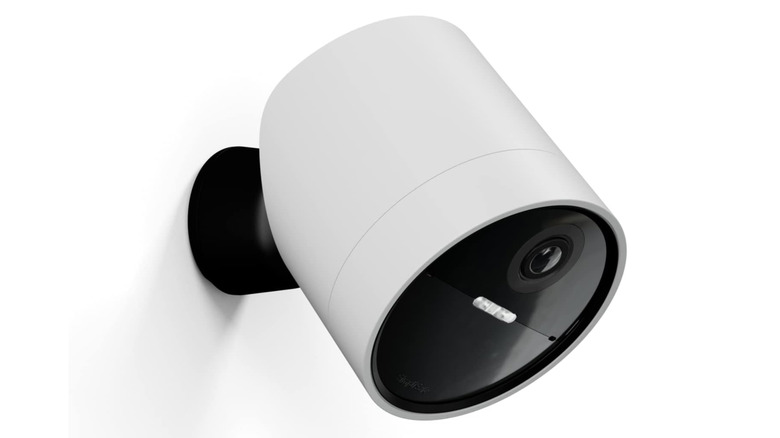
4. Kangaroo Indoor + Outdoor: 'You Get What You Pay For'
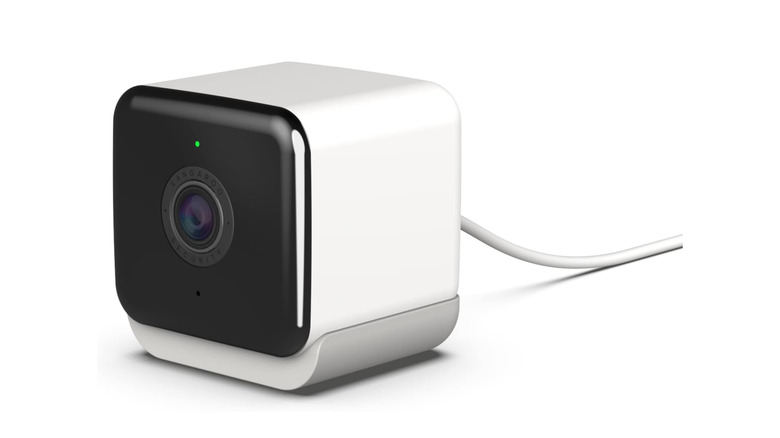
At $35, the Kangaroo Indoor + Outdoor Cam is one of the cheapest ways to get a lens on your property. However, this is a classic case of getting exactly what you pay for—and in this case, it isn't much. The hardware durability is a major concern; the plastic housing feels brittle and has been known to fail after just one season of harsh weather. Even more concerning is the night vision resolution. In low-light conditions, the image becomes incredibly grainy, making it nearly impossible to identify a face from more than five feet away.
Beyond the physical limitations, Kangaroo units often struggle with connectivity. Because they rely heavily on 2.4-GHz bands without robust antennas, they are prone to dropping offline in areas with high Wi-Fi congestion. This leads to outdoor security cameras with poor daytime video quality because the bitrate is constantly being throttled to maintain a connection. Perhaps most importantly, the brand lacks a transparent track record regarding end-to-end encryption. When you buy into an ultra-budget ecosystem, you are often sacrificing your data security. The risks of buying no-name security camera brands or ultra-cheap alternatives like Kangaroo are simply too high when your family's privacy is on the line.
5. Philips Hue Battery Camera: Latency and High Prices
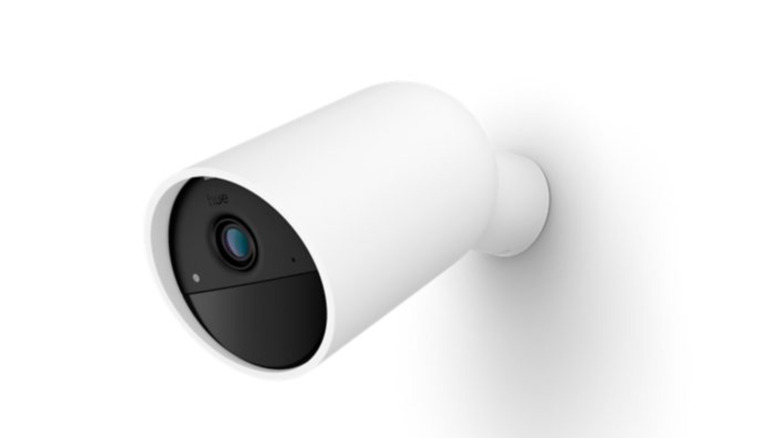
Philips Hue is the undisputed king of smart lighting, but their foray into the security market with the Philips Hue Battery Camera has been a rocky one. The main problem is that lighting expertise does not always translate to security engineering. This camera is notoriously slow. Because it is designed to fit into the Hue bridge ecosystem, it suffers from significant notification latency. It is not uncommon to receive a motion alert on your phone ten to fifteen seconds after the motion occurred.
Then there is the price. For the cost of one Philips Hue Battery Camera, you could buy two or three high-quality cameras from brands that specialize in security. While the integration with your Hue lights is a neat trick—allowing your porch lights to flash red if an intruder is detected—it doesn't excuse the slow performance. This is one of the home security cameras to avoid because it prioritizes ecosystem novelty over the core mission of home protection. Home security cameras with poor connectivity reviews often point to this model as a prime example of a brand trying to do too much at once and failing at the basics.
Comparing the Costs of Ownership
To help you visualize why some of these cameras are a poor investment, I have put together a quick breakdown of what you'll actually pay over the first year.
| Camera Model | Upfront Price | Required Accessories | Monthly Subscription | Total Year 1 Cost |
|---|---|---|---|---|
| Arlo Ultra 3rd Gen | $250 | $300 (Base Station) | $12.99 (Recommended) | $705.88 |
| SimpliSafe SCM301 | $180 | None | $10.00 (Standard) | $300.00 |
| Philips Hue Battery | $200 | $60 (Hue Bridge) | $3.99 (Basic) | $307.88 |
| Wyze Battery Cam Pro | $95 | None | $3.99 (Cam Plus) | $142.88 |
| Kangaroo Indoor/Out | $35 | None | $1.99 (Basic) | $58.88 |
How to Choose a Secure Camera in 2026
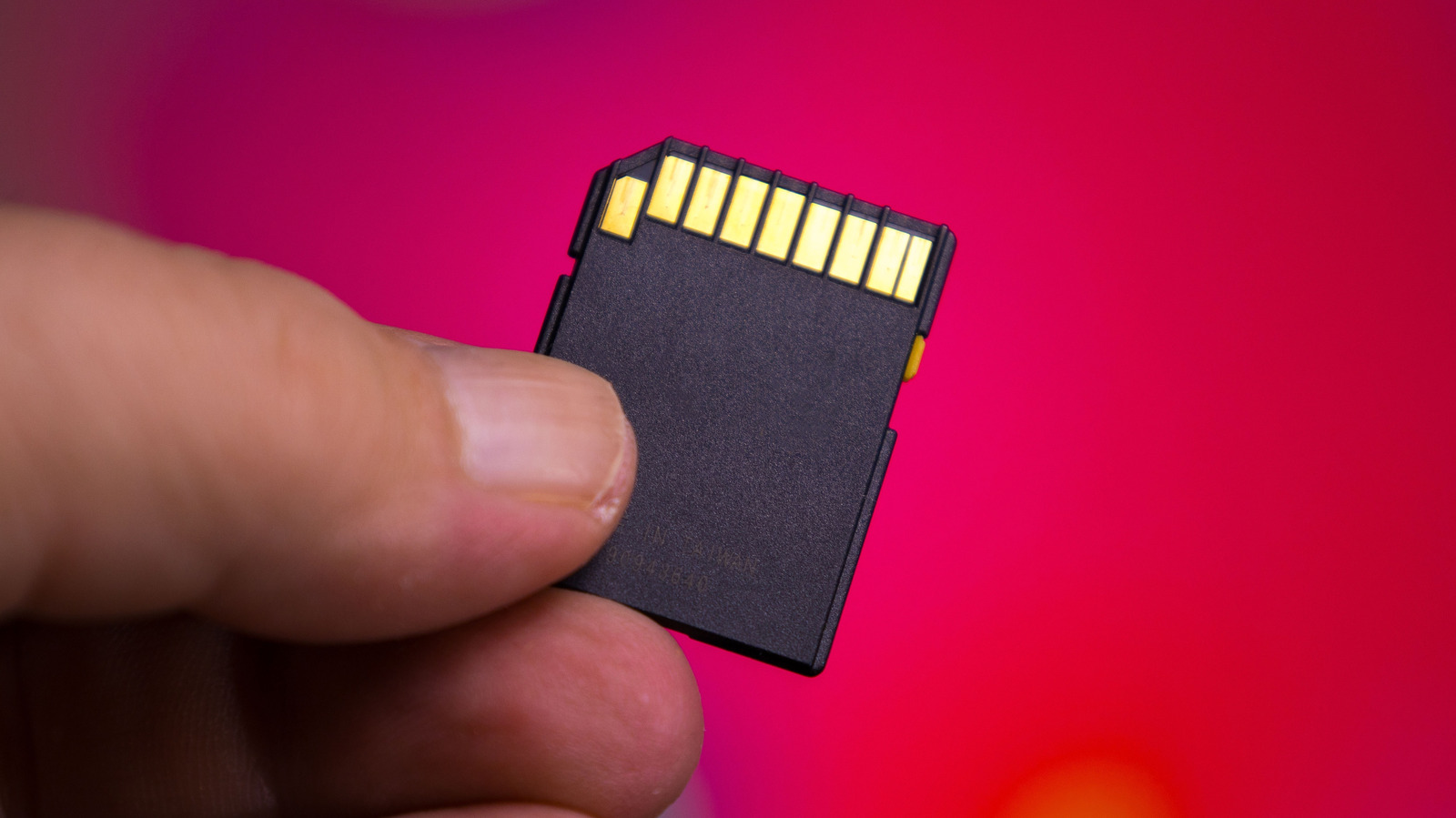
If you want to avoid the worst rated home security cameras, you need to change how you evaluate them. First, look for Matter 1.5 support. This is the new gold standard for smart home interoperability, ensuring your camera will work across different platforms for years to come. Second, prioritize models that offer local storage slots. Being able to pop in a microSD card means you own your footage and don't have to worry about cloud storage subscriptions or your data sitting on a server halfway across the world.
Brands like Blink offer a great middle ground with their Sync Module 2, which allows for local storage without a monthly fee. Always verify that any camera you buy supports multi-factor authentication and has a clear policy on end-to-end encryption. A secure camera should be a fortress for your data, not a window for hackers.
Pro Tip: Before mounting your camera permanently, do a "walking test." Have someone walk past the camera at a normal pace and see how long it takes for your phone to get the notification. If it takes more than 3 seconds, you might have a latency issue that could render the camera useless in a real emergency.
FAQ
Which security camera brands should I avoid?
You should generally avoid no-name brands found on discount marketplaces that do not have a clear headquarters or privacy policy. Additionally, in 2026, brands like Wyze, Kangaroo, and the specific proprietary models from Arlo and SimpliSafe mentioned above are frequently flagged by experts for either privacy risks or poor value propositions.
What are the disadvantages of cheap security cameras?
Cheap security cameras often cut corners on data security, using weak encryption that makes them easy to hack. They also typically suffer from poor hardware durability, low-quality lenses that struggle with night vision resolution, and a lack of consistent software updates, which can leave them vulnerable to new threats.
How do I know if a security camera is secure?
Check for three main things: end-to-end encryption, the requirement of multi-factor authentication for your account, and a history of transparent communication regarding security patches. You should also look for brands that have undergone third-party security audits.
Are there any security cameras banned for privacy concerns?
In several regions, cameras manufactured by certain companies with ties to foreign governments have been restricted or banned for use in government facilities due to surveillance and data security risks. Always check current local regulations, especially if you are buying cameras for a business or sensitive location.
Why do some security cameras require a monthly subscription?
Subscriptions are often used to cover the costs of cloud storage and advanced AI processing, such as distinguishing between a person and a swaying tree branch. However, some brands use mandatory monthly subscriptions as a way to generate recurring revenue, locking basic features like clip viewing behind a paywall.
What are the red flags to look for when buying home cameras?
The biggest security camera red flags for buyers include the lack of a microSD card slot for local storage, high notification latency, poor frames per second (below 15 fps), and requirement of a proprietary hub that limits your smart home ecosystems.