Our Top Picks
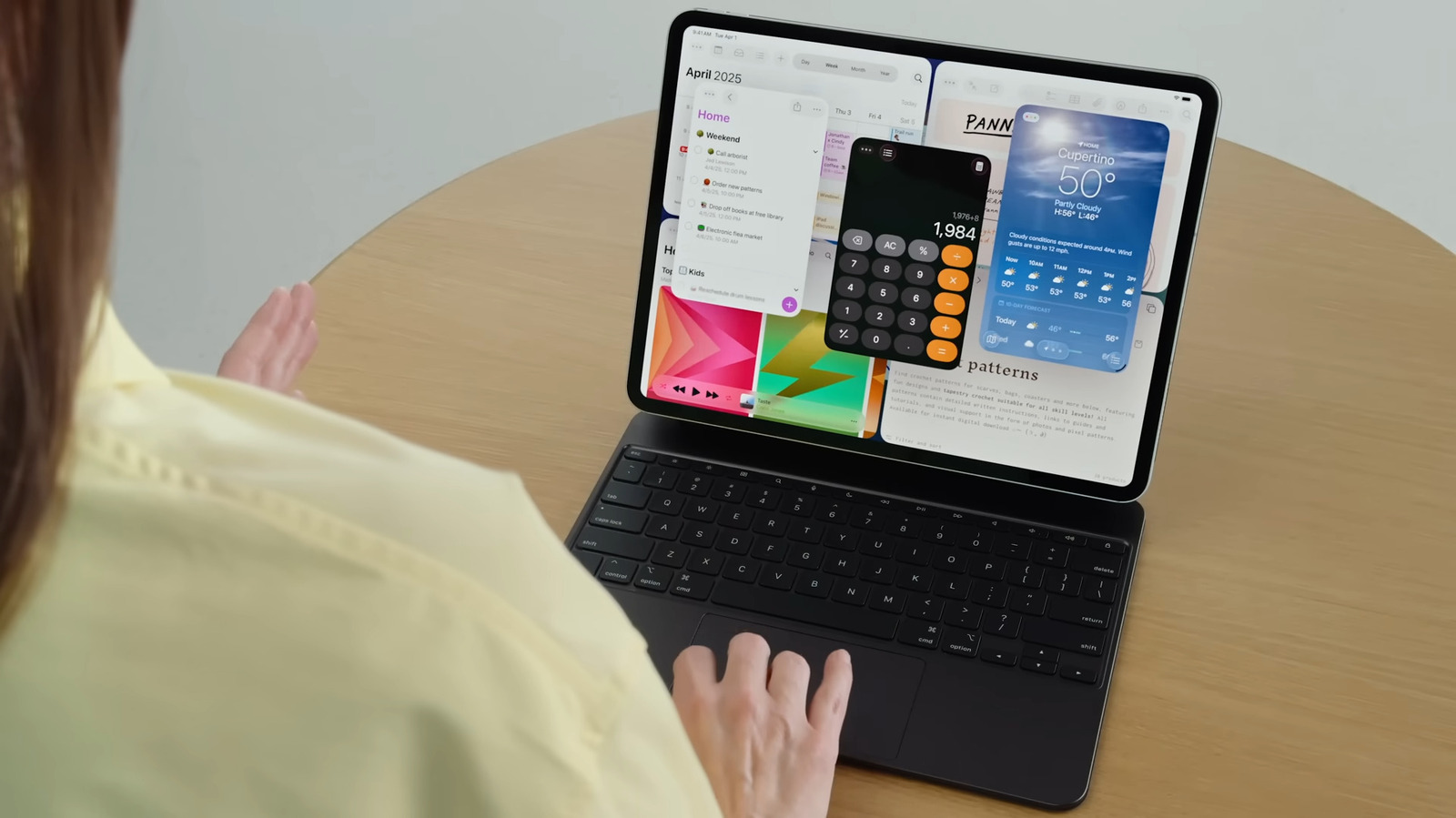
- Logitech Combo Touch: The definitive keyboard case for those who want a portable workstation experience with a responsive trackpad and smart connector support without the Magic Keyboard price tag.
- Anker 555 USB-C Hub: An essential tool for power users needing multi-port connectivity and stable external display support for high-resolution 4K video editing.
- Paperlike Screen Protector: The premier choice for creative professionals and students who need a matte texture to mimic the feel of actual paper for precision drawing and note-taking.
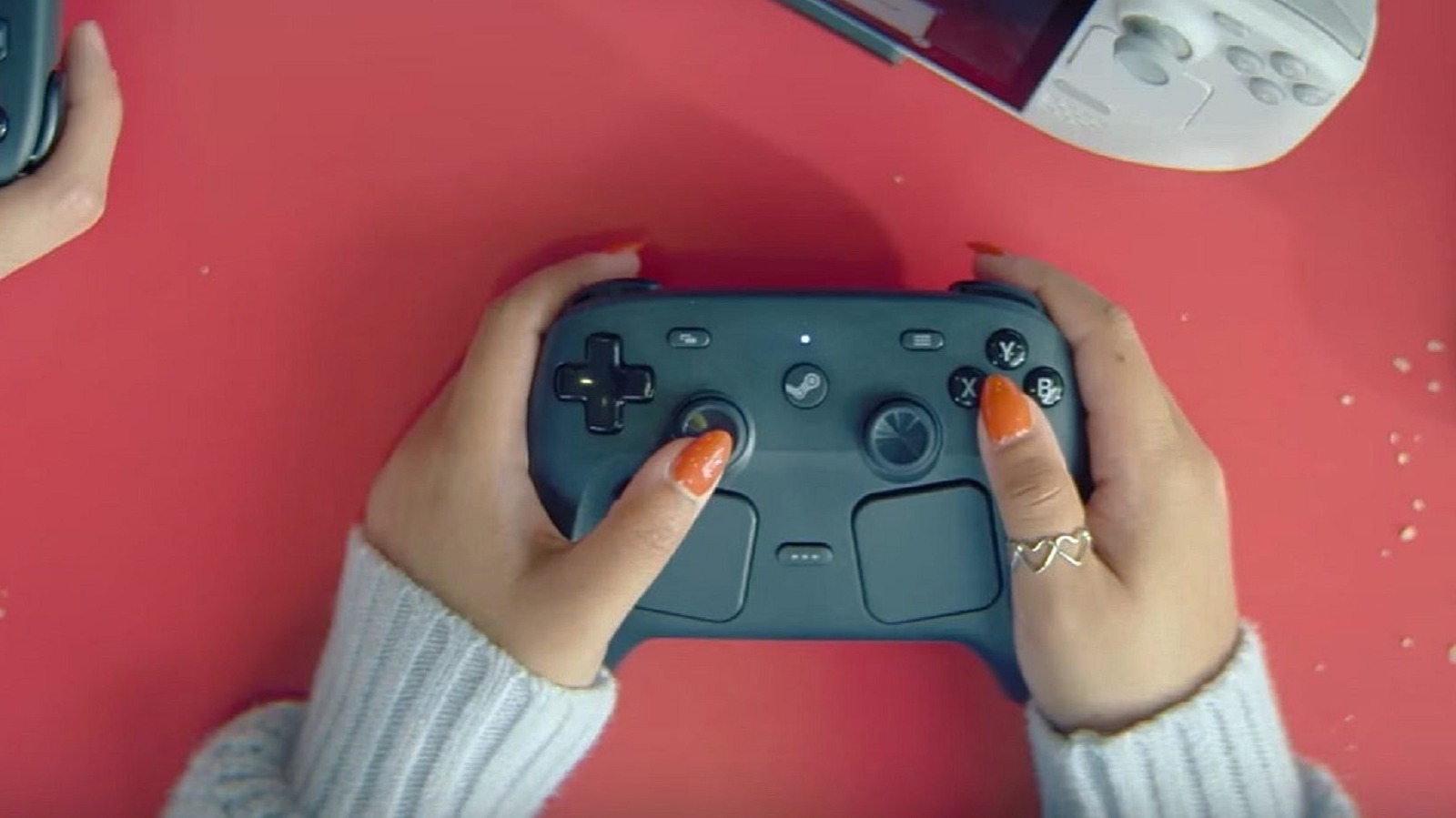
- GameSir G8+ Bluetooth: A high-performance iPad gaming accessories pick featuring Hall Effect sensors to eliminate stick drift and provide a console-level experience on the go.
- MOFT Float Case & Stand: The best ergonomic protective iPad gear that offers adjustable viewing angles and a modular design, perfect for reducing neck strain during long working sessions.
The best iPad accessories for productivity and creative work include multi-port USB-C hubs for external display support and detachable keyboard cases that offer a portable workstation experience at a fraction of the cost of official Apple gear. By integrating these tools, you can transform a standard tablet into a high-performance machine capable of handling professional-grade tasks and immersive entertainment.
As someone who spends most of my day switching between an iPad Pro and an iPad Air, I’ve seen the market shift dramatically. In 2024 alone, Apple secured a 38.6% market share in the worldwide tablet market, shipping nearly 57 million units. This massive user base has fueled an explosion in the accessories market, which was valued at USD 27.36 billion in 2024 and is expected to grow as more of us embrace hybrid work. Whether you are a student, a digital artist, or a mobile gamer, the right add-ons are no longer optional—they are the key to unlocking the full potential of your device.
1. The Ultimate Productivity Hub: Multi-Port Connectivity
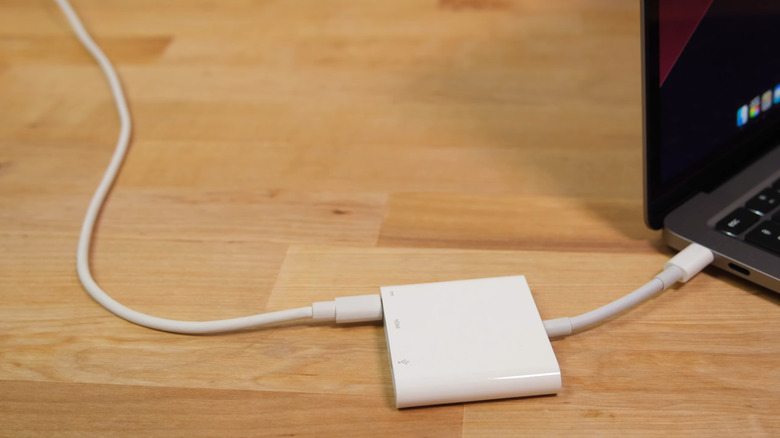
If you are using a modern iPad Air or Pro, you have a massive amount of power under the hood, but you are likely limited by that single USB-C port. This is where the Anker 555 USB-C Hub comes into play. It acts as the central nervous system for your setup, allowing you to bridge the gap between a simple tablet and a full desktop environment. For remote workers, this is the most critical of all iPad productivity tools because it solves the "one-port problem" instantly.
The Anker 555 is particularly impressive because it supports 100W PD pass-through charging, ensuring your iPad stays powered up even when you have multiple peripherals connected. More importantly, it features an HDMI port capable of 4K@60Hz output. If you’ve ever tried to use an external monitor with a cheap hub only to find the refresh rate capped at a laggy 30Hz, you’ll understand why this spec matters.
In my testing, I found that this hub is essential for how to connect ipad to external monitor with usb c hub while simultaneously using a wired mouse and a high-speed SSD. It handles the data throughput of the M4 chip effortlessly, making it one of the best ipad productivity accessories for remote work available on Amazon.
- Pros
- High-speed data transfer up to 10Gbps.
- Reliable 4K@60Hz video output for crisp external displays.
- Compact design that fits easily in a laptop sleeve.
- Cons
- Can get warm during heavy use with 100W charging.
- The built-in cable is somewhat short for some desk setups.
2. The Smart Keyboard Alternative: Desktop Feel, Tablet Price
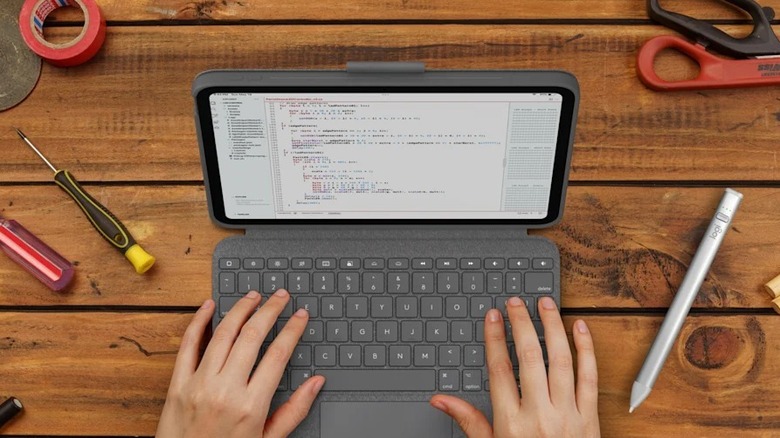
While Apple’s Magic Keyboard is a feat of engineering, its price tag is a tough pill to swallow. This is why the Logitech Combo Touch has become my go-to recommendation for anyone looking for affordable apple magic keyboard alternatives on amazon. It’s a must have ipad air m4 accessories for students because it offers a level of versatility that the official keyboard simply can't match.
The "magic" here lies in the smart connector. Unlike Bluetooth keyboards that require separate charging and pairing, the Combo Touch draws power directly from the iPad. This ensures zero latency and a rock-solid connection. The keys are backlit with multiple levels of brightness, and the row of iPadOS shortcut keys is something I find myself using more often than the actual keys on my MacBook.
The demand for these devices is clear: detachable keyboards account for 36% of the total tablet accessories market demand. The Combo Touch dominates this segment because it’s not just a keyboard; it’s a protective case with a kickstand that supports multiple modes: type, view, sketch, and read.
| Feature | Logitech Combo Touch | Apple Magic Keyboard |
|---|---|---|
| Connection | Smart Connector | Smart Connector |
| Protection | Full Edge Protection | Minimal (Open Sides) |
| Detachable | Yes (Keyboard pulls off) | No |
| Trackpad | Multi-touch gesture support | Multi-touch gesture support |
| Kickstand | 10 - 60 degrees | Fixed Floating Design |
| Price | ~$160 | ~$299 - $349 |
- Pros
- Full protection for the edges of your iPad.
- Detachable keyboard for when you just want to read.
- Large, responsive trackpad with excellent palm rejection.
- Cons
- The footprint is larger than the Magic Keyboard when the kickstand is out.
- Fabric material can show wear over years of heavy use.
3. For Digital Artists: Precision and Texture
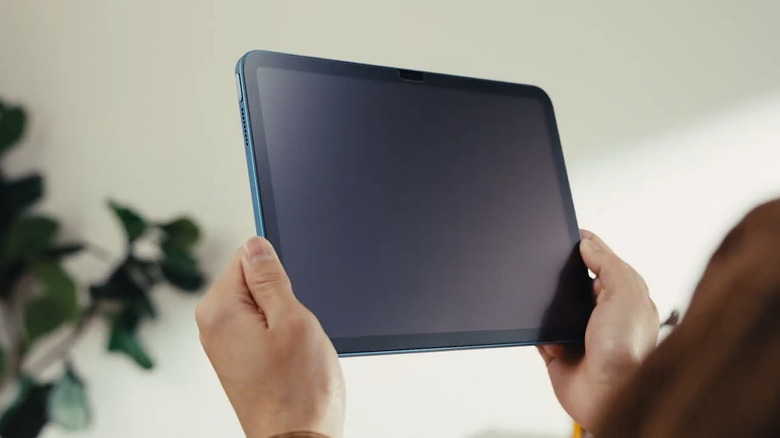
Digital artists and students often complain that writing on glass feels like "skating on ice." To fix this, you need a high-quality matte texture. Products like the Paperlike screen protector are designed to provide the right amount of friction, or "tooth," for the stylus tip. This is vital for creative professionals who need fine control over their brushstrokes or those who take handwritten notes all day.
With stylus pens making up 28% of the market demand, it’s clear that the iPad is now a primary input device. If the official Apple Pencil is out of your budget, Amazon offers fantastic alternatives like the Tinymoose or Logitech Crayon, which still offer excellent palm rejection and tilt sensitivity for a fraction of the cost.
Using paper feel screen protectors for digital artists doesn't just improve the tactile experience; it also reduces glare significantly. If you often work in coffee shops or outdoors, the anti-reflective properties of a matte protector are a game-changer for visibility.
- Pros
- Drastically improves handwriting neatness and drawing precision.
- Reduces screen glare in bright environments.
- Protects the glass from micro-scratches.
- Cons
- Can slightly reduce the absolute clarity/vibrancy of the Retina display.
- Matte surfaces can wear down stylus tips faster than bare glass.
4. Next-Gen Gaming: Hall Effect Precision
The iPad has evolved into a formidable gaming platform, especially with the introduction of the M-series chips and the growth of services like Xbox Cloud Gaming and Apple Arcade. However, touch controls are rarely sufficient for competitive play. To truly level up, you need specialized iPad gaming accessories.
The GameSir G8+ is a standout because it utilizes Hall Effect sensors in both the joysticks and triggers. Unlike traditional controllers that use physical contact (which eventually leads to the dreaded "stick drift"), Hall Effect sensors use magnets to track movement. This means the controller is essentially wear-proof and provides much higher precision.
When you combine this with the iPad’s support for haptic feedback and spatial audio through AirPods, the experience is indistinguishable from a dedicated handheld console. For gamers, this is easily one of the best iPad accessories because it transforms the device into a mobile powerhouse that can handle anything from Genshin Impact to Resident Evil Village.
- Pros
- Hall Effect technology eliminates stick drift and increases longevity.
- Ergonomic grips that make long gaming sessions comfortable.
- Low-latency Bluetooth connection for responsive inputs.
- Cons
- Adds significant bulk to your travel bag.
- Some thicker cases may need to be removed to fit the controller.

5. Ergonomic Protection: The Modular Stand and Case
The final piece of the puzzle is how you physically interact with your device at your desk. Most cases offer one or two viewing angles, but that often leads to "tech neck." The MOFT Float is a unique entry in the category of protective iPad gear because it features a patented double-hinge structure. It can "float" your iPad up to 3.1 inches high, bringing the screen closer to eye level.
Ergonomics are often overlooked, but as someone who reviews these devices for a living, I can tell you that adjustable viewing angles are the difference between a productive afternoon and a sore neck. Protective covers currently represent 20% of the tablet accessory market, and the trend is moving toward these modular, ergonomic ipad stands that serve multiple purposes.
The MOFT system is particularly clever because it works as a slim protective case that can then snap into various stands. This modularity is perfect for someone who uses their iPad as a second screen during the day and a portable reader at night.
- Pros
- Elevates the screen to eye level to prevent neck strain.
- Sturdy enough to use as a secondary monitor stand.
- Slim profile that doesn't add much weight when folded.
- Cons
- The floating mechanism can be stiff at first.
- Higher price point than basic folio cases.
FAQ
What are the must-have accessories for a new iPad?
If you just unboxed a new iPad, the three essentials are a protective case with a stand, a screen protector to prevent scratches, and a high-quality stylus. If you plan to use it for school or work, adding a keyboard case like the Logitech Combo Touch should be your next priority.
Is the Apple Pencil worth the investment?
For professional illustrators and serious digital artists, yes—the pressure sensitivity and low latency are industry-leading. However, for students who just need to take notes or sign PDFs, many third-party styluses on Amazon offer 90% of the functionality for 20% of the price.
What is the best keyboard for iPad productivity?
The Logitech Combo Touch is widely considered the best for most people because it uses the smart connector and offers full edge protection. If budget is no object and you prefer a "floating" look, the Apple Magic Keyboard is excellent but much more expensive and less versatile for drawing.
Do I need a screen protector for my iPad?
While iPad glass is durable, it is not scratch-proof. A screen protector is a small investment that preserves the resale value of your device. For those who write or draw frequently, a matte-texture protector is highly recommended to improve the tactile feel.
What are the best iPad accessories for artists?
Beyond the Apple Pencil, artists should look for a paper-feel screen protector and an ergonomic stand that can hold the iPad at a comfortable 15-to-20-degree drawing angle. A drawing glove can also help reduce friction between your hand and the screen.
How can I connect external storage to my iPad?
The most reliable way is to use a multi-port USB-C hub. Look for one that supports at least 5Gbps or 10Gbps data speeds. Simply plug the hub into your iPad and connect your SSD or thumb drive; it will appear instantly in the Files app.