Quick Facts
- Free Fix: Optimize internal TV sound settings for clarity and use built-in acoustic calibration tools.
- Best Under $100: The Zvox AV120 or Roku Streambar SE are top choices for a significant dialogue boost.
- Small Room Solution: Repurposed Bluetooth speakers or active bookshelf speakers provide better stereo separation.
- Key Technology: Look for HDMI eARC compatibility to ensure your setup remains future-proof for 2026 and beyond.
- The Dialogue Fix: Since 97% of viewers demand clear dialogue, prioritize a 3.0 channel setup or dedicated dialogue enhancement mode.
- Pro Tip: Avoid the marketing trap of virtual Atmos on ultra-budget bars; focus on driver quality and soundstage width instead.
You can improve TV sound quality for free by optimizing the built-in audio settings through the sound menu to adjust bass and treble levels, or by enabling presets like Speech Boost or Movie mode to enhance dialogue clarity. For a more significant TV audio upgrade under $100, consider a 2.0 channel soundbar or repurposing a high-quality Bluetooth speaker for smaller rooms to deliver a more balanced soundstage than internal speakers can provide.
The $0 Upgrade: Optimizing Internal TV Sound Settings
Before you reach for your wallet, we need to address the hardware sitting right in front of you. Modern flat-panel televisions are engineering marvels of visual fidelity, but they are acoustically compromised. Physics is the enemy here; as screens get thinner, the space for speaker drivers shrinks. Most built-in speakers are down-firing or rear-firing, meaning the sound bounces off your wall or floor before it reaches your ears. This is a primary reason why 59% of TV owners reported that sound quality is extremely important to their experience, yet many remain frustrated with the "thin" audio out of the box.
The first step in your TV audio upgrade journey is to dive into the audio settings menu. Most manufacturers include specific presets designed to mitigate the weaknesses of tiny speakers. Look for a Dialogue enhancement mode or Speech Boost. These settings typically apply a specialized EQ curve that emphasizes the 1kHz to 4kHz frequency range where human speech lives. If your TV sounds muffled, avoid the Movie or Vivid sound modes, which often boost the low-end bass and high-end treble, effectively "burying" the dialogue in the mix.
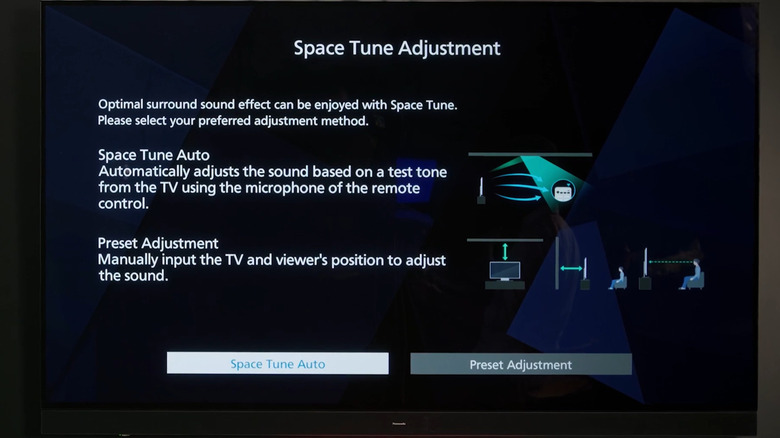
Another overlooked feature in 2026 models is acoustic calibration. Many mid-range and high-end TVs now use the microphone in your remote to analyze your room's acoustics. By playing a series of test tones, the TV can identify frequency peaks caused by room reflections and flatten them out. This process, often called Space Tune or AI Sonic Adaptation, can significantly improve TV sound quality without a soundbar by tailoring the output to your specific environment. Also, check the physical placement: if your TV is tucked deep inside an entertainment center, the sound is likely "choked." Moving it forward to the edge of the shelf can reduce early reflections and immediately improve clarity.
Best Budget Hardware: Upgrading for Under $100
If software tweaks aren't enough, it’s time to look at external hardware. You don't need a four-figure home theater system to see a massive improvement. In fact, the move from internal speakers to almost any dedicated external driver is the single biggest jump in quality you can make. When looking for the best budget TV audio upgrades under 100 dollars, you have two primary paths: the compact soundbar or the repurposed Bluetooth solution.
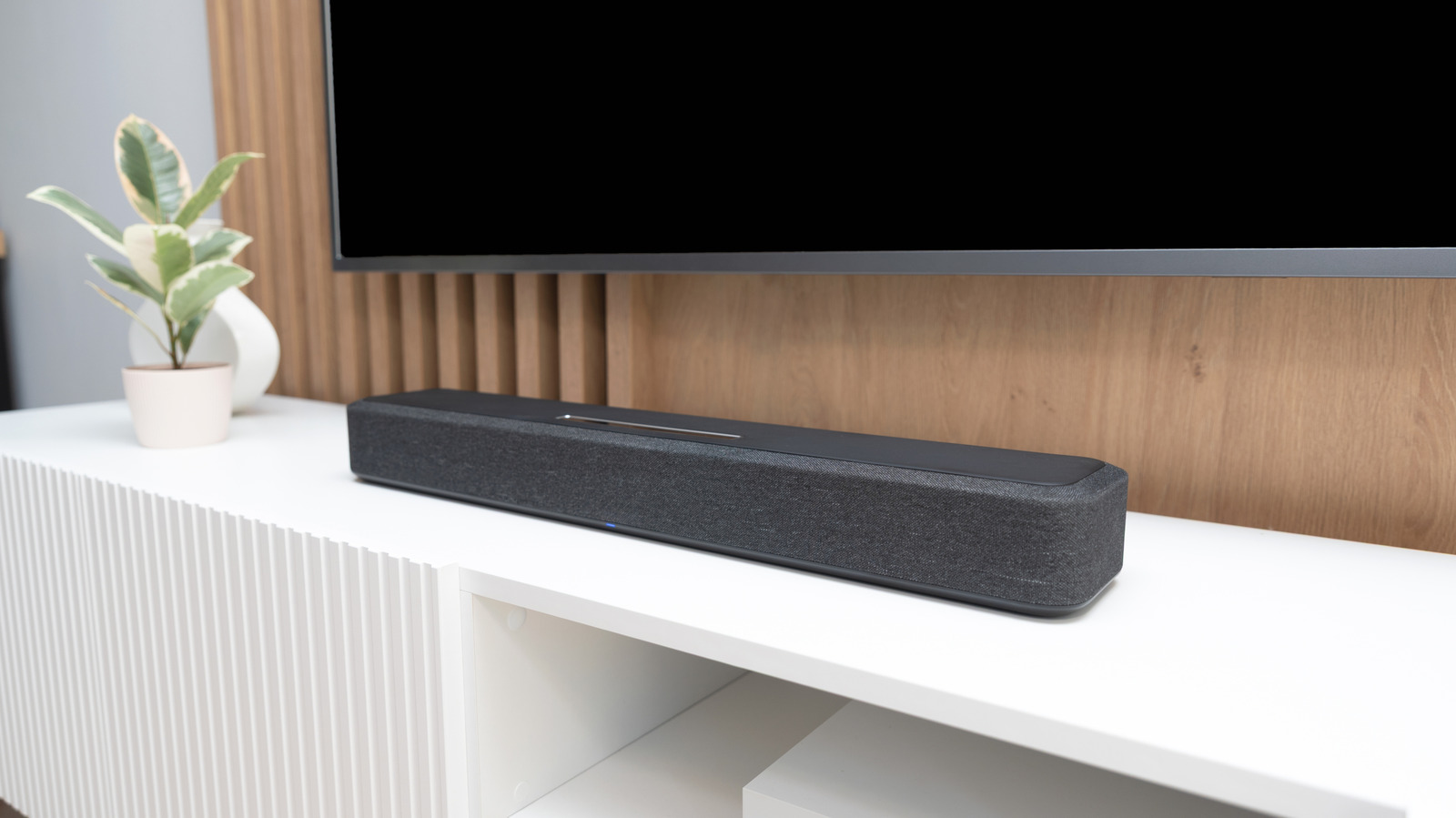
The Roku Streambar SE is a standout in this category. It’s not just an affordable soundbar for TV use; it also doubles as a 4K streaming player. Its strength lies in its ability to offer clean stereo separation that internal speakers simply cannot match. For those specifically struggling with hearing actors over background music, the Zvox AV120 is a precision tool. Zvox uses proprietary hearing aid technology to lift voices out of the background. It is a focused, utilitarian device that solves the number one complaint in home audio: "I can't hear what they're saying."
When shopping in this price bracket, prioritize connections. While Optical digital audio is common and reliable, look for HDMI eARC if possible. This allows you to control the soundbar volume with your existing TV remote, making the system "invisible" to use for the rest of the household.
| Model | Price (Approx.) | Key Feature | Verdict |
|---|---|---|---|
| Zvox AV120 | $90 | AccuVoice Dialogue Boost | Verdict: Buy for dialogue clarity |
| Roku Streambar SE | $79 | Built-in 4K Streaming | Verdict: Buy for small-room utility |
| Generic $50 Bar | $45 | None | Verdict: Skip; stick to TV settings |
Cinematic Depth: Affordable Soundbars with Subwoofers and Atmos
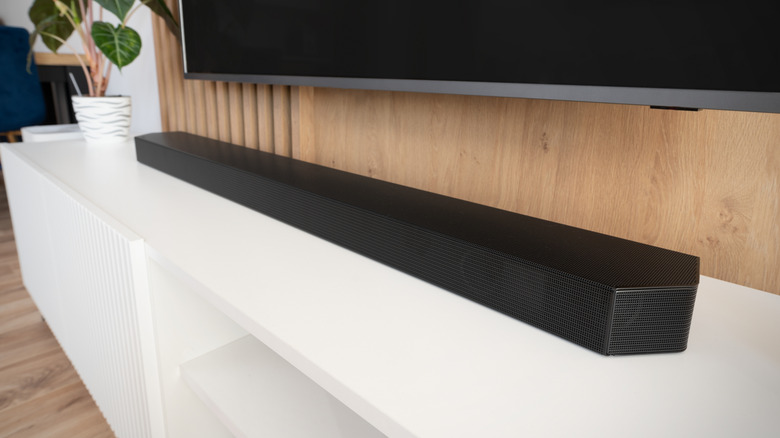
If you have a bit more room in the budget and want that "theater" feel, you’ll need to look at systems that include a wireless subwoofer. Bass is the foundation of cinematic impact. Without it, explosions sound like paper tearing and orchestral scores feel hollow. A 2.1 channel system (two speakers and one subwoofer) provides a much fuller frequency response than a standalone bar.
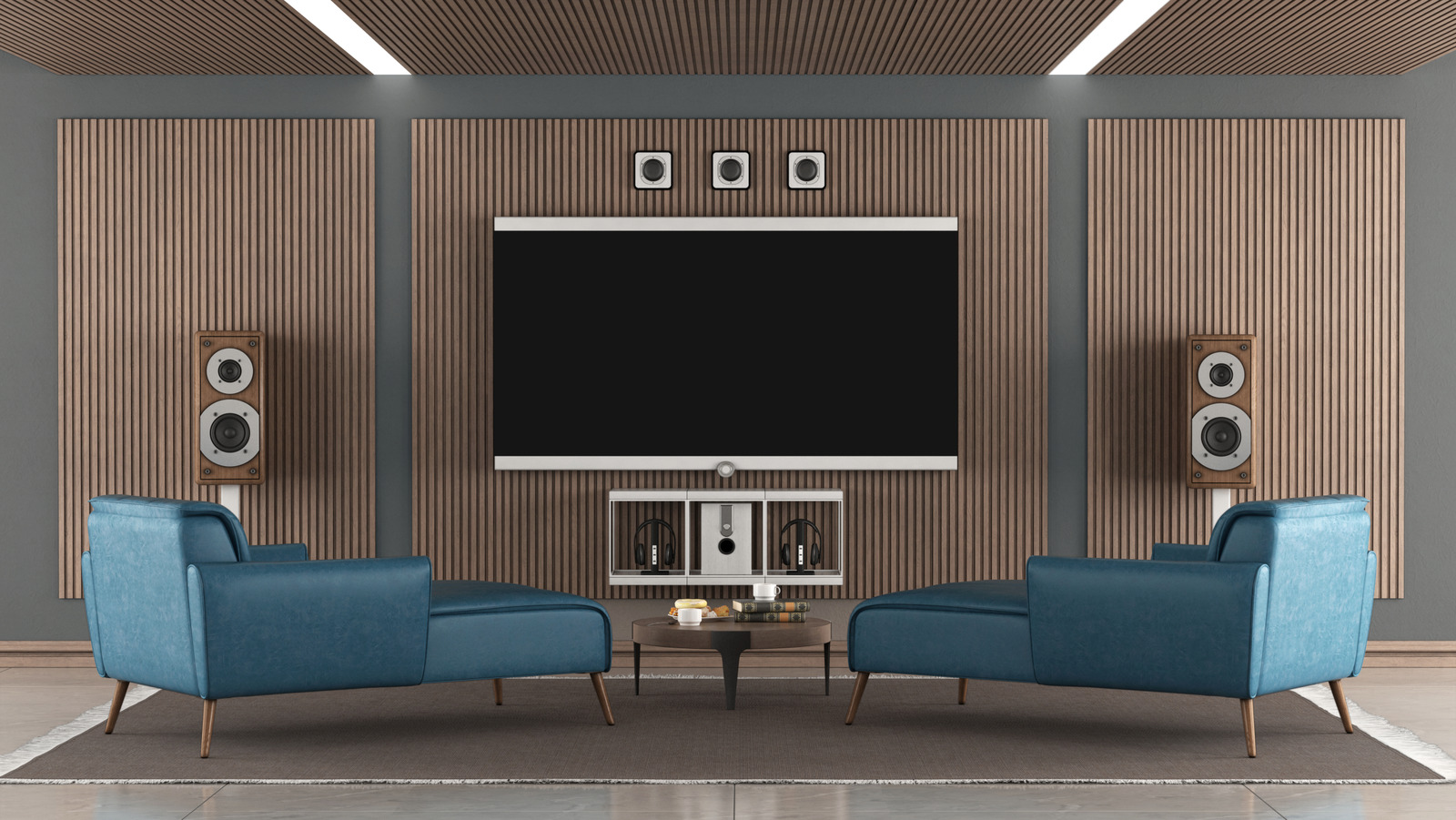
For 2026, the market for affordable soundbars with dolby atmos for 2026 has expanded, but you must be wary. True Dolby Atmos requires upward-firing drivers that bounce sound off your ceiling to create "height" channels. Many budget bars claim to be "Atmos compatible," which often just means they can process the signal and then use digital signal processing (DSP) to simulate a wider sound. While features like DTS Virtual:X can help expand the soundstage width, they are no substitute for physical drivers.
Marketing Trap: The "Virtual Atmos" Myth Be careful with budget soundbars labeled as "7.1.2 Dolby Atmos" that cost under $200. These almost never have the physical speakers to deliver that experience. Instead, they use "Virtualization." In many cases, this processing adds a metallic tint to the audio and can actually make dialogue harder to hear. If your budget is tight, a high-quality 3.0 system (with a dedicated center channel) will always outperform a cheap "virtual" Atmos system.
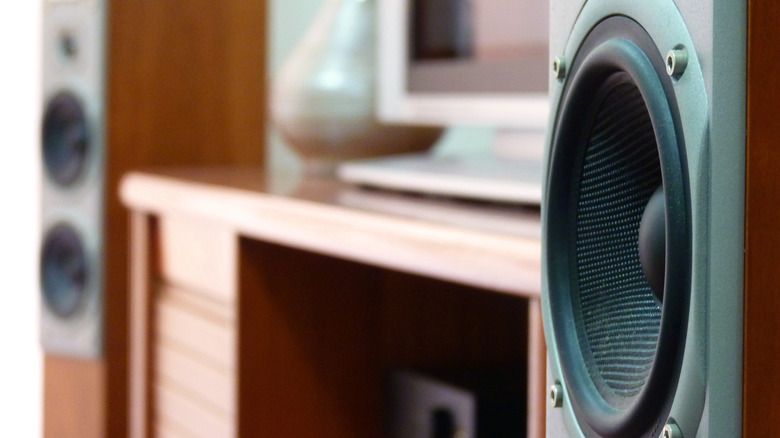
If you have the space, consider active bookshelf speakers instead of a soundbar. Speakers like the Edifier R1280DB offer far better stereo separation because you can place them several feet apart. This creates a much wider soundstage than a 30-inch soundbar can manage, making movies feel more immersive and music sound more natural.
Niche Solutions: Bluetooth, Headphones, and Small Spaces
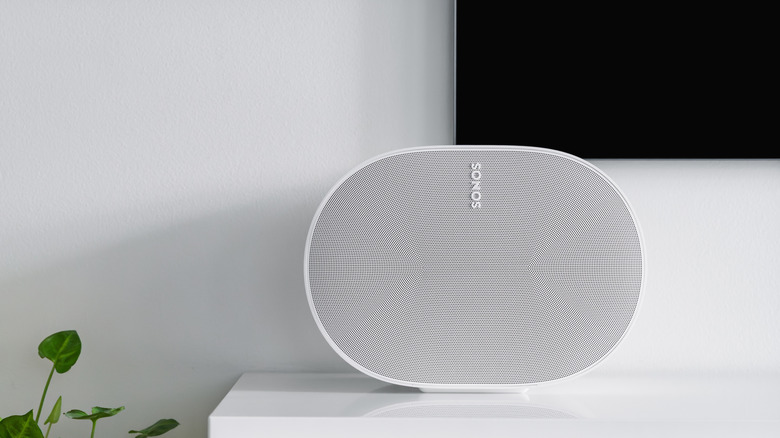
Sometimes a traditional soundbar isn't the right fit. If you're in a dorm room or a small apartment, you might already own the solution. Many modern TVs allow for using bluetooth speakers for TV audio in small rooms. If you have a high-quality portable speaker from a brand like JBL or Bose, pairing it to your TV can provide a richer sound than the built-in speakers. However, a word of caution: audio latency is a common issue with Bluetooth. If you notice the actors' lips aren't matching the sound, check if your TV has an "A/V Sync" adjustment in the settings.
For late-night watchers, the best TV audio upgrade isn't a speaker at all. Knowing how to use headphones for TV sound at night is a game-changer for people with roommates or families. You can connect Bluetooth headphones directly to most smart TVs, or if you have a Roku or Apple TV, you can use their respective apps for "Private Listening." This allows you to crank the volume as loud as you want without waking the house. Because the drivers are right against your ears, dialogue intelligibility becomes a non-issue, making it a perfect zero-cost solution if you already own a pair of noise-canceling headphones.
Technical Checklist: Compatibility and Connections
Before you finalize your setup to improve TV sound quality, you need to ensure everything can actually talk to each other. The days of a simple "red and white" RCA cable are mostly gone, replaced by digital standards that carry much more data.
- HDMI eARC (Enhanced Audio Return Channel): This is the gold standard for 2026. It has enough bandwidth for uncompressed audio formats and allows your TV to talk back to your soundbar. If your TV and soundbar both have eARC, you only need one cable for everything.
- Optical Digital Audio (Toslink): A reliable fallback for older gear. It’s perfect for stereo or basic 5.1 surround, but it cannot carry high-def formats like Dolby Atmos or DTS-HD Master Audio.
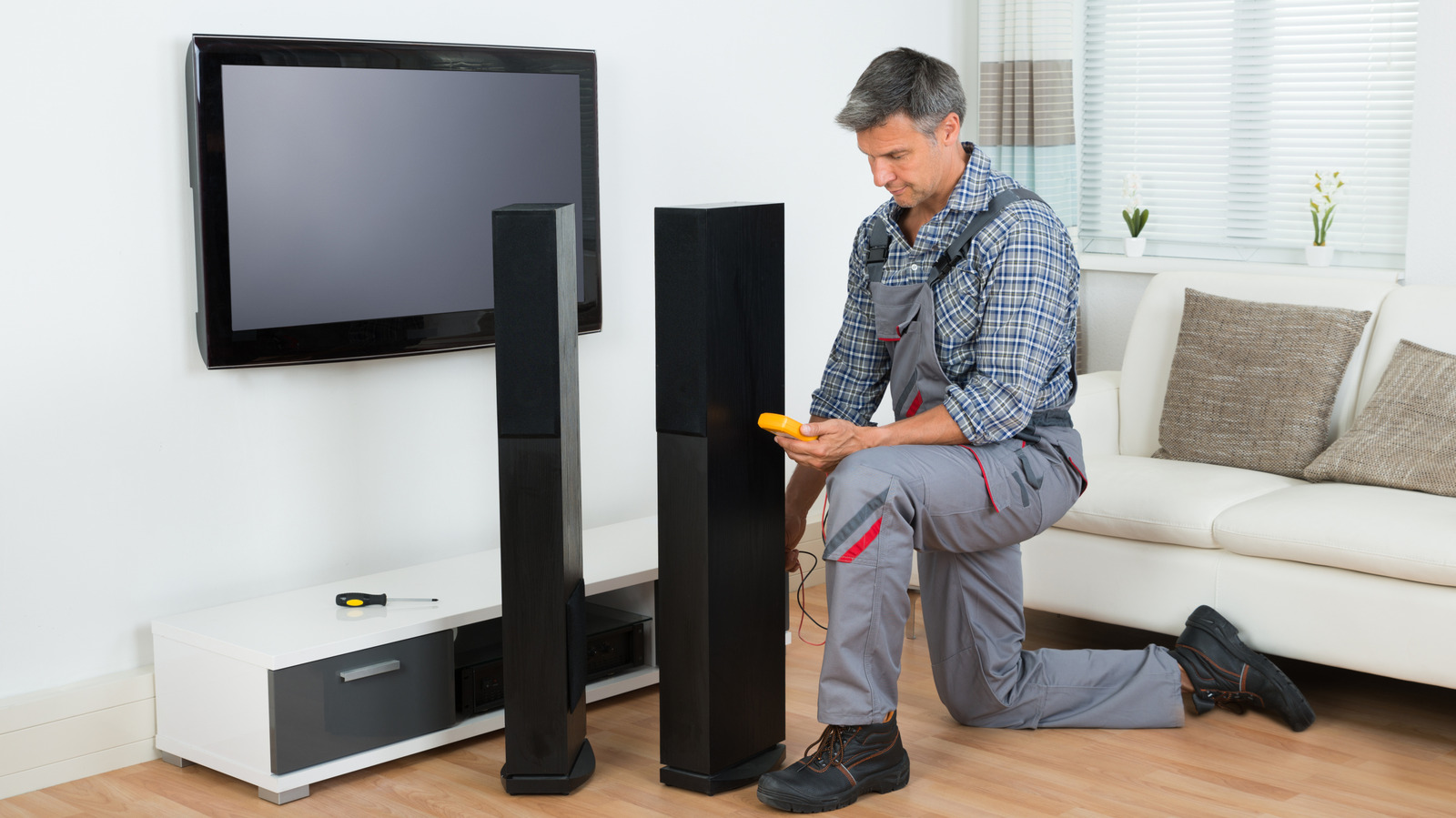
- AV Receiver: You generally only need an AV receiver if you plan on building a "passive" system with separate wired speakers. For most budget upgrades, "active" (self-powered) speakers or soundbars are more cost-effective and easier to set up.
- Cable Quality: Don't get sucked into buying $100 HDMI cables. For a budget setup, any certified High-Speed HDMI cable will perform identically to the expensive "audiophile" versions.
FAQ
How can I improve the sound quality of my TV?
You can improve the quality by first adjusting your TV sound settings for clarity, specifically looking for dialogue enhancement or night modes. If that's not enough, adding an external soundbar or a pair of active bookshelf speakers will provide the physical hardware needed for better frequency response and stereo separation.
Why is it hard to hear dialogue on my flat-screen TV?
Flat-screen TVs prioritize aesthetics and thinness, leaving no room for large speaker drivers. Most use tiny, downward-firing speakers that muffle speech. Additionally, modern movie mixes often have a wide dynamic range, which makes loud sound effects drown out quieter dialogue when played through low-quality speakers.
What is the easiest way to upgrade TV audio?
The easiest way is to connect a compact soundbar via HDMI eARC. This connection method allows you to use your existing TV remote to control the external speaker's volume, making the upgrade seamless and user-friendly for everyone in the household.
Can I use Bluetooth speakers for my TV audio upgrade?
Yes, most modern smart TVs support Bluetooth output. While this is a great way to repurpose gear you already own for a small room, be aware that Bluetooth can introduce audio latency, causing a "lip-sync" delay where the sound doesn't match the picture.
Do I need an AV receiver for external speakers?
You only need an AV receiver if you are using passive speakers that don't have their own power source. Most budget-friendly upgrades, like soundbars and active bookshelf speakers, have the amplifiers built-in, so they can plug directly into your TV without needing a separate receiver.