Quick Facts
- Top Performance Hack: Use a third-party Gigabit Ethernet adapter to achieve speeds between 300 Mbps and 480 Mbps, far exceeding the official Amazon adapter.
- Storage Solution: Modern Fire OS versions on the 4K Max now allow formatting external USB drives as internal storage for seamless app installations.
- Gaming Advantage: Switching from Bluetooth to a wired controller via OTG can reduce input lag by approximately 40%, essential for retro gaming emulators.
- Capacity Reality: Standard Firesticks offer 8 GB of storage, but users only get about 5.33 GB of usable space after the OS takes its share.
- Power Requirement: When running multiple peripherals like SSDs and keyboards, upgrading to a 5V/2A power brick is mandatory to prevent system crashes.
- File System Limit: External drives must be formatted to the FAT32 file system to be recognized by the Fire TV Stick hardware.
Firestick OTG mods allow users to connect external hardware like SSDs, Ethernet adapters, and gaming controllers to a Fire TV Stick via its Micro-USB or USB-C port. These modifications bypass internal hardware limits, providing better network stability and Fire TV Stick expanded storage capacity while ensuring Firestick USB peripheral support for a more versatile entertainment setup.
Mod 1: Breaking the 8GB Storage Barrier
One of the most frustrating aspects of the Amazon streaming ecosystem is the severe lack of local space. Most Amazon Fire TV Stick models come with 8 GB of internal storage, which leaves approximately 5.33 GB available for apps and user data after accounting for the operating system. If you install a few high-fidelity games or a large media server app like Plex, you will run out of room almost immediately.
This is where Firestick OTG mods become essential. By using a Micro-USB OTG Y-cable, you can bridge a USB flash drive directly into the device. For older models, this setup is primarily used for local media playback. You can load movies or series onto a drive, plug it in, and use a file manager to watch content without consuming internal space. However, the game changed with recent hardware releases.
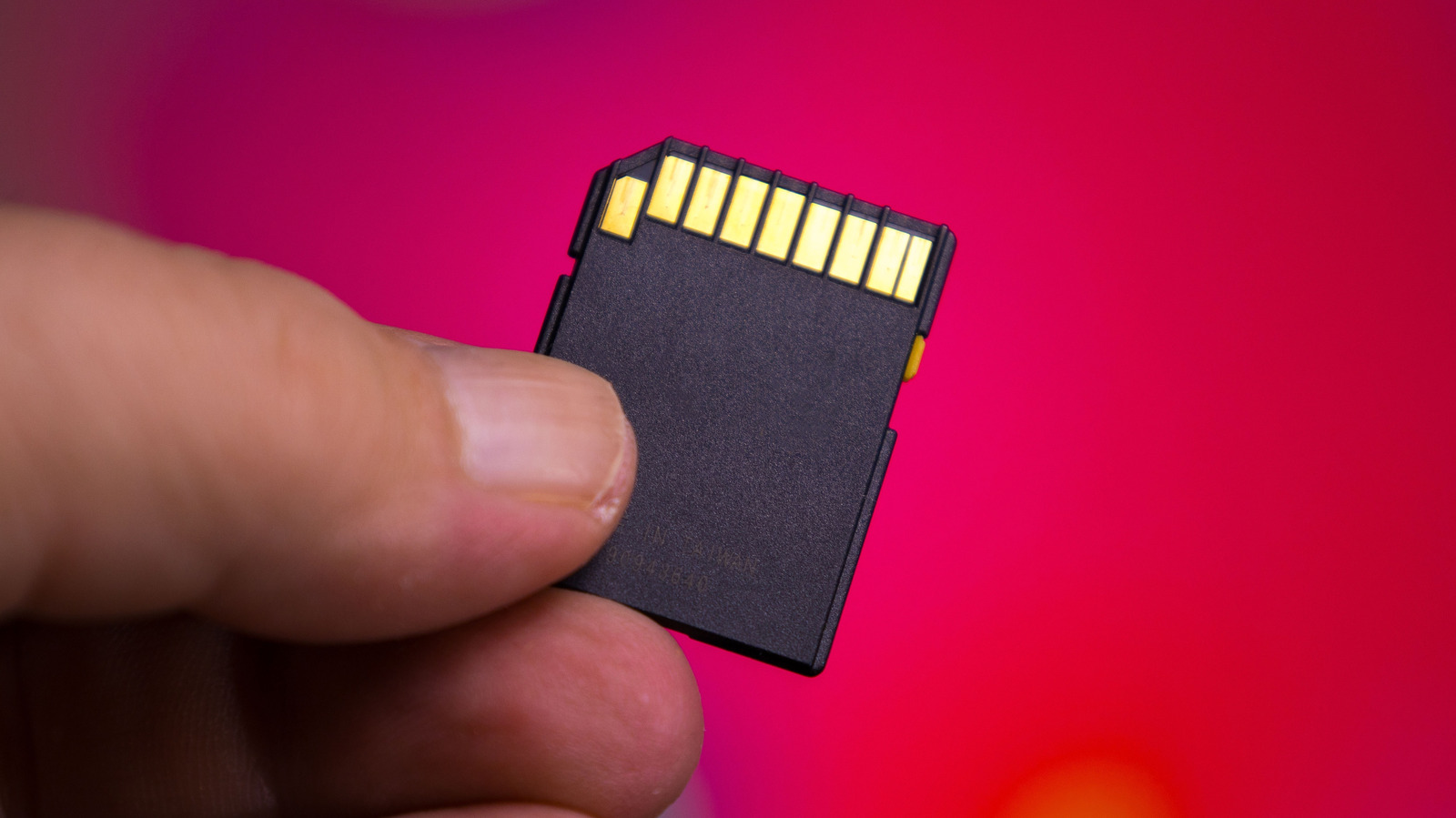
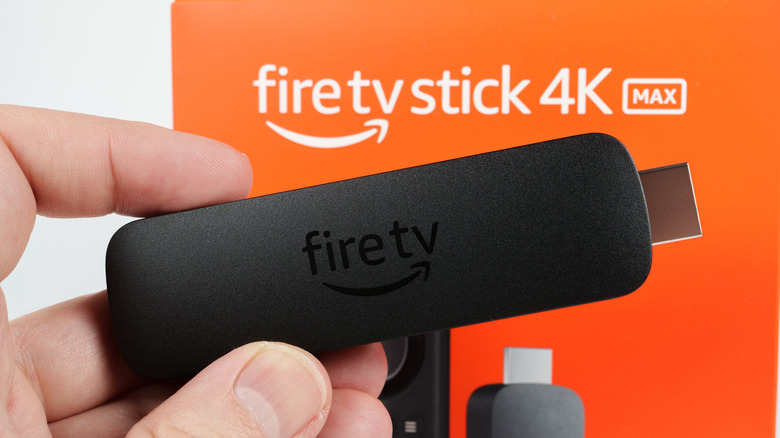
The second-generation Fire TV Stick 4K Max features 16 GB of internal storage, providing double the capacity found in previous 4K and standard models. More importantly, it supports "Adoptable Storage." When you plug in a drive via an OTG cable, the system prompts you to format it as internal storage. This allows you to move entire applications to the external drive, effectively expanding Fire TV Stick storage with USB flash drive options indefinitely.
To make this work, the drive must use the FAT32 file system. While FAT32 has a 4GB individual file size limit, it remains the standard for Fire OS compatibility. If you are a power user, look for a high-speed USB 3.0 drive; even though the Firestick port uses a USB 2.0 interface, the higher quality flash memory in 3.0 drives ensures a more stable data throughput when the OS is reading and writing app data simultaneously.
Mod 2: Bypassing the 100Mbps Ethernet Bottleneck
For 4K streamers, the biggest enemy is buffering. While Wi-Fi 6 and 6E offer impressive theoretical speeds, they are often plagued by household interference and wall penetration issues. Many gamers and cinephiles prefer a wired connection for maximum Network stability. Amazon sells an official Ethernet adapter, but it has a major technical flaw: it is capped at 100 Mbps.
By utilizing a Firestick OTG Ethernet adapter from a third party, you can bypass this arbitrary limit. Because these adapters connect via the USB 2.0 interface, they can technically handle up to 480 Mbps. While you won't hit a full Gigabit (1,000 Mbps) due to the port's hardware limitations, reaching 300-400 Mbps is a massive upgrade over the official 100 Mbps cap.
| Connection Type | Max Theoretical Speed | Practical 4K Streaming Stability |
|---|---|---|
| Official Amazon Adapter | 100 Mbps | Moderate (Capped) |
| Third-Party OTG Ethernet | 480 Mbps | High (Stable) |
| Wi-Fi 6 (Internal) | 1,200+ Mbps | Variable (Distance Dependent) |
When choosing the best high speed Ethernet adapters for Firestick 4K Max, look for "Plug and Play" models that don't require external drivers. This Firestick Ethernet adapter vs wifi speed comparison proves that even though Wi-Fi might have higher "peak" numbers, the wired OTG mod provides the consistent bandwidth needed for high-bitrate 4K REMUX files or cloud gaming services like Luna or GeForce Now.
Mod 3: Transforming Firestick into a Retro Gaming Hub
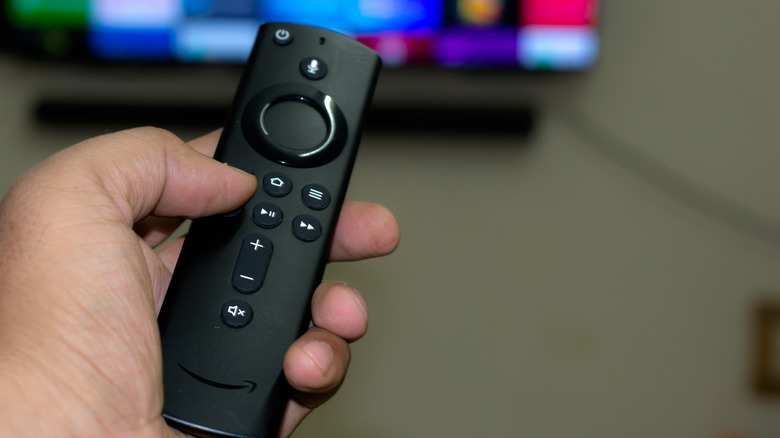
The Firestick is surprisingly capable as an emulation machine, but playing classic titles with the standard Alexa Voice Remote is a recipe for frustration. Furthermore, Bluetooth controllers often introduce a noticeable delay in commands. Using wired gaming controllers on Amazon Firestick via an OTG hub is the definitive fix for this issue.
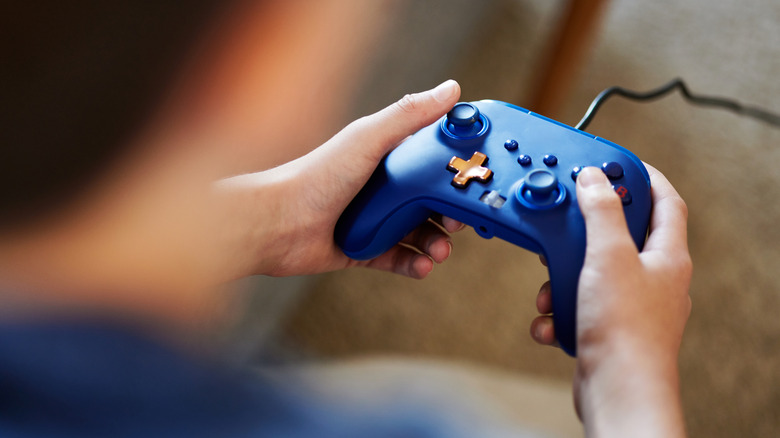
When you connect a wired Xbox or PlayStation controller through an OTG hub, the system recognizes it as a native HID (Human Interface Device). This bypasses the Bluetooth stack, significantly reducing Input lag. For fast-paced platformers or fighting games on emulators like RetroArch, those few milliseconds of difference are the gap between a win and a loss.
Beyond gaming, Firestick USB peripheral support extends to productivity. Many users find the on-screen keyboard agonizingly slow for searching or entering long passwords. By connecting USB keyboard and mouse to Fire TV Stick, you turn the device into a mini-computer. This is particularly useful when using sideloaded browsers to navigate sites that weren't designed for a remote control. A simple three-port OTG hub allows you to have a controller, a keyboard, and a mouse all connected at once, completely transforming the user experience.
Mod 4: High-Speed Sideloading and Bulk APK Transfer
The standard way to sideload apps involves using the "Downloader" app and typing in long URLs or using slow cloud transfers. It works for a single app, but if you are setting up a new device with twenty different utilities, it is inefficient. A Firestick OTG Y-cable setup for power and data enables a much faster method: bulk APK installation directly from a USB drive.
Using a file manager like X-plore, you can view the contents of an attached USB drive and install multiple apps in seconds. This method is also the safest way to back up your current setup. You can copy your configuration files or APKs from the device's internal memory to the external drive, ensuring you don't lose your data if you need to factory reset the stick.
Additionally, this mod allows for easy transfer of large data folders. If you use a media player that requires a specific metadata database, you can simply move that folder from your PC to the USB drive and plug it into the Firestick. This bypasses the slow wireless transfer speeds and avoids the Bandwidth limitations often found in local network sharing protocols like SMB or FTP.
Pro-Setup: Power Management and Hidden Settings
To get the most out of these Firestick OTG mods, you need to dive into the software side. By default, the Firestick hides the tools you need to manage external hardware. To fix this, you must enable Developer options. Navigate to Settings > My Fire TV > About, and click the name of your device 7 times. You will see a notification saying, "No need, you are already a developer." This unlocks the ability to allow ADB debugging, which is sometimes required for advanced storage mounting.
Technical Pro-Tip: If you are using an OTG hub with multiple devices (like an Ethernet adapter, a USB drive, and a controller), the standard 1A power brick that comes in the box will not be enough. The system will likely boot-loop or disconnect your peripherals. Always upgrade to a 5V/2A power supply to ensure consistent voltage to all connected hardware.
One final hardware note: even if your OTG adapter supports USB 3.0, the Micro-USB port on the Firestick is hardware-limited to USB 2.0 speeds. Furthermore, USB 3.0 devices can sometimes cause EMI (Electromagnetic Interference) with 2.4GHz Wi-Fi signals. If you notice your remote control or Wi-Fi becoming sluggish after plugging in a 3.0 drive, try using a short USB extension cable to move the drive away from the Firestick’s main body.
FAQ
How do I connect an OTG cable to a Firestick?
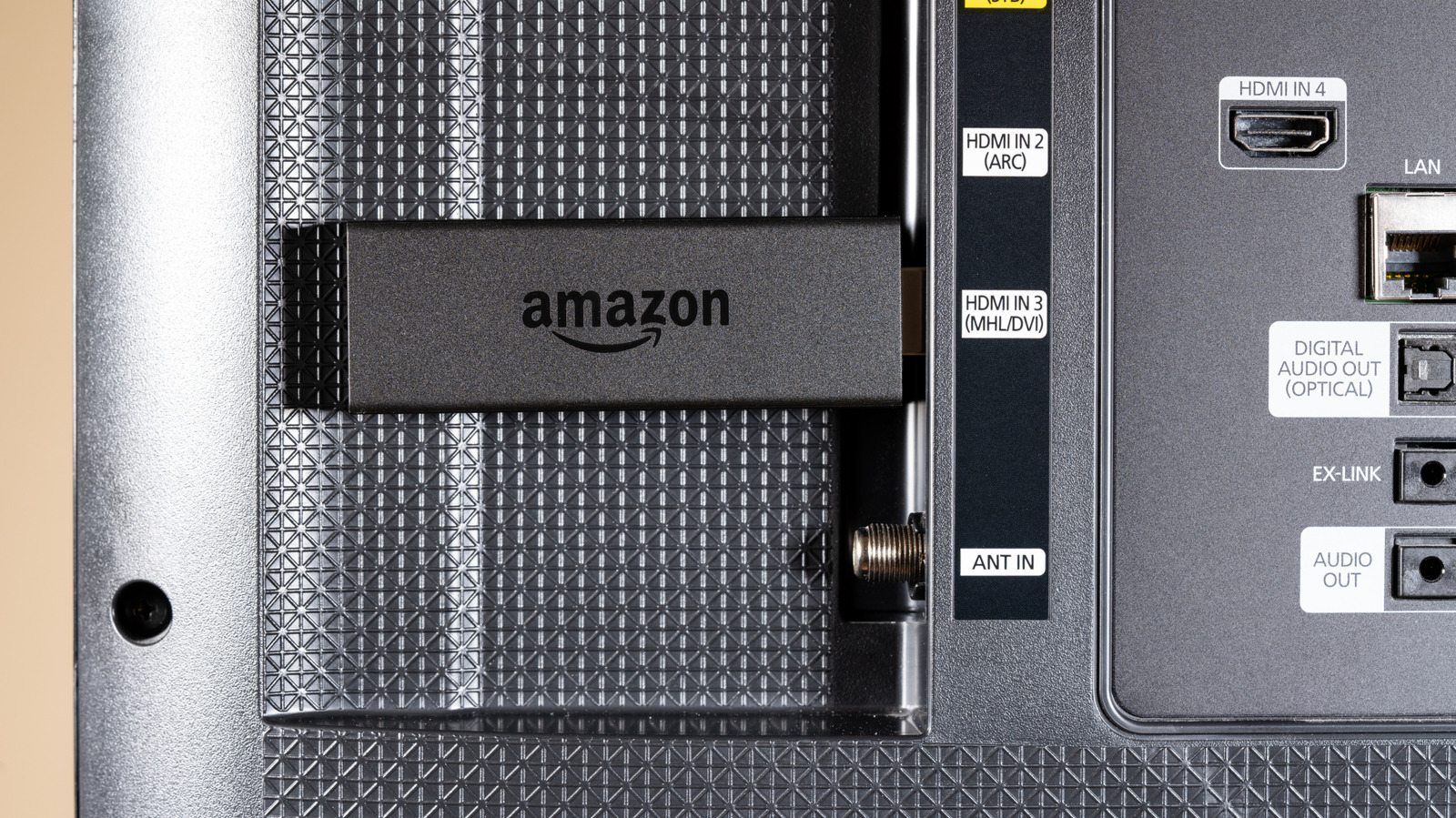
To connect the cable, plug the male Micro-USB end of the OTG Y-adapter into the Fire TV Stick's power port. Then, plug your original Amazon power cable into the female Micro-USB port of the adapter. Finally, plug your USB peripheral (like a flash drive or Ethernet adapter) into the full-sized USB-A port on the cable.
Can I add external storage to my Firestick using OTG?
Yes, you can add external storage by connecting a USB drive via an OTG adapter. On newer models like the 4K Max, you can format the drive as internal storage to install apps. On older models, the storage is generally limited to media playback and file storage using the FAT32 file system.
Is it possible to connect a wired Ethernet adapter to Firestick via OTG?
Yes, connecting a third-party Gigabit Ethernet adapter via an OTG cable is a popular mod. This allows for much higher speeds than the official Amazon adapter, often reaching the USB 2.0 limit of 480 Mbps, which is ideal for high-bitrate 4K streaming.
Can I use a game controller with a Firestick OTG mod?
Wired controllers from Xbox, PlayStation, and other brands can be used through an OTG hub. This provides a plug-and-play experience and is preferred by many gamers because it significantly reduces the input lag associated with Bluetooth connections.
Do I need an external power source for Firestick OTG setups?
While the OTG cable itself draws power from your existing setup, the peripherals you attach (like hard drives or Ethernet adapters) increase the power draw. It is highly recommended to use a higher-capacity 5V/2A power brick instead of the stock Amazon plug to ensure the system remains stable with multiple devices connected.