Quick Facts
- Visual Fidelity: RetroTINK-4K (Native 4K output with 240p source compatibility)
- Control Standard: 8BitDo Retro Receivers (Ultra-low latency 2.4GHz wireless)
- Data Management: MemCard Pro (1TB MicroSD storage for entire libraries)
- Input Precision: Retro Fighters Hall Effect Gamepads (Eliminates stick drift)
- Economic Outlook: Retro gaming market projected to reach $8.5 billion by 2033
- Performance Metric: Hardware-level FPGA technology for zero-latency video signals
To modernize your classic setup, high-quality retro gaming accessories like FPGA-based HDMI upscalers and 2.4GHz wireless adapters are essential to eliminate input lag and video blur on modern 4K displays. These specialized tools act as a digital bridge, ensuring that vintage consoles output a signal that modern televisions can interpret without the ghosting or stretching common with cheap adapters.
There is a unique magic in hearing the chime of a GameBoy or the synthesized roar of a Sega Genesis. However, as we move further into the digital age, the technical gap between our beloved childhood consoles and our ultra-responsive OLED screens is widening. We are currently seeing a massive resurgence in this space. Industry research indicates that roughly 14% of the U.S. gaming population, or 26.7 million people, actively engage in retro gaming as of 2025. This demand has fueled a market that is projected to expand to $8.5 billion by 2033, reflecting a healthy compound annual growth rate of 10%.
If you are looking for budget friendly retro gaming setup upgrades 2026 has to offer, you no longer have to settle for blurry pixels or tangled wires. Modern hardware allows us to preserve the soul of the original experience while taking advantage of 21st-century convenience.
1. HDMI Upscalers: Fixing the Visual Bridge
If you have ever tried to plug an N64 directly into a modern 4K TV using a basic composite cable, you know the heartbreak of "the smudge." Modern displays are designed for high-resolution digital signals, whereas classic consoles output low-resolution analog signals, often at 240p. When a 4K TV tries to interpret that signal, it often treats it like a low-quality movie, applying "enhancements" that result in muddy colors, significant input lag, and a stretched 16:9 aspect ratio that ruins the original art style.
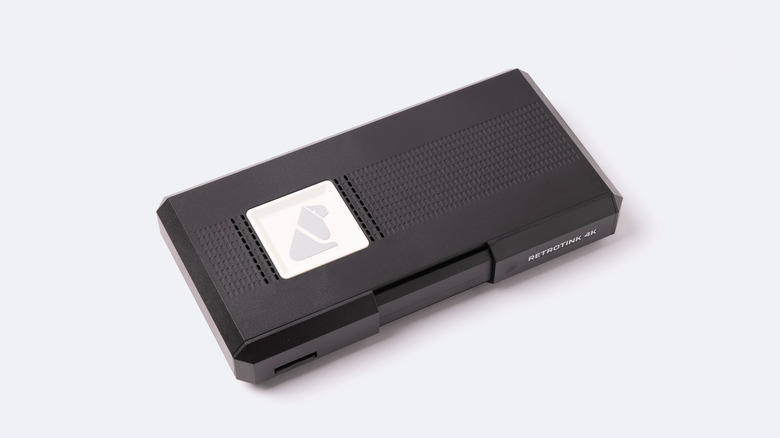
The solution is a dedicated retro console HDMI upscaler. Unlike the generic $20 AV2HDMI boxes found on mass-market sites, professional upscalers like the RetroTINK-4K or the OSSC (Open Source Scan Converter) use sophisticated signal processing. These devices utilize field-programmable gate array (FPGA) technology to deliver zero-latency video signals while upscaling classic 240p resolutions to high-definition 1080p or 4K output for modern displays.
These tools do more than just make the image fit the screen. They offer scanline emulation and CRT filters that mimic the look of a vintage tube television. By adding these horizontal black lines or aperture grille patterns, the pixels appear sharper and the colors more vibrant, exactly as the developers intended back in the 90s. For anyone seeking the best HDMI upscaler for retro consoles 2026, investing in FPGA-based hardware is the only way to achieve retro gaming accessories for 4K TV compatibility without compromising on speed.
2. Wireless Freedom: Cutting the Cord Without the Lag
The original "leash" of a wired controller is a nostalgic memory, but in a modern living room, it is a tripping hazard and a limitation. However, for years, wireless retro game controllers were avoided by the hardcore community because of Bluetooth latency. When you are playing a frame-perfect game like Mike Tyson’s Punch-Out!!, a delay of even a fraction of a second means a game over.
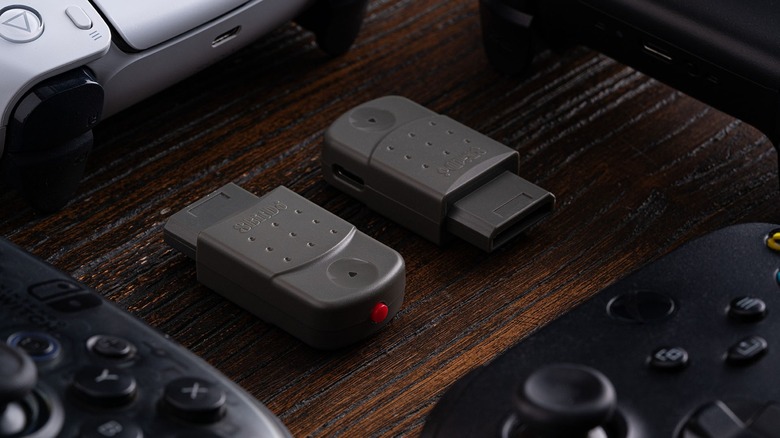
The shift in 2026 has been toward 2.4GHz connectivity. While standard Bluetooth often introduces 12-16ms of lag, 2.4GHz wireless tech reduces that to a negligible 3-5ms. This is where wireless controller adapters for vintage game consoles become essential. Brands like 8BitDo have mastered this with their Retro Receivers, which plug directly into the original controller ports of systems like the NES, SNES, or PS1.
Furthermore, companies like Retro Fighters are producing modern ergonomic controllers for retro systems that retain the original button layout but add grips and triggers that feel natural to a modern gamer's hands. These gamepads often include a dedicated 2.4GHz dongle, ensuring that your inputs are registered instantly. Whether you want to use a PS5 DualSense on your Saturn or a dedicated wireless pad, cutting the cord no longer means sacrificing your high score.
| Connection Type | Average Latency | Best Use Case |
|---|---|---|
| Wired | 0-1ms | Purist / Competitive |
| 2.4GHz Wireless | 3-5ms | Living Room / Standard Play |
| Bluetooth | 12-16ms | Casual / Multi-device |
3. Storage Consolidation: Thousands of Games, One Card
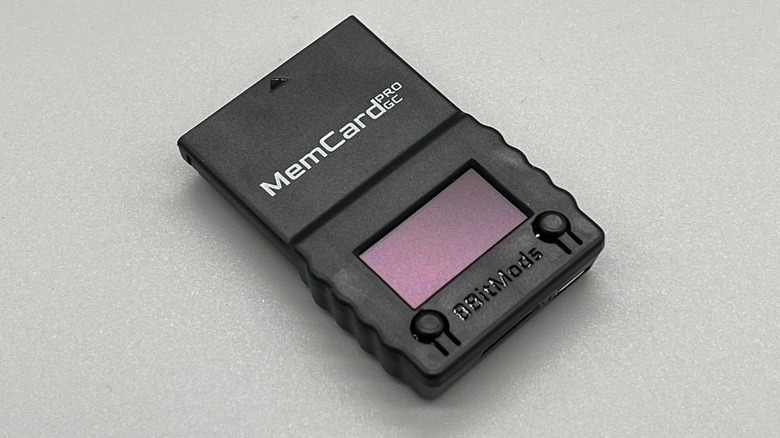
If you grew up with a PlayStation 1 or a GameCube, you likely have a drawer full of tiny plastic memory cards, each holding a handful of saves. Managing these is a nightmare—you never know which card has your Final Fantasy VII save until you plug it in. Modern retro gaming storage solutions have completely revolutionized this aspect of the hobby.
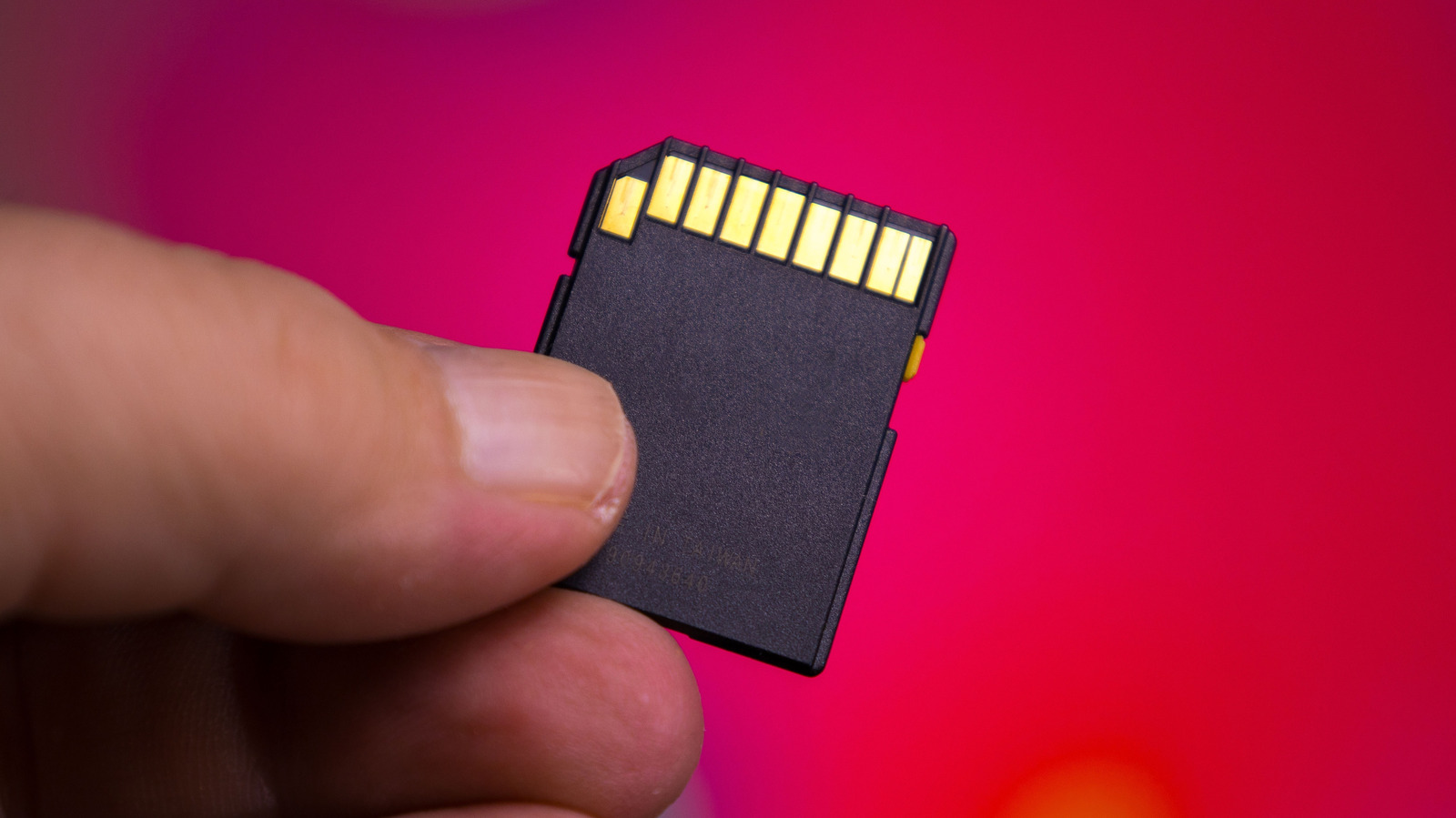
The MemCard Pro series is the standout here. These devices are essentially high capacity memory cards for retro gaming consoles that swap out limited internal flash memory for MicroSD compatibility. Instead of being limited to 15 "blocks" or 8MB of data, you can plug in a 1TB card and store virtually every save file ever created for that console.
These cards are often smart enough to detect which game is currently in the disc drive and automatically swap to a dedicated virtual memory card for that specific title. This eliminates the need for physical card swapping and provides a level of data reliability that 25-year-old official cards simply cannot match. It is the ultimate quality-of-life upgrade for anyone who still plays long-form RPGs or needs to manage massive game libraries.
4. Precision Components: Hall Effect Sensors for Longevity
Hardware degradation is the silent enemy of the retro collector. Original analog sticks, particularly on the Nintendo 64 and Dreamcast, use plastic-on-plastic friction that eventually wears down, leading to the dreaded "stick drift." To combat this, modern manufacturers have begun integrating Hall Effect sensors into their peripheral designs.
Hall Effect sensors use magnets and electrical conductors to measure position without any physical contact between moving parts. Because there is no friction, the sensors never wear out and never develop drift. This is a massive leap forward for original hardware preservation. When you buy a replacement controller today, looking for this specific technology ensures that your gear will last another thirty years.
Using these precision components allows gamers to experience classic titles with a level of accuracy that often exceeds the original hardware. It is about more than just longevity; it is about the tactile feel of a stick that returns to center perfectly every single time. By combining these sensors with modern ergonomic shapes, we are seeing a new era of third-party controllers that actually outperform the "official" ones we used as kids.
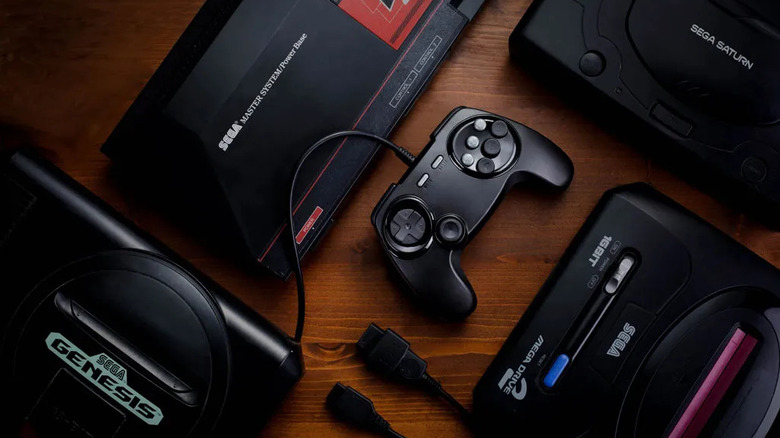
Modernizing a classic setup is a journey of balance. You want to keep the soul of the machine—the original silicon and the physical media—while removing the frustrations of aging tech. By focusing on signal processing, wireless speed, storage capacity, and hardware durability, you can create a gaming environment that honors the past while embracing the clarity and comfort of the present.
FAQ
How do I connect a retro console to a 4K TV?
The most effective way is to use a dedicated HDMI upscaler like the RetroTINK-4K or OSSC. These devices take the analog signal from your console and convert it into a digital signal that modern TVs can display without lag or visual distortion. Avoid cheap composite-to-HDMI adapters, as they often introduce input delay and poor image quality.
What are the best wireless controllers for retro consoles?
For the best experience, look for controllers that use 2.4GHz wireless technology rather than standard Bluetooth. Brands like 8BitDo and Retro Fighters offer receivers and gamepads for most classic systems that provide near-zero latency, making them ideal for fast-paced action games and platformers.
How can I improve the video quality of my retro console?
Improving video quality starts with a high-quality cable, such as an RGB SCART or component cable, which is then fed into a high-end upscaler. Enabling features like scanline emulation on your upscaler can also help by masking the blockiness of low-resolution pixels, creating a much sharper and more authentic "retro" look on a high-definition screen.
Do I need a special adapter for retro gaming on modern monitors?
Yes, because most modern monitors only accept digital HDMI or DisplayPort inputs, while retro consoles output analog signals. A specialized FPGA-based adapter is recommended for monitors because computer displays are less forgiving than TVs when it comes to non-standard resolutions and refresh rates.
Are third-party retro controllers worth buying?
In 2026, many high-end third-party controllers are actually superior to the original first-party pads. Modern manufacturers now include Hall Effect sensors to prevent stick drift and 2.4GHz wireless for convenience. As long as you stick to reputable brands known for low-latency performance, third-party options are an excellent investment for both comfort and durability.